aiptu/smaccer
Composer 安装命令:
composer create-project aiptu/smaccer
包简介
A PocketMine-MP plugin NPCs
README 文档
README
Smaccer is a powerful and easy-to-use PocketMine-MP plugin designed for managing NPCs (Non-Player Characters) in your Minecraft world. Whether you want to create interactive characters, organize your NPCs, or automate tasks, Smaccer provides all the necessary tools to bring your world to life.
Features
- Create NPCs: Easily create new NPCs to populate your world.
- Edit NPCs: Modify existing NPCs to update their appearance, behavior, or properties.
- Delete NPCs: Remove unwanted NPCs from your world with simple commands.
- Move NPCs: Effortlessly move NPCs to different locations or players.
- List NPCs: View a comprehensive list of all NPCs in your world.
- Teleport: Quickly teleport to NPCs or move other players to NPCs.
- Customizable Configuration: Tailor the plugin's settings to fit your needs without restarting the server.
- Manage Permissions: Fine-tune permissions to control who can interact with and manage NPCs.
- Server Queries: Check the status of remote servers, including player counts and server uptime.
- World Queries: Monitor player counts and world statuses across multiple worlds.
- Customizable Messages: Define and customize the display messages for server and world queries through configuration files.
- Asynchronous Tasks: Perform server queries asynchronously to avoid blocking the main server thread.
Commands
/smaccer about: Displays information about the plugin./smaccer create: Creates a new NPC entity./smaccer delete: Deletes an NPC entity./smaccer edit: Edits an NPC entity./smaccer id: Retrieves the ID of an NPC entity./smaccer list: Lists all NPC entities in the world./smaccer move: Moves an NPC entity to a specified player or location./smaccer reload: Reloads the plugin configuration or emotes./smaccer teleport: Teleports a player to an NPC entity or vice versa.
Permissions
Grant these permissions to specific player groups or individuals using a permissions management plugin of your choice.
| Permission | Description | Default |
|---|---|---|
smaccer.bypass.cooldown |
Allows players to bypass cooldown. | op |
smaccer.command.about |
Allows players to display information about the plugin (/smaccer about). |
op |
smaccer.command.create.self |
Allows players to create their own entities (/smaccer create). |
op |
smaccer.command.create.others |
Allows players to create entities owned by others (/smaccer create). |
op |
smaccer.command.delete.self |
Allows players to delete their own entities (/smaccer delete). |
op |
smaccer.command.delete.others |
Allows players to delete entities owned by others (/smaccer delete). |
op |
smaccer.command.edit.self |
Allows players to edit their own entities (/smaccer edit). |
op |
smaccer.command.edit.others |
Allows players to edit entities owned by others (/smaccer edit). |
op |
smaccer.command.id |
Allows players to retrieve entity IDs (/smaccer id). |
op |
smaccer.command.list |
Allows players to list all entities in the worlds (/smaccer list). |
op |
smaccer.command.move.self |
Allows players to move an entity to themselves (/smaccer move). |
op |
smaccer.command.move.others |
Allows players to move an entity to another player (/smaccer move). |
op |
smaccer.command.reload.config |
Allows players to reload the configuration (/smaccer reload). |
op |
smaccer.command.reload.emotes |
Allows players to reload the emotes (/smaccer reload). |
op |
smaccer.command.teleport.self |
Allows players to teleport to an entity (/smaccer teleport). |
op |
smaccer.command.teleport.others |
Allows players to teleport other players to an entity (/smaccer teleport). |
op |
Configuration
Smaccer offers a customizable configuration to tailor the NPC settings to your preferences. Below is an example of the configuration file:
# Smaccer Configuration

# Do not change this (Only for internal use)!
config-version: 1.2

# Enable or disable the auto update checker notifier.
update_notifier: true

# World Query Message Formats
# Customize how world information is displayed in the nametag.

# When all specified worlds are loaded.
# Placeholders:
#   - {world_names}: Comma-separated list of loaded world names.
#   - {count}: Total player count across loaded worlds.
world_message_format: "§aWorlds: §b{world_names} §a| Players: §e{count}"

# When some or all specified worlds are not loaded.
# Placeholders:
#   - {world_names}: Comma-separated list of loaded world names.
#   - {not_loaded_worlds}: Comma-separated list of worlds not loaded.
#   - {count}: Total player count across loaded worlds.
world_not_loaded_format: "§cWorlds: §b{world_names} §c| Not Loaded: §7{not_loaded_worlds} §c| Players: §e{count}"

# Server Query Message Formats
# Customize how server information is displayed in the nametag.

# When the server is online.
# Placeholders:
#   - {online}: Current number of players online.
#   - {max_online}: Maximum number of players allowed online.
server_online_format: "§aServer: §b{online}§a/§b{max_online} §aonline"

# When the server is offline.
server_offline_format: "§cServer: Offline"

# Default settings for NPCs.
npc-default-settings:
  # Cooldown settings for NPC commands.
  # - enabled: Whether command cooldown is enabled or not.
  # - value: Cooldown duration in seconds.
  commandCooldown:
    enabled: true
    value: 3

  # Rotation settings for NPC behavior.
  # - enabled: Whether rotation is enabled or not.
  # - maxDistance: Maximum distance for NPC rotation.
  rotation:
    enabled: true
    maxDistance: 8

  # Nametag visibility settings for NPCs.
  # - enabled: Whether nametag visibility is enabled or not.
  nametagVisible:
    enabled: true

  # Default entity visibility settings.
  # - value: Integer representing visibility level.
  #     0: Visible to everyone.
  #     1: Visible only to the creator.
  #     2: Invisible to everyone.
  entityVisibility:
    value: 0

  # Slap settings for NPCs.
  # - enabled: Whether slap-back action is enabled or not.
  # Note: Set to true if slap action is intended for human NPCs.
  slapBack:
    enabled: true

  # Cooldown settings for NPC emotes.
  # - enabled: Whether emote cooldown is enabled or not.
  # - value: Cooldown duration in seconds.
  # Note: Emotes are non-interactive gestures or expressions performed by NPCs.
  emoteCooldown:
    enabled: true
    value: 5

  # Cooldown settings for NPC action emotes.
  # - enabled: Whether action emote cooldown is enabled or not.
  # - value: Cooldown duration in seconds.
  # Note: Action emotes are interactive gestures or expressions that trigger specific actions when performed by NPCs.
  actionEmoteCooldown:
    enabled: true
    value: 5

  # Gravity settings for NPCs.
  # - enabled: Whether gravity is enabled or not.
  gravity:
    enabled: true
Images
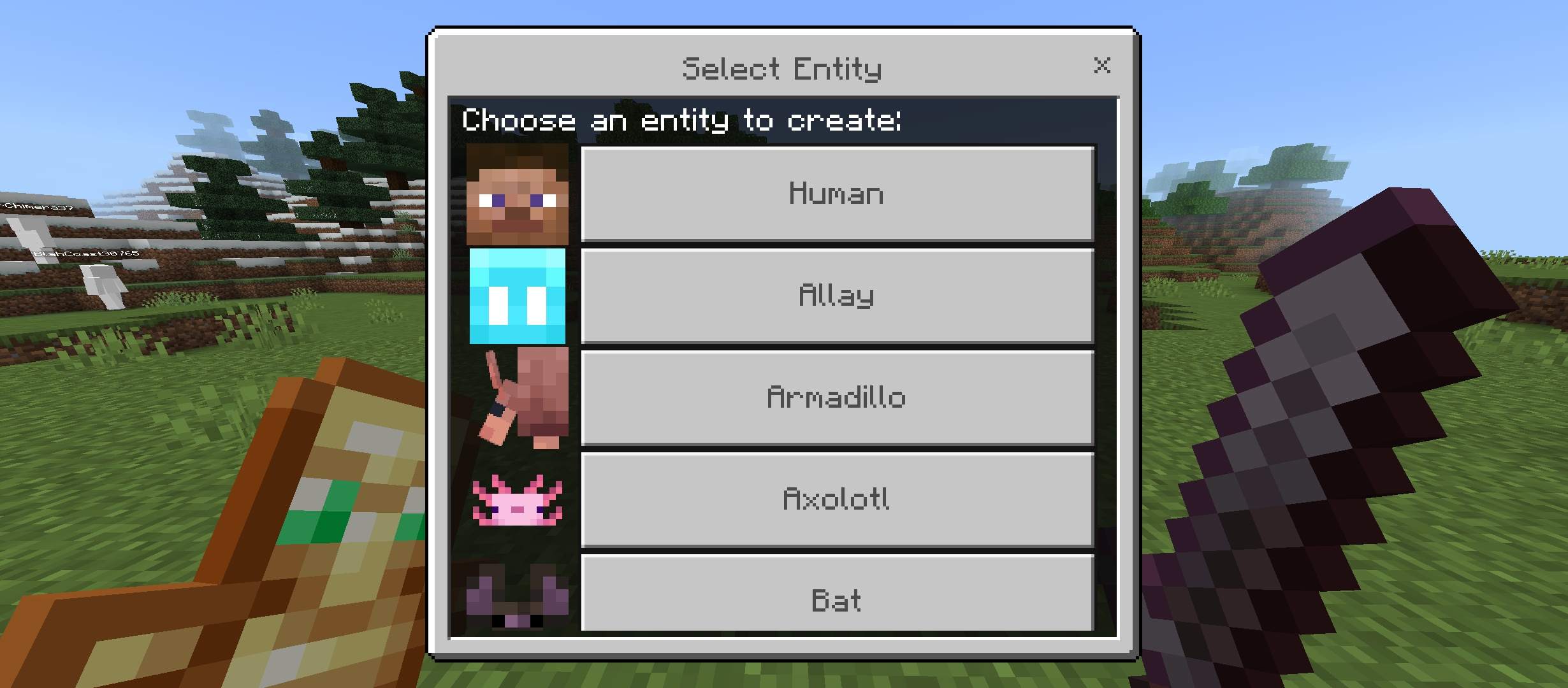
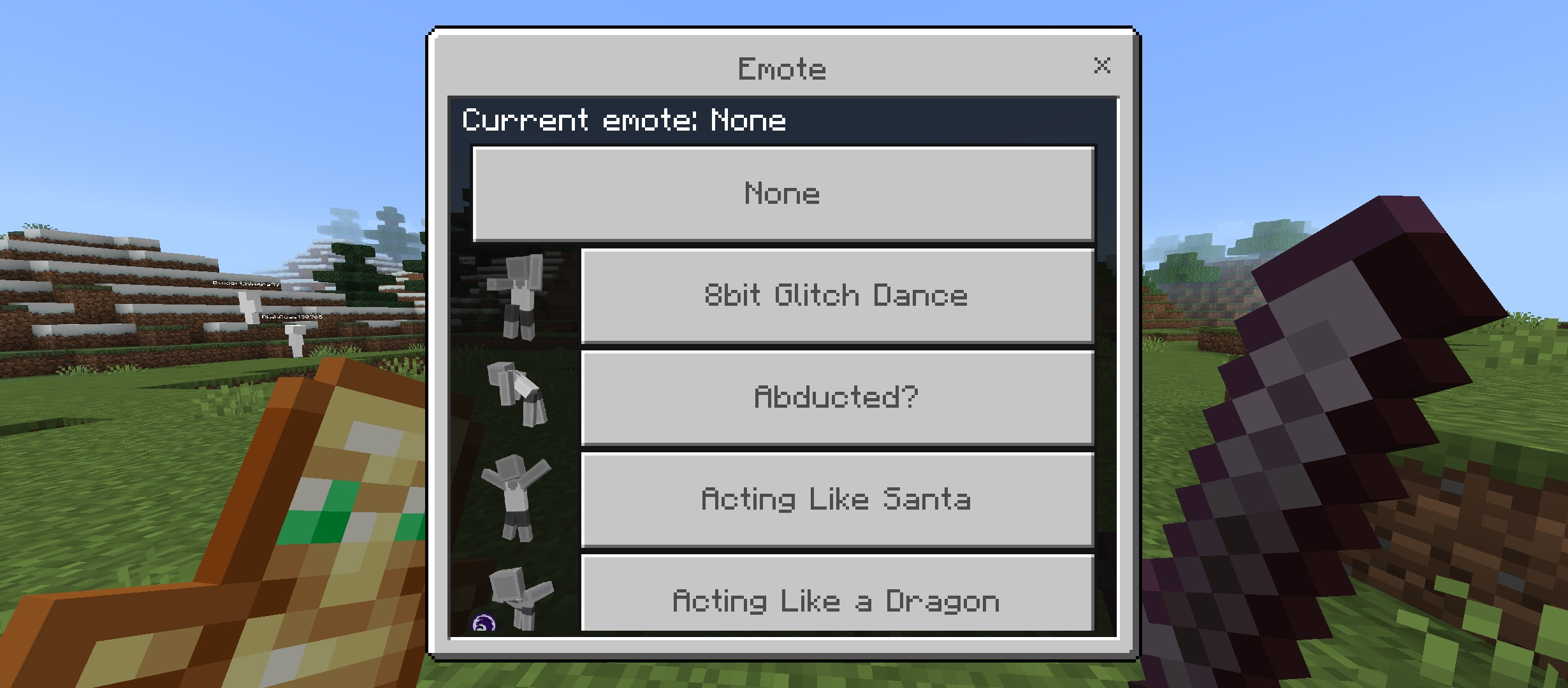
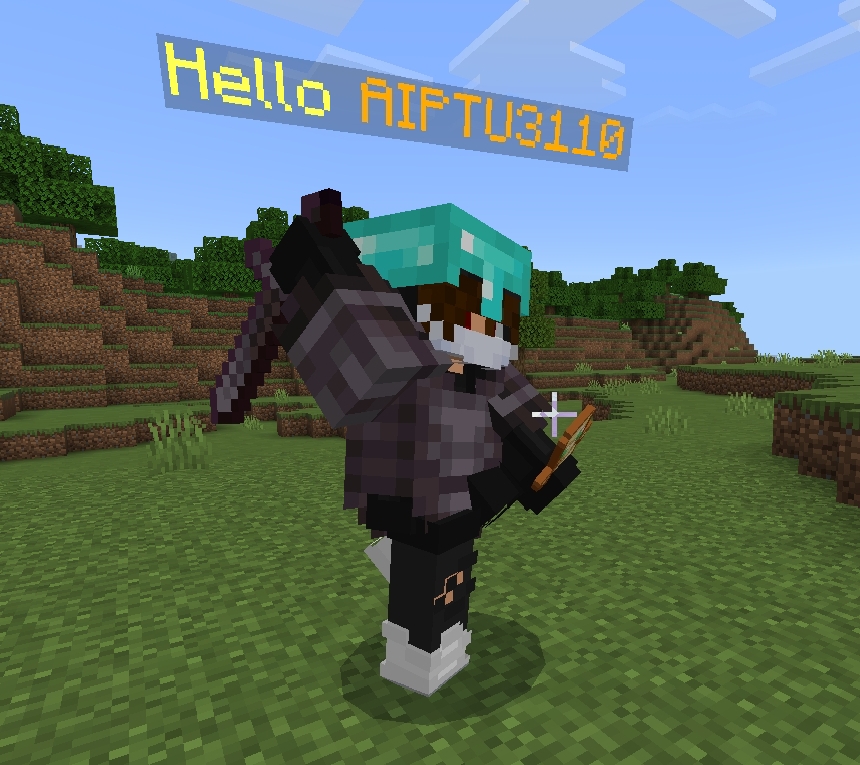
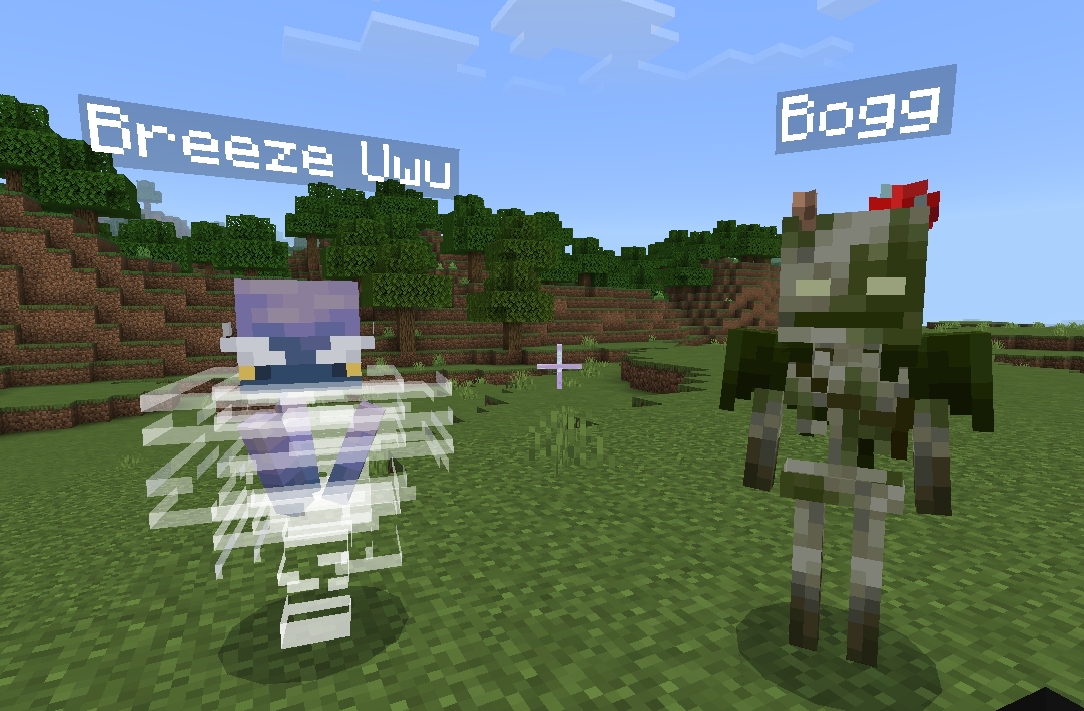

Upcoming Features
- Currently none planned. You can contribute or suggest for new features.
Credits
- Bedrock-Emotes by TwistedAsylumMC for providing the emotes.
- CPlot by ColinHDev for implementing promises.
Additional Notes
aiptu/smaccer 适用场景与选型建议
aiptu/smaccer 是一款 基于 PHP 开发的 Composer 扩展包,目前已累计 0 次下载、GitHub Stars 达 13, 最近一次更新时间为 2024 年 07 月 04 日, 在 PHP 生态内属于活跃度较高的组件。
我们在过去多个企业项目中使用过 aiptu/smaccer 或与其功能相近的方案,如果你在选型或落地过程中遇到问题,例如 版本兼容、二次改造、私有化封装、与内部系统对接、生产 BUG 排查,欢迎联系我们协助评估。
基于 aiptu/smaccer 在你已有业务上做功能扩展、字段裁剪、UI 适配、与内部账号 / 权限 / 日志系统的深度对接。
线上偶发问题、内存泄漏、慢查询、并发异常等排查修复;针对高流量场景做缓存、队列、索引层面的调优。
承接完整的项目从需求 → 设计 → 开发 → 上线 → 长期运维;也可按月提供技术保姆服务。
统计信息
- 总下载量: 0
- 月度下载量: 0
- 日度下载量: 0
- 收藏数: 13
- 点击次数: 5
- 依赖项目数: 0
- 推荐数: 0
其他信息
- 授权协议: MIT
- 更新时间: 2024-07-04