androlax2/imagify-plugin
Composer 安装命令:
composer require androlax2/imagify-plugin
包简介
Image optimization plugin for WordPress by WP Media.
README 文档
README
Optimize images in one click: get lighter images without losing quality, convert WebP and speed up your website!
Imagify is the most advanced tool to optimize images. You can now use this power directly in WordPress.
After enabling it, all your images including thumbnails will be automatically optimized when uploaded into WordPress. You can also use Imagify to convert WebP images, which will additionally reduce the size of your website making it faster.
WooCommerce and NextGen Gallery compatible.
Why Is It Important to Optimize Images?
A fast site is important primarily for visitors who may leave a website that is too slow, but also for SEO performance since search engines consider website speed as a ranking factor.
Website size is one of the most important factors that affect the website performance: images can account for 50% of your loading time.
By optimizing images you will quickly gain precious seconds and make your website faster.
Learn more about image compression, check that: https://imagify.io/images-compression.
Why Use Imagify to Optimize Images?
Imagify can optimize all images: jpgs, pngs, pdfs and gifs (whether animated or not).
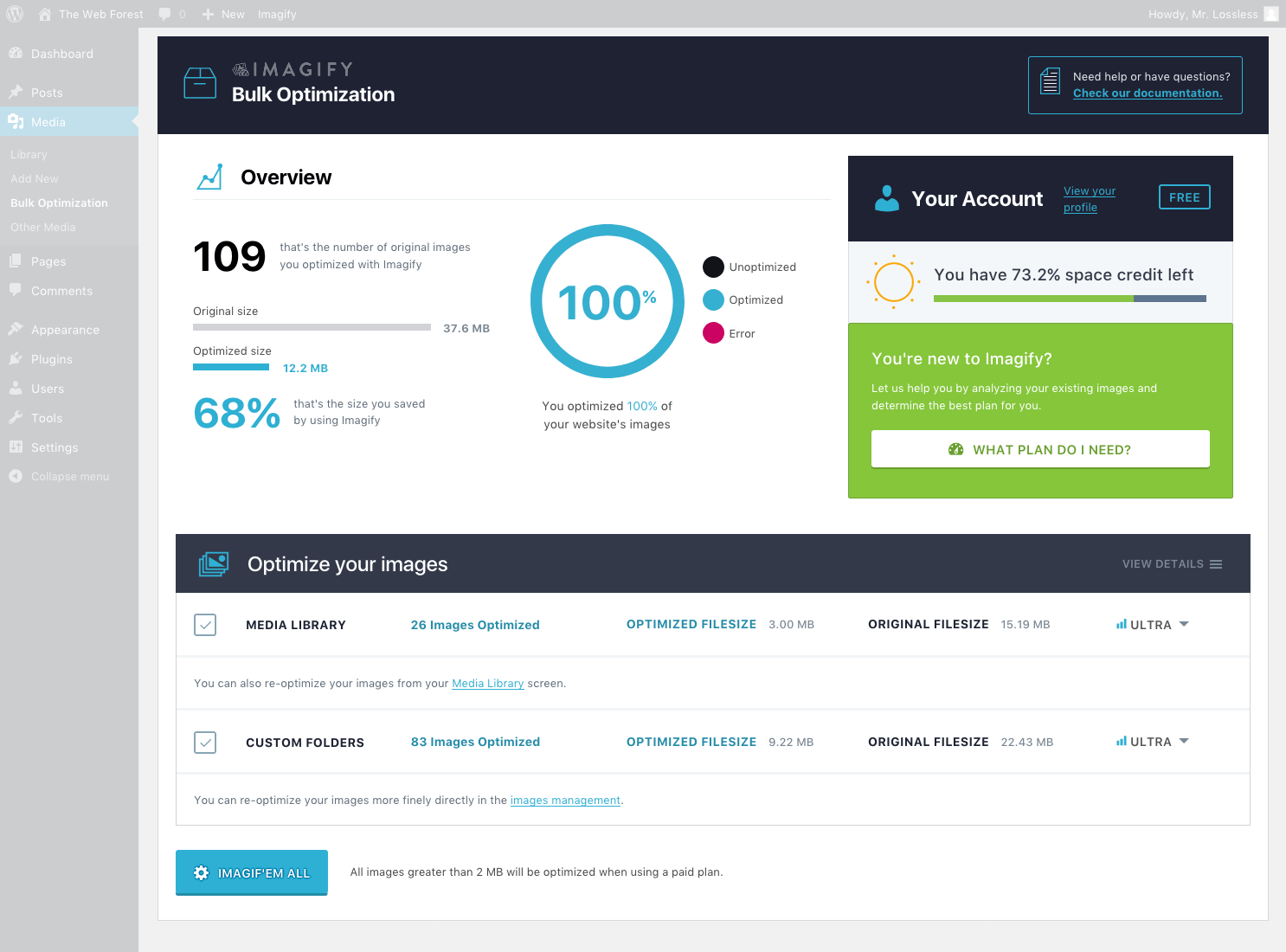
You already have lots of unoptimized images? Not a problem, you will love the Bulk Optimizer to optimize all your existing images in one click.
Imagify can directly resize your images, you won't have to lose time anymore on resizing your images before uploading them.
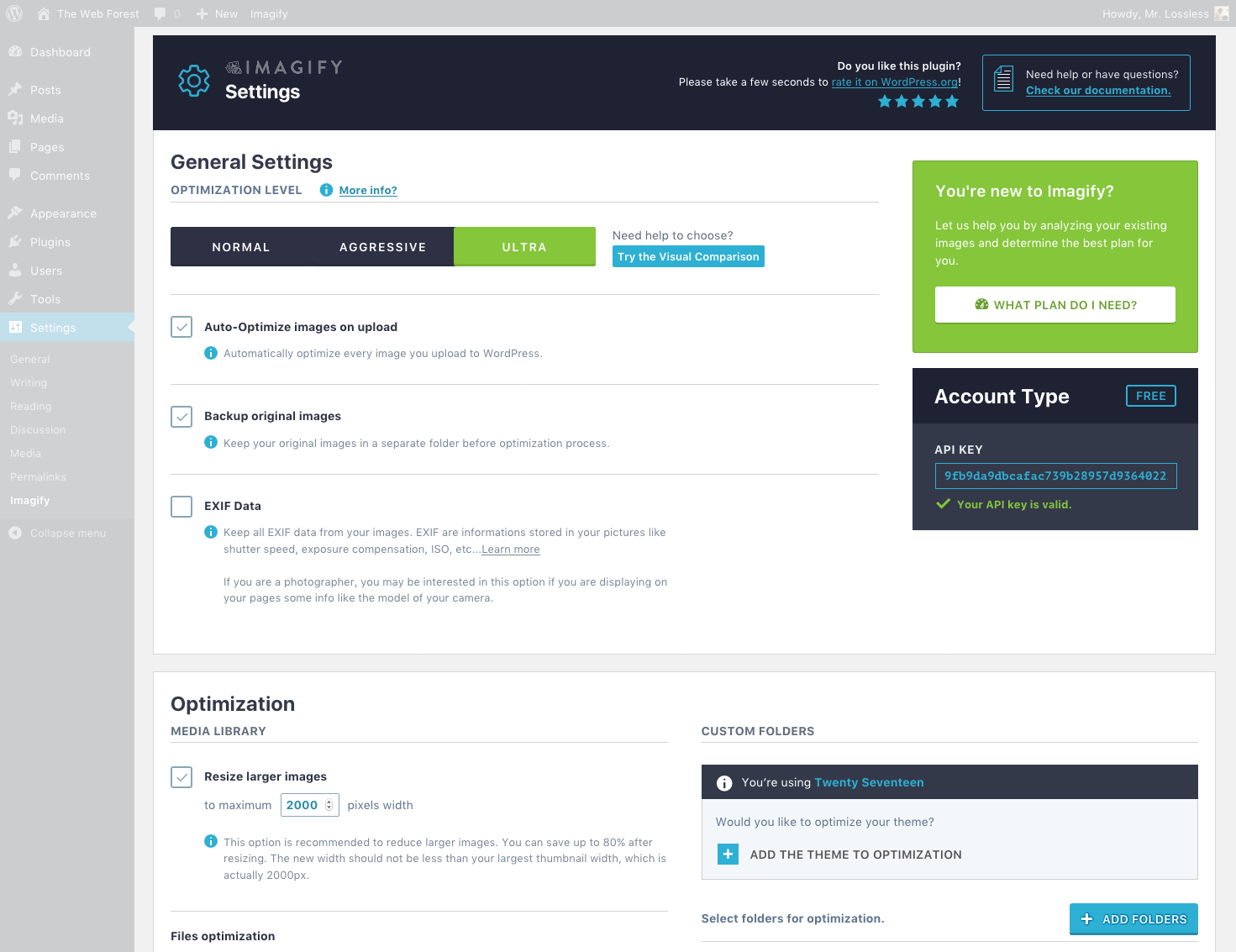
There are three optimization levels available - Normal, Aggressive and Ultra.
- Normal, a lossless compression algorithm. The image quality won't be altered at all.
- Aggressive, a lossy compression algorithm. Stronger compression with a tiny loss of quality most of the time this is not even noticeable at all.
- Ultra, our strongest compression method using a lossy algorithm.
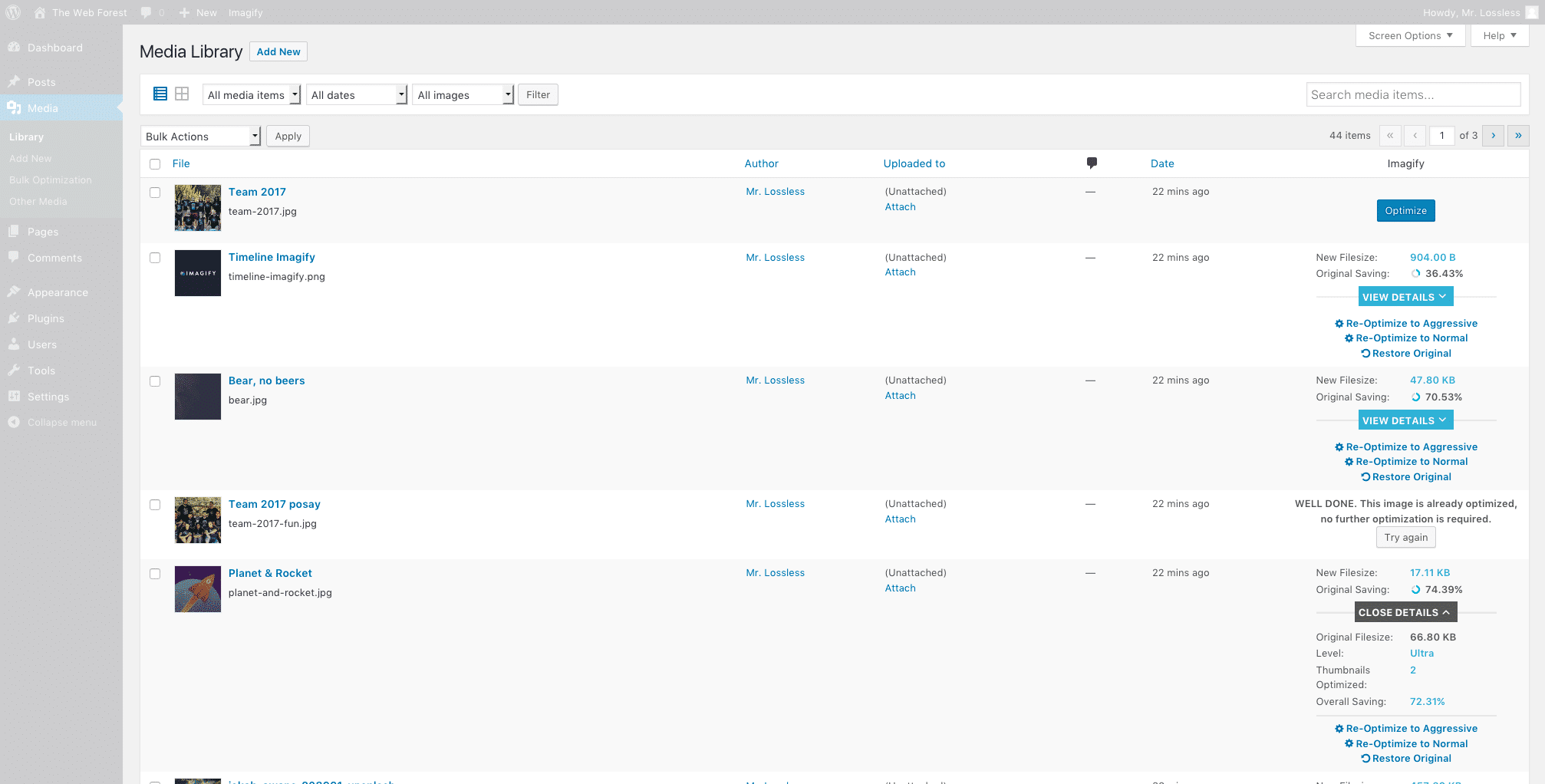
With the backup option, you can change your mind whenever you want by restoring your images to their original version or optimize them to another compression level.
How About WebP images?
Now, for each image you optimize with the Imagify plugin, you will also get its WebP version (if you tick the option in the settings); in your Media library, this will result in the following image versions:
- full-sized optimized image,
- full-sized WebP image,
- optimized thumbnails,
- WebP thumbnails.
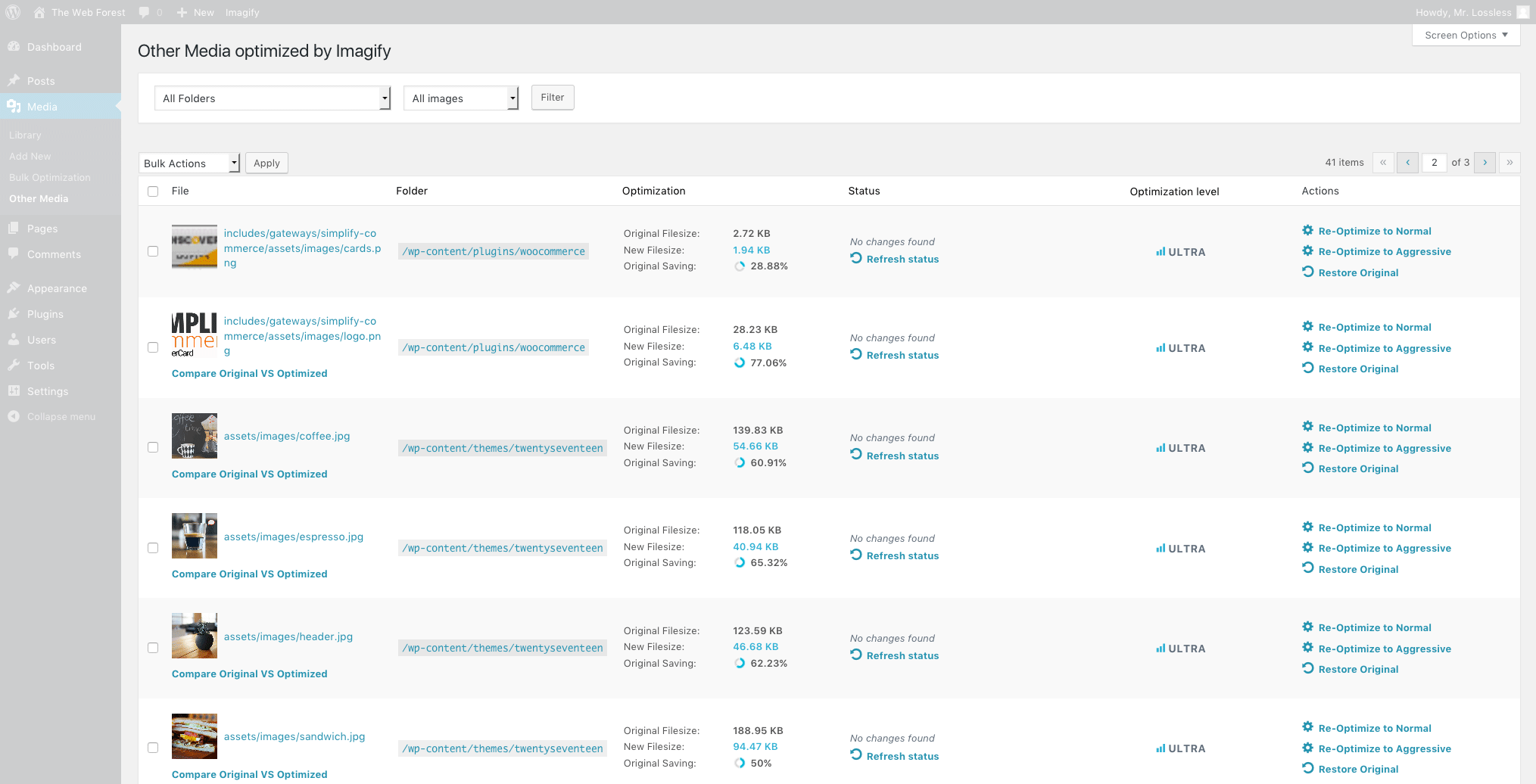
The optimization will also work for images included in your themes and plugins.
If you want, Imagify can also display WebP images on your front-end in two ways:
<picture>tag,- rewrite rules in the .htaccess file.
If you kept a backup copy of the original images, you have the possibility to create their WebP version separately (one by one or via the bulk optimization).
What our users think of Imagify?
"Imagify is an awesome tool that is powerful & easy to use. It's fast, rivals and surpasses other established plugins/software. Awesome!" — Simon Harper
"If you want to "squeeze" your images as much as possible and "trim out" your website on the highest professional level... Imagify" — Ivica Delic
"Clearly Imagify is the most awesome WordPress plugin to compress images on your website! A must try" — Eric Walter
Is Imagify Free?
You can optimize for free 20MB of images (about 200 images) every month. You can convert WebP for free.
Need more? Have a look at our plans: https://imagify.io/pricing.
What's next?
Have a look at our upcoming features by following our development roadmap: https://trello.com/b/3Q8ZnSN6/imagify-roadmap.
Who we are?
We are WP Media, the startup behind WP Rocket the best caching plugin for WordPress.
Our mission is to improve the web, we are making it faster with WP Rocket and lighter with Imagify.
Get in touch!
- Website: Imagify.io
- Contact Us: https://imagify.io/contact
- Twitter: https://twitter.com/imagify
Composer installation
You can use composer to install the plugin as a dependency:
composer require wp-media/imagify-plugin
Related Plugins
- WP Rocket: Best caching plugin to speed-up your WordPress website.
- Lazy Load: Best Lazy Load script to reduce the number of HTTP requests and improves the websites loading time.
- Increase Maximum Upload File Size: Increase upload file size limit to any value with one click.
License: GPLv2 or later.
Frequently Asked Questions
Which formats can be optimized?
Imagify can optimize images such as jpg, png and gif (whether animated or not) formats and for each image you optimize you also get its WebP version if you tick the option in the settings (except for animated gif).
Can I use the plugin with a free account?
Absolutely. You are limited to a quota of 25 MB of images per month with a free account. Once this quota is reached, you cannot optimize new images until your quota is renewed or you purchase credits.
On how many websites can I use the plugin?
You can use the plugin on as many sites as you wish. The only limit is the optimization quota of your account.
I used Kraken, Shortpixel, Optimus, EWWW or WP Smush, will Imagify further optimize my images?
Absolutely. Most of the time, Imagify will still be able to optimize your images even if you have already compressed them with another tool.
What is the difference between the Normal, Aggressive and Ultra compression levels?
Normal compression is a "lossless" optimization. This means there is no loss of image quality. Aggressive and Ultra compression are more powerful, so the picture quality will be somewhat reduced. The weight of the image will be much less.
Is the EXIF data of images removed?
By default EXIF data is removed. It is however possible to keep it by enabling the option.
Will the original images be deleted?
No. Imagify automatically replaces the images with an optimized image. The backup option allows you to keep the original images and restore them with one click.
Is it possible to re-optimize images with a different level?
Yes. By activating the backup option in the plugin, you can re-optimize each image with a different compression level.
If I use Imagify, do I need to continue optimizing and resizing my images with Photoshop?
Do not waste your time resizing and optimizing your images in Photoshop. Imagify takes care of everything!
What happens when the plugin is disabled?
When the plugin is disabled, your existing images remain optimized. Backups of the original images are still available if you have enabled the images backup option.
androlax2/imagify-plugin 适用场景与选型建议
androlax2/imagify-plugin 是一款 基于 PHP 开发的 Composer 扩展包,目前已累计 4 次下载、GitHub Stars 达 0, 最近一次更新时间为 2022 年 04 月 06 日, 在 PHP 生态内属于活跃度较高的组件。
它主要适用于以下技术方向: 「performance」 「wordpress」 「images」 「optimization」 等业务场景。在实际项目中,围绕这些方向常见需要落地的问题包括:接口对接、性能调优、并发安全、与既有框架(Laravel / ThinkPHP / Yii / Webman 等)的兼容适配,以及生产环境的日志埋点与稳定性保障。
我们在过去多个企业项目中使用过 androlax2/imagify-plugin 或与其功能相近的方案,如果你在选型或落地过程中遇到问题,例如 版本兼容、二次改造、私有化封装、与内部系统对接、生产 BUG 排查,欢迎联系我们协助评估。
基于 androlax2/imagify-plugin 在你已有业务上做功能扩展、字段裁剪、UI 适配、与内部账号 / 权限 / 日志系统的深度对接。
线上偶发问题、内存泄漏、慢查询、并发异常等排查修复;针对高流量场景做缓存、队列、索引层面的调优。
承接完整的项目从需求 → 设计 → 开发 → 上线 → 长期运维;也可按月提供技术保姆服务。
与 androlax2/imagify-plugin 相关的其它包
同方向 / 同关键字的高下载量 PHP Composer 包推荐,方便对比选型:
g4 application profiler package
CSS/Javascript Minificator, Compressor and Concatenator for TYPO3 - highly configurable frontend asset optimization for CSS/JS merging, minification and compression with optional body parsing, async/defer loading, inline output, data-ignore exclusions, SRI integrity validation/calculation, external
A Laravel Nova field for distribute your images as array of object.
Pexels API Client for www.pexels.com
WordPress mu-plugin to remove jQuery Migrate from the list of jQuery dependencies and to allow jQuery to enqueue before </body> instead of in the <head>.
Create link to static resources with cache-breaking segment based on md5 of the file
统计信息
- 总下载量: 4
- 月度下载量: 0
- 日度下载量: 0
- 收藏数: 0
- 点击次数: 1
- 依赖项目数: 0
- 推荐数: 0
其他信息
- 授权协议: GPL-2.0
- 更新时间: 2022-04-06