aoliverio/builder
Composer 安装命令:
composer require aoliverio/builder
包简介
CakePHP 3.x plugin to generate beautiful and functional masks in Bootstrap 3 style
README 文档
README
Builder is a CakePHP 3.x plugin used to generate code in Bootstrap 3 style.
Some of the highlights:
- Defined a new Bake template for generate CRUD using Bootstrap 3 framework.
- Added filter action to controller and generate base filter template.
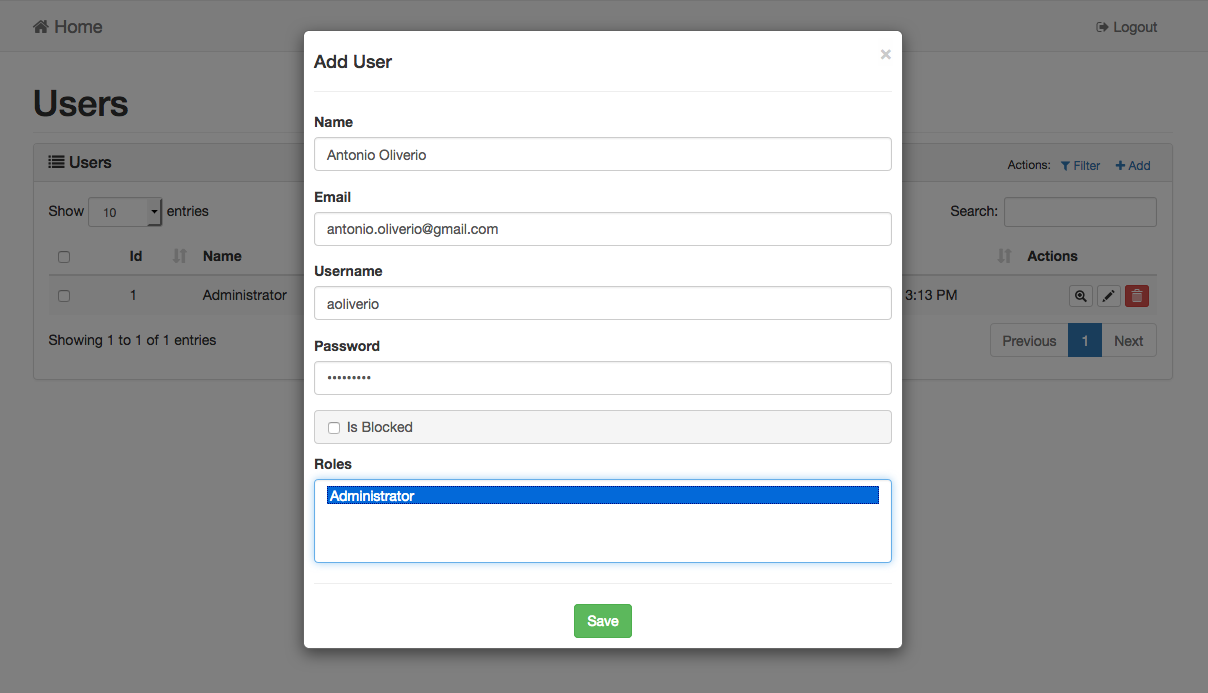
- Open add, edit, delete and filter templates in the Bootstrap 3 modal view.
- Used grid and detail template to extend the index and view actions functionality.
- Used element to import in CakePHP 3 app default code and behavior.
- Used DataTables JQuery plugin for table in the index template.
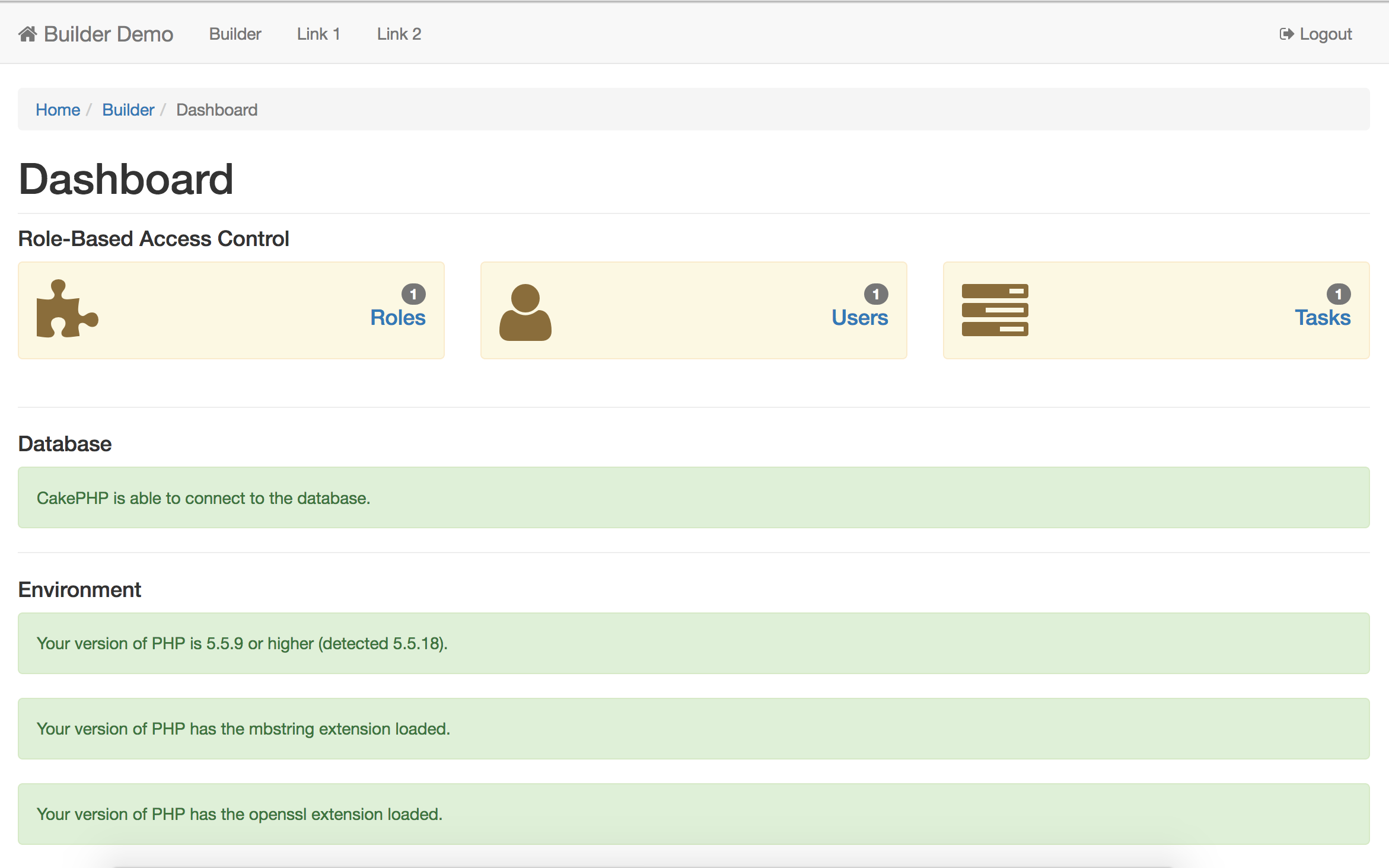
- Integrated simple Role-Based Access Controll.
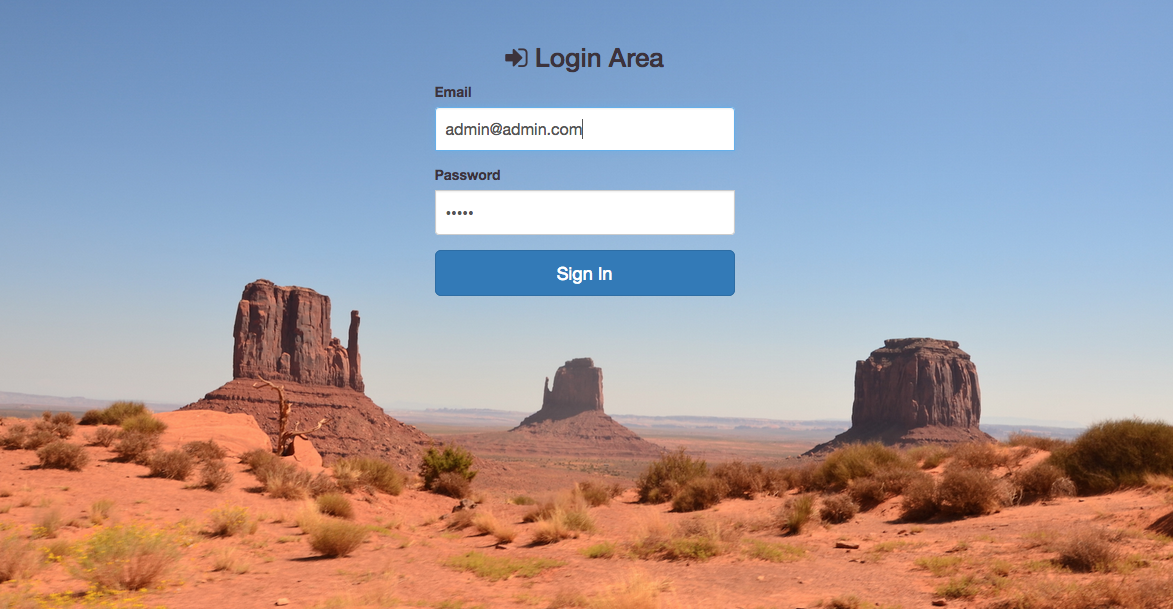
The last version was called "Monument Valley", from the image that appears at login.
This version uses popup element for ADD/EDIT/DELETE/FILTER actions:
In this version is a new dashboad Builder been integrated:
Minimal Requirements
The Builder plugin using this third-party libraries, managed with bower:
- jQuery
- jQuery UI
- Bootstrap
- FontAwesome
- DataTables (Add advanced interaction controls to any HTML table, http://datatables.net)
- Summernote (Simple WYSIWYG editor on Bootstrap, http://summernote.org)
Installation
You can install this plugin into your CakePHP application using composer.
Prerequisites
If Composer is installed, run to create your CakePHP project:
php composer.phar create-project --prefer-dist cakephp/app [your-project]
Set database connection in /config/app.php, before proceeding with the installation of the Builder.
Plugin installation
The recommended way to install composer packages is:
composer require aoliverio/builder
Load plugin with route params in your application:
bin/cake plugin load -r Builder
Complete the installation using the Builder console:
bin/cake builder setup
Complete installation
Edit initialize function in src/Controller/AppController, it requires no change to the standard behavior.
namespace App\Controller;

use Builder\Controller\AppController as Controller;

class AppController extends Controller {
    public function initialize() {
        parent::initialize();

        // YOUR CODE HERE
    }
}
Edit initialize function in src/View/AppView, as follows:
namespace App\View;

use Builder\View\View;

class AppView extends View {
    public function initialize() {
        parent::initialize();

        // YOUR CODE HERE
    }
}
Test installation
To check the correct functioning go to the url (for example http://localhost/your-app/builder), and insert default credentials, username: admin@admin.com and password: admin. The system is ready to be used.
Docs
For more informations about installation and configuration options, see the WIKI.
Bugs & Feedback
https://github.com/aoliverio/builder/issues.
License
Copyright (c) 2016 Antonio Oliverio and licensed under MIT License.
统计信息
- 总下载量: 165
- 月度下载量: 0
- 日度下载量: 0
- 收藏数: 8
- 点击次数: 0
- 依赖项目数: 2
- 推荐数: 0
其他信息
- 授权协议: MIT
- 更新时间: 2016-02-16