blamine19/blamine19accounts
Composer 安装命令:
composer require blamine19/blamine19accounts
包简介
full accounts manager with API/Notifications/Contacts to manage your contacts and accounts
README 文档
README
Filament Accounts Builder
full accounts manager with API/Notifications/Contacts to manage your contacts and accounts
Screenshots
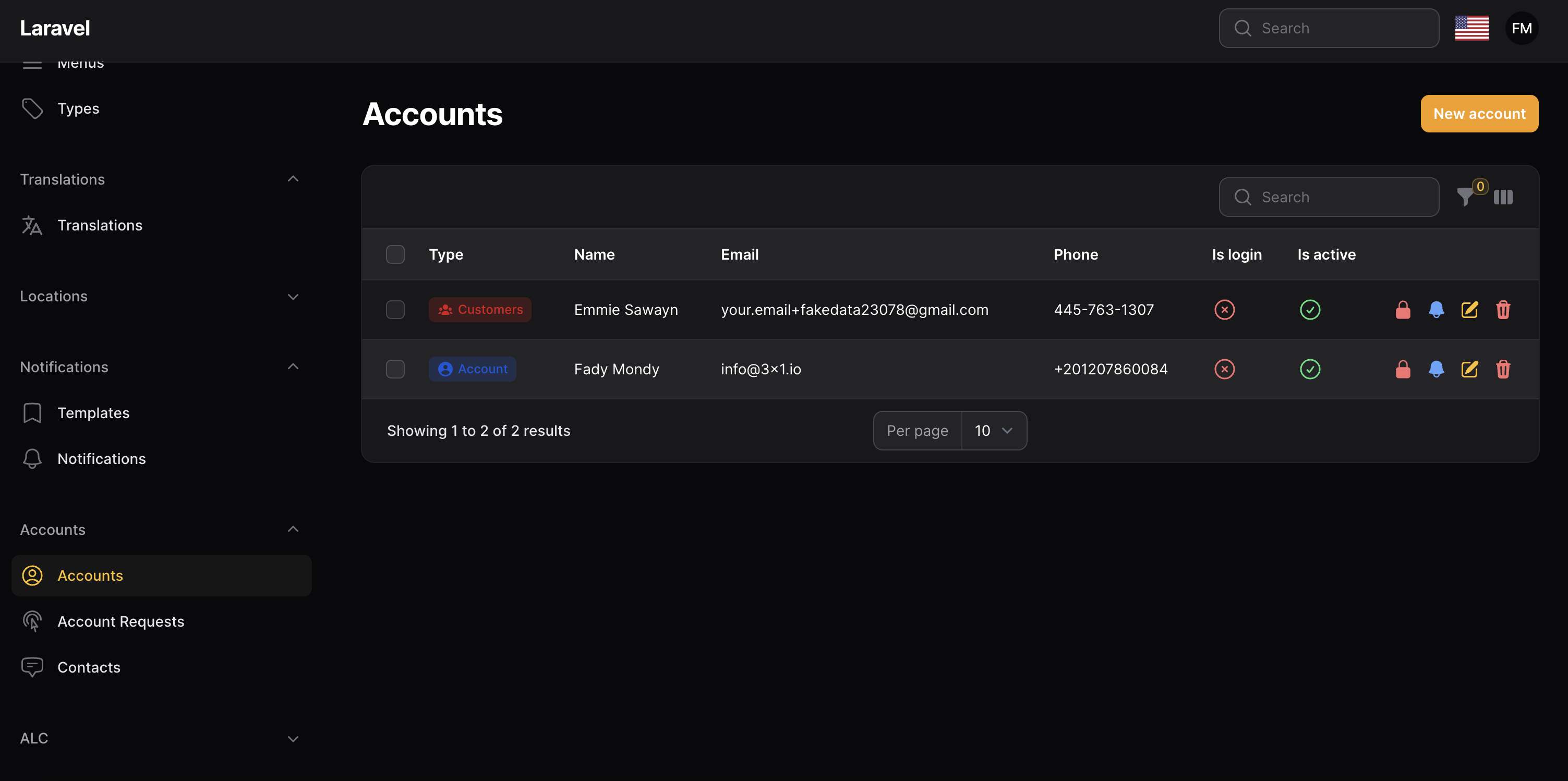
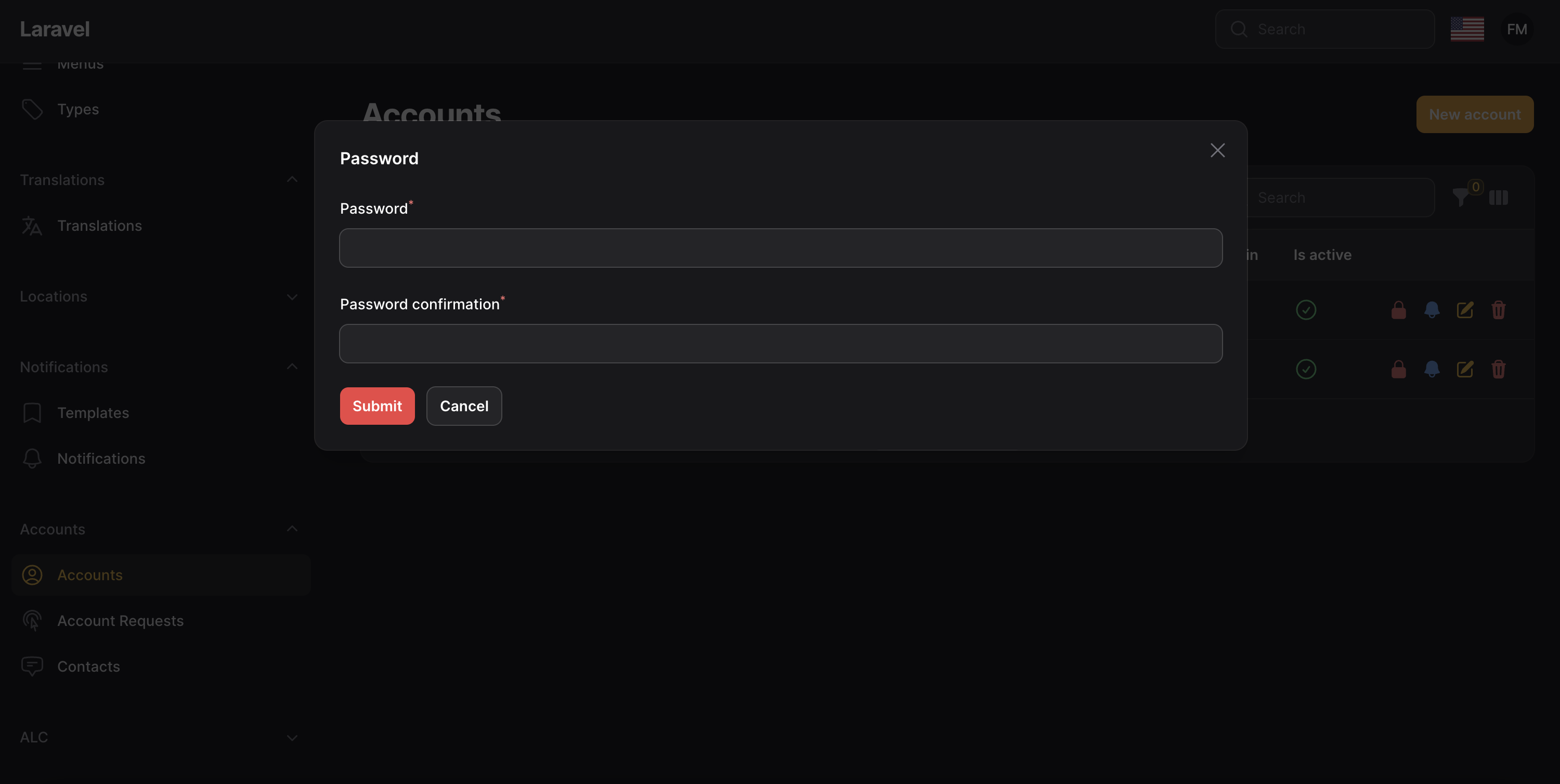
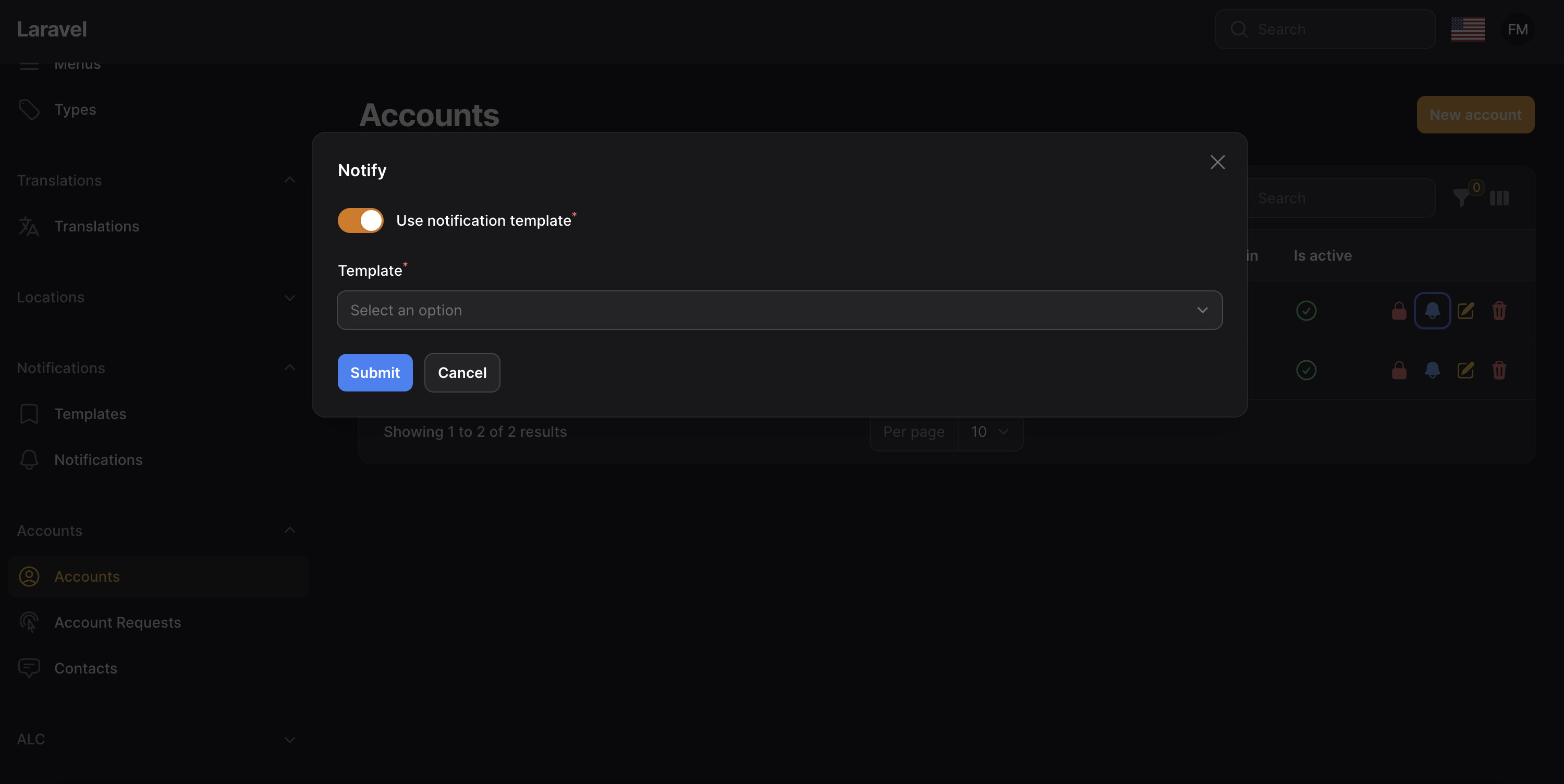
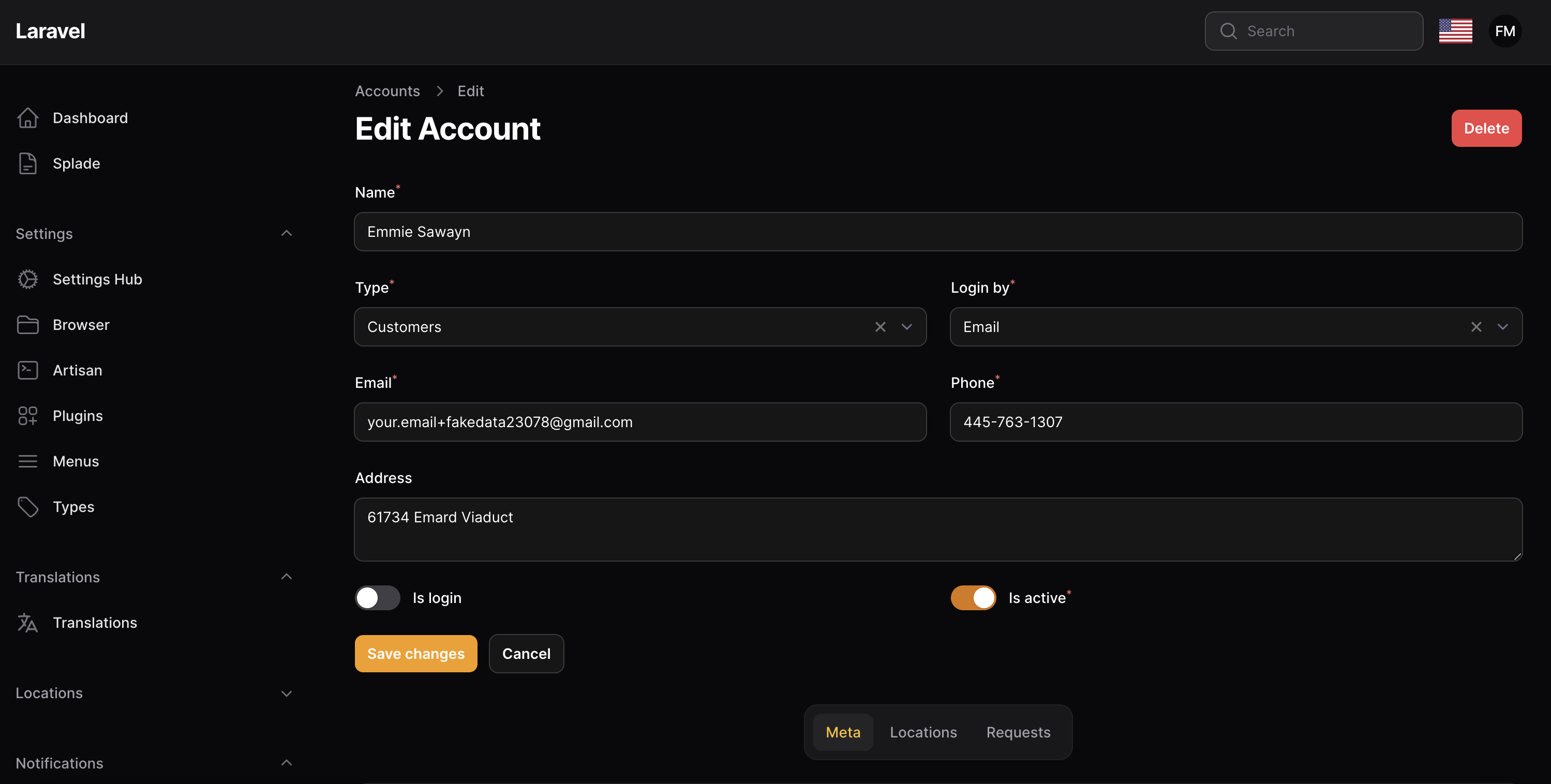
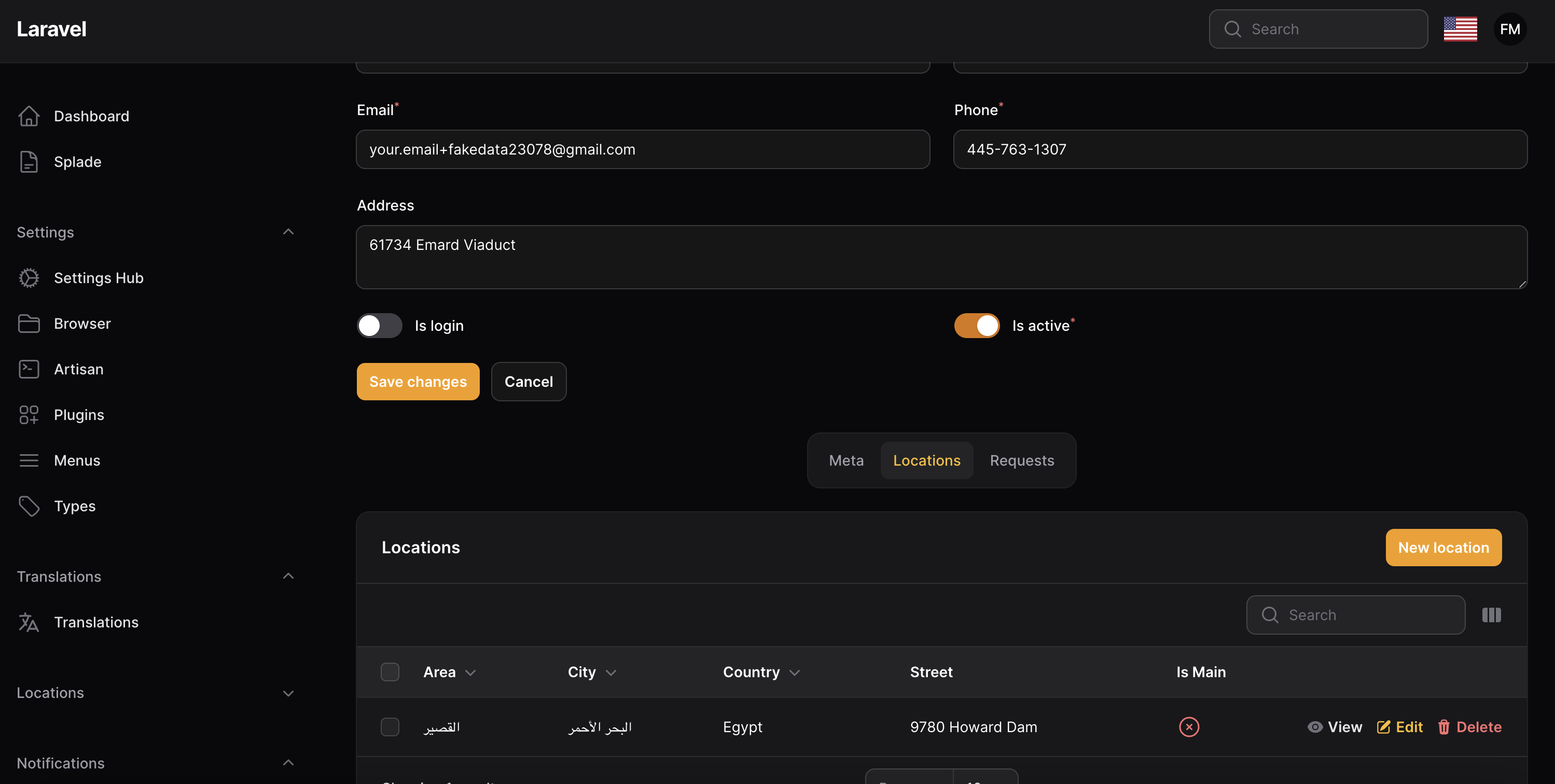
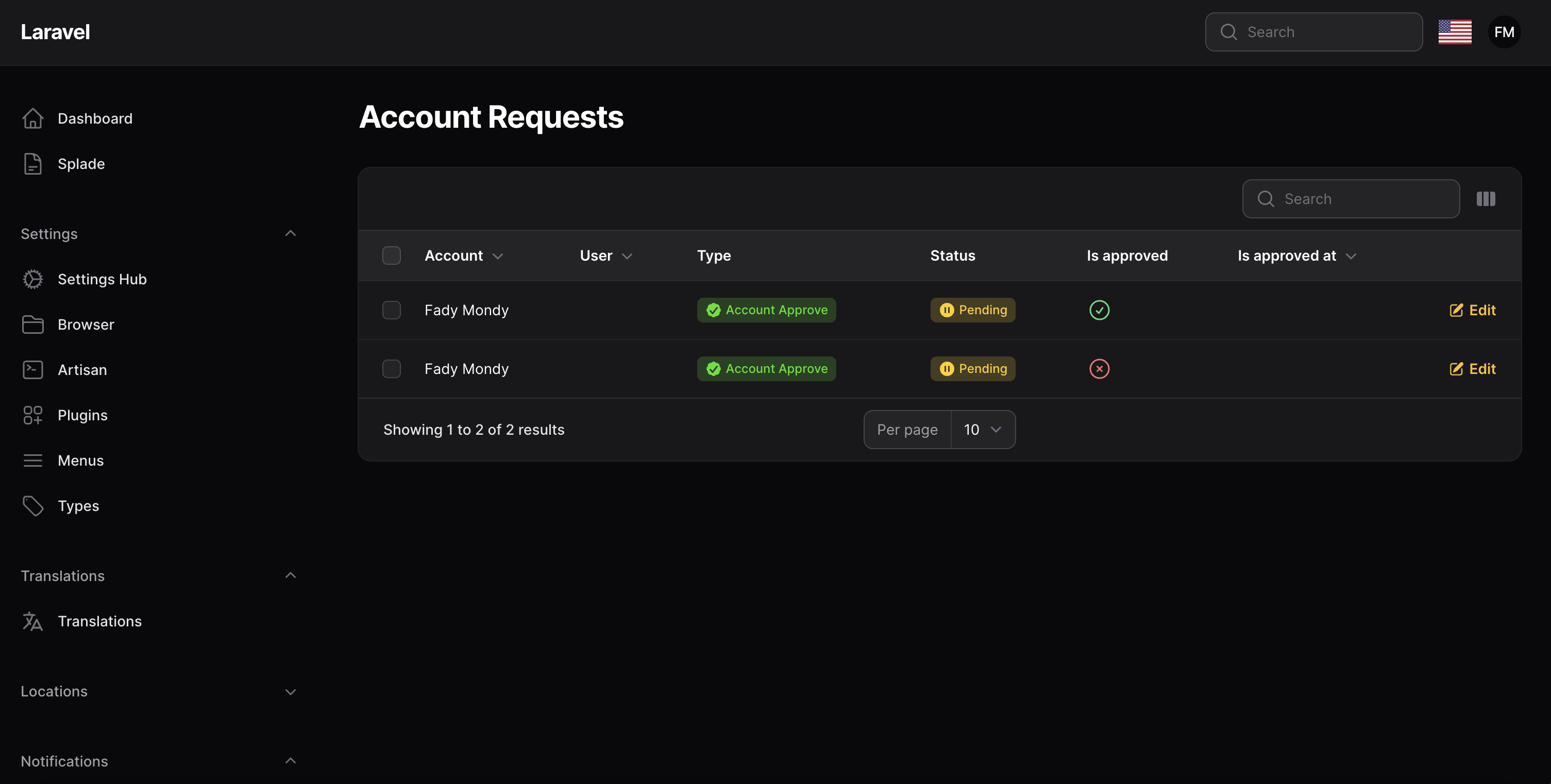
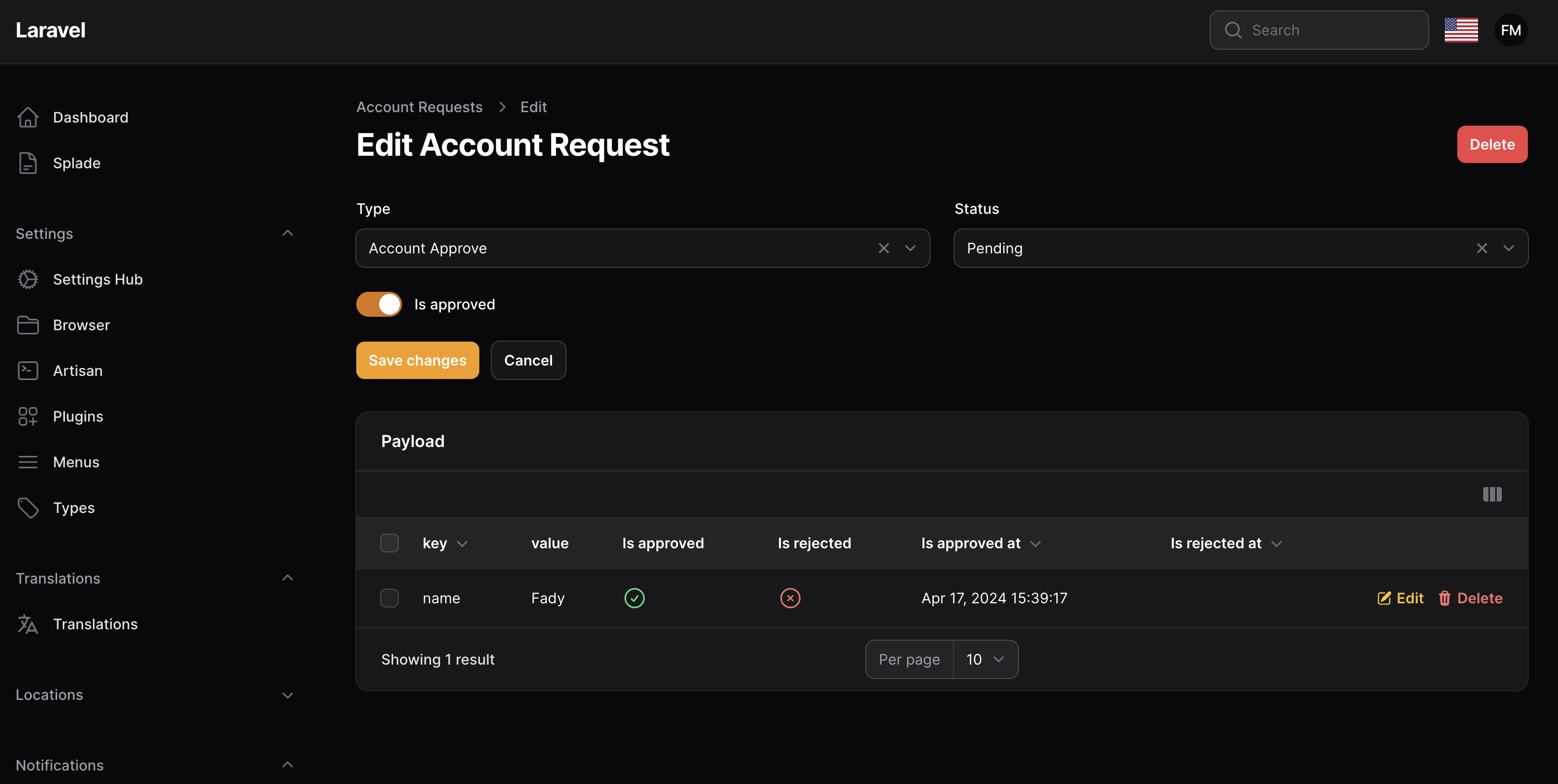
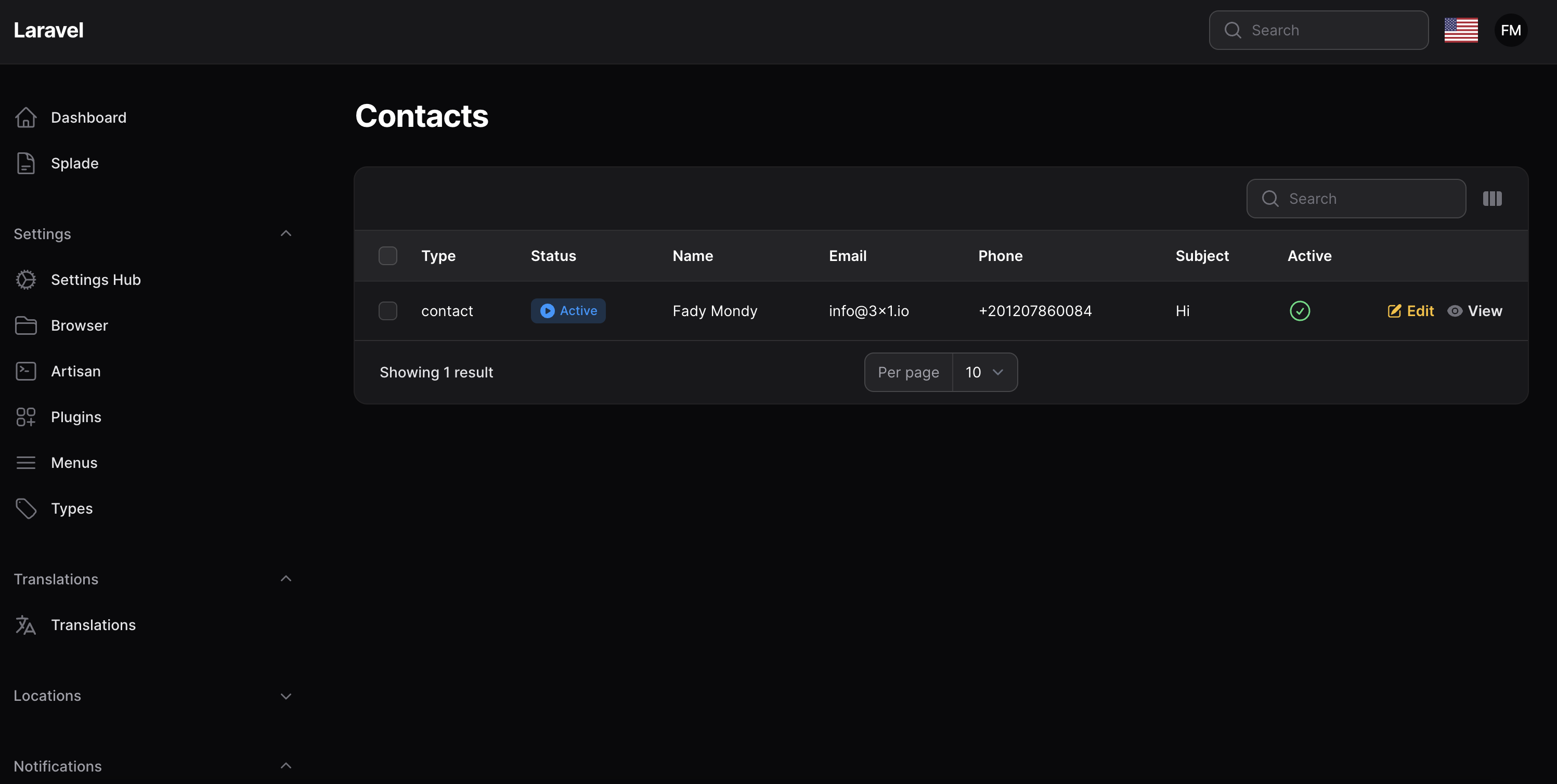
Features
- Accounts Manager
- Cached Meta
- Account Locations
- Account Teams
- Account Types
- Account Requests
- Account SaaS Panel With Edit Profile [Jetstream]
- Account Login By
- Account Active/Block
- Account Avatar
- Account OTP Activation
- Account Filament Alerts Integration
- Account Impersonate Integration
- Account APIs
- Auth Builder Service
- Support Multi Tenants
- Account Table Column
- Account Panel Events
- Attach New Field To Accounts
- Export
- Import
- Google Contacts Integrations
Installation
composer require tomatophp/filament-accounts
after install your package please run this command
php artisan filament-accounts:install
if you are not using this package as a plugin please register the plugin on /app/Providers/Filament/AdminPanelProvider.php
->plugin(\TomatoPHP\FilamentAccounts\FilamentAccountsPlugin::make())
Publish Account Model
you can publish your account model to add other relations or implement some interfaces by using this command
php artisan vendor:publish --tag="filament-accounts-model"
now go to your filament-accounts.php config file and change the model value to the new one.
if you don't find it you can publish it
php artisan vendor:publish --tag="filament-accounts-config"
Add Accounts Guard
now you need to add a new guard to your auth.php config like this
<?php

return [
 /*
    * Features of Tomato CRM
    *
    * accounts: Enable/Disable Accounts Feature
    */
    "features" => [
        "accounts" => true,
        "meta" => true,
        "locations" => true,
        "contacts" => true,
        "requests" => true,
        "notifications" => true,
        "loginBy" => true,
        "avatar" => true,
        "types" => true,
        "teams" => true,
        "apis" => true,
        "send_otp" => true,
        "impersonate" => [
            'active'=> true,
            'redirect' => '/app',
        ],
    ],

    /*
     * Accounts Configurations
     *
     * resource: User Resource Class
     */
    "resource" => null,

    /*
     * Accounts Configurations
     *
     * login_by: Login By Phone or Email
     */
    "login_by" => "email",

    /*
     * Accounts Configurations
     *
     * required_otp: Enable/Disable OTP Verification
     */
    "required_otp" => true,

    /*
     * Accounts Configurations
     *
     * model: User Model Class
     */
    "model" => \TomatoPHP\FilamentAccounts\Models\Account::class,

    /*
     * Accounts Configurations
     *
     * guard: Auth Guard
     */
    "guard" => "accounts",
];
Usage
this plugin makes it easy to make a starting point for your app if this app has customers to manage
but here is the problem, every app has a different way of managing customers, so we built a Facade service to control the way you want to manage your customers
Use Avatar
you need the Media Library plugin to be installed and migrated you can use this command to publish the migration
php artisan vendor:publish --provider="Spatie\MediaLibrary\MediaLibraryServiceProvider" --tag="medialibrary-migrations"
now you need to migrate your database
php artisan migrate
now add this method to your plugin in AdminPanelProvider.php
->plugin(
    \TomatoPHP\FilamentAccounts\FilamentAccountsPlugin::make()
        ->useAvatar()
)
Use Filament Types
you can use the types to manage your accounts types by install Filament Types
composer require tomatophp/filament-types
after that install types
php artisan filament-types:install
and allow ->useTypes() on the plugin
->plugin(\TomatoPHP\FilamentAccounts\FilamentAccountsPlugin::make()
    ->useTypes()
)
Use Notifications
you need to install Filament Alets
composer require tomatophp/filament-alerts
after that install alerts
php artisan filament-alerts:install
and allow ->useNotifications() on the plugin
->plugin(\TomatoPHP\FilamentAccounts\FilamentAccountsPlugin::make()
    ->useNotifications()
)
Use Account Locations
you can use account locations by install Filament Locations
composer require tomatophp/filament-locations
after that install locations
php artisan filament-locations:install
and allow ->useLocations() on the plugin
->plugin(\TomatoPHP\FilamentAccounts\FilamentAccountsPlugin::make()
    ->useLocations()
)
Show Address Field
you can show or hide addresss field on the create or edit form by using this code
->plugin(\TomatoPHP\FilamentAccounts\FilamentAccountsPlugin::make()
    ->showAddressField()
)
Show Type Field
you can show or hide type field on the create or edit form by using this code
->plugin(\TomatoPHP\FilamentAccounts\FilamentAccountsPlugin::make()
    ->showTypeField()
)
Use Account Meta Relation Manager
you can allow Other Feature and pages like this
->plugin(\TomatoPHP\FilamentAccounts\FilamentAccountsPlugin::make()
    ->useAccountMeta()
)
Auto Account Meta Caching
on your .env add this
CACHE_STORE=array
MODEL_CACHE_STORE=array
supported cache stores are
+ Redis
+ MemCached
+ APC
+ Array
Use Account Requests Resource
you can allow the requests manager by using this code
->plugin(\TomatoPHP\FilamentAccounts\FilamentAccountsPlugin::make()
    ->useRequests()
)
Use Account Contact Us Resource
you can allow the contact us manager by using this code
->plugin(\TomatoPHP\FilamentAccounts\FilamentAccountsPlugin::make()
    ->useContactUs()
)
Attach New Field To Accounts
you can attach a new field to the accounts table by just passing the field name and the field type to the facade service method
use TomatoPHP\FilamentAccounts\Facades\FilamentAccounts;

public function boot()
{
    FilamentAccounts::attach(
        key: 'birthday',
        label: __('Birthday'),
        type: 'date',
        show_on_create: false,
        show_on_edit: false
    );
}
Attach Relation To Accounts
you can attach a new relation to the accounts relations manager by just passing the relation class to the facade service method
use TomatoPHP\FilamentAccounts\Facades\FilamentAccounts;

public function boot()
{
    FilamentAccounts::registerAccountRelation([
        AccountOrdersRelationManager::make()
    ]);
}
Attach Table Button
you can attach a new button to the accounts table by just passing the button class to the facade service method
use TomatoPHP\FilamentAccounts\Facades\FilamentAccounts;

public function boot()
{
    FilamentAccounts::registerAccountActions([
        \Filament\Tables\Actions\Action::make('orders')
    ]);
}
Use Export & Import Actions
before use Export & Import actions you need to install laravel excel package
composer require maatwebsite/excel
now on your main panel provider add ->useExport() , ->useImport() to the plugin
->plugin(\TomatoPHP\FilamentAccounts\FilamentAccountsPlugin::make()
    ...
    ->useExport()
    ->useImport()
)
Use Account Column

you can use the account column in any table by using this code
public static function table(Table $table): Table
{
    return $table
        ->columns([
            AccountColumn::make('account.id'),
        ]);
}
just pass the account id to the column
How to use builder
just install the package and you will get everything working, it supports some features ready to use:
- Accounts
- Locations
- Contact Us
- Send Notifications
- Auth APIs
- Send OTP Events
you can activate or deactivate any feature you want from the package config file.
Use Accounts as SaaS Panel
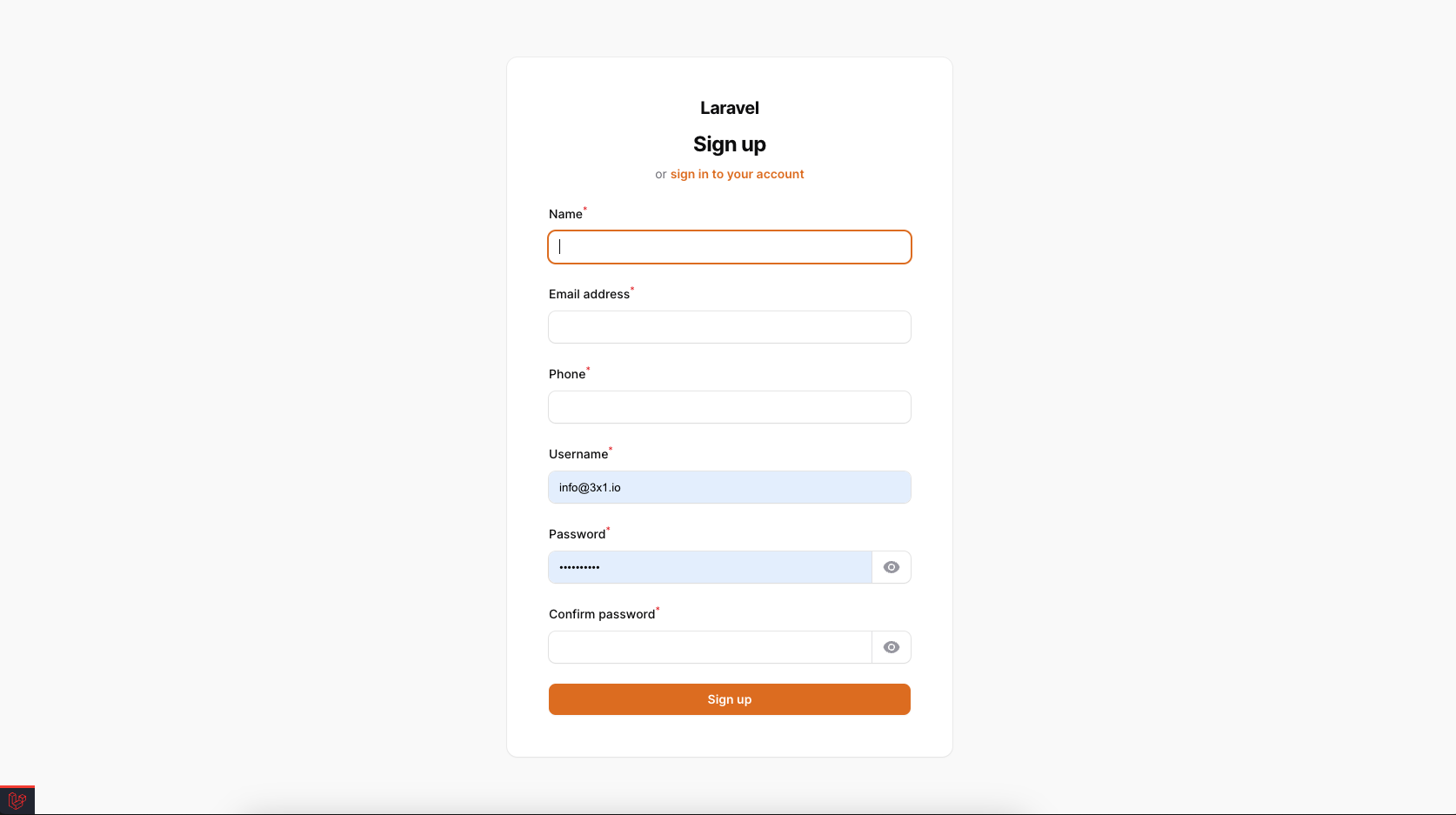
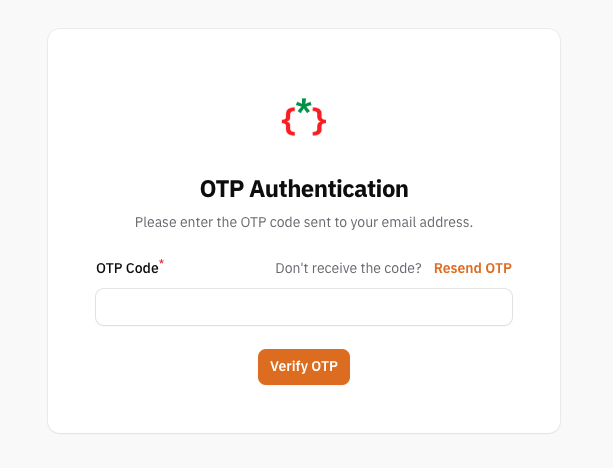
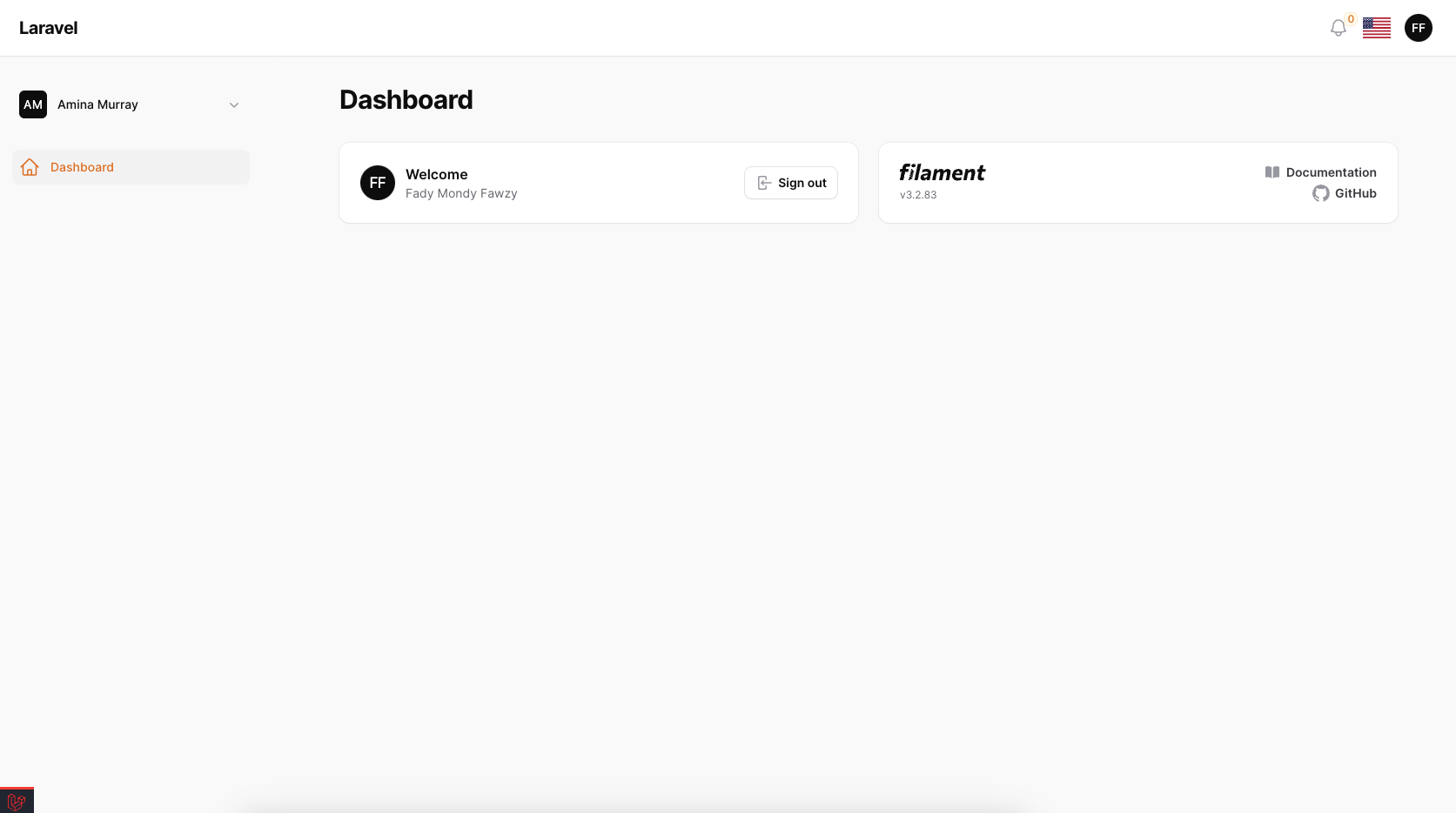
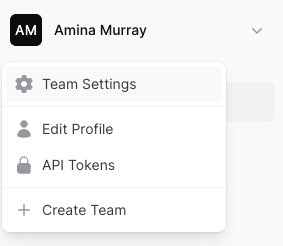
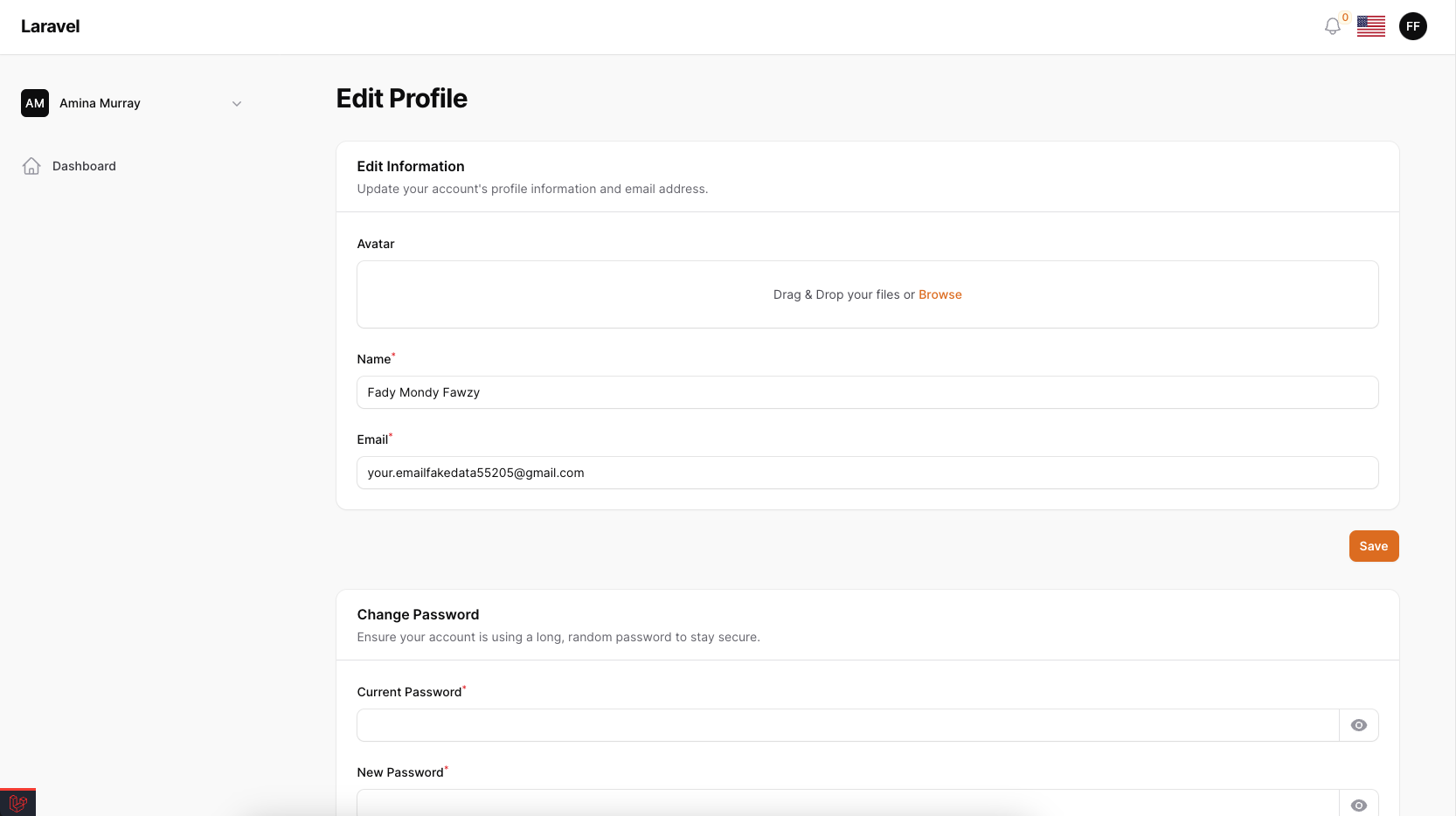
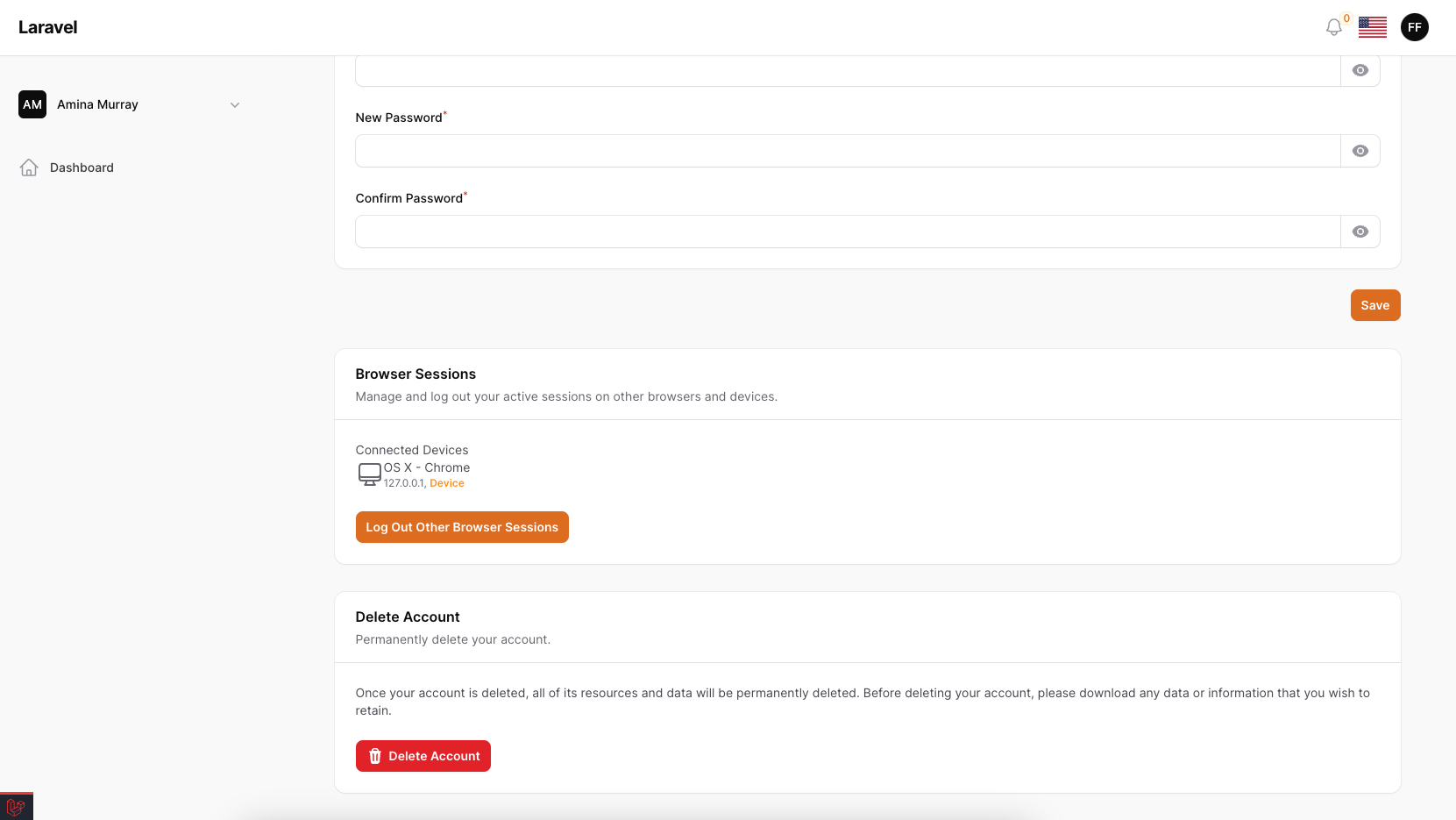
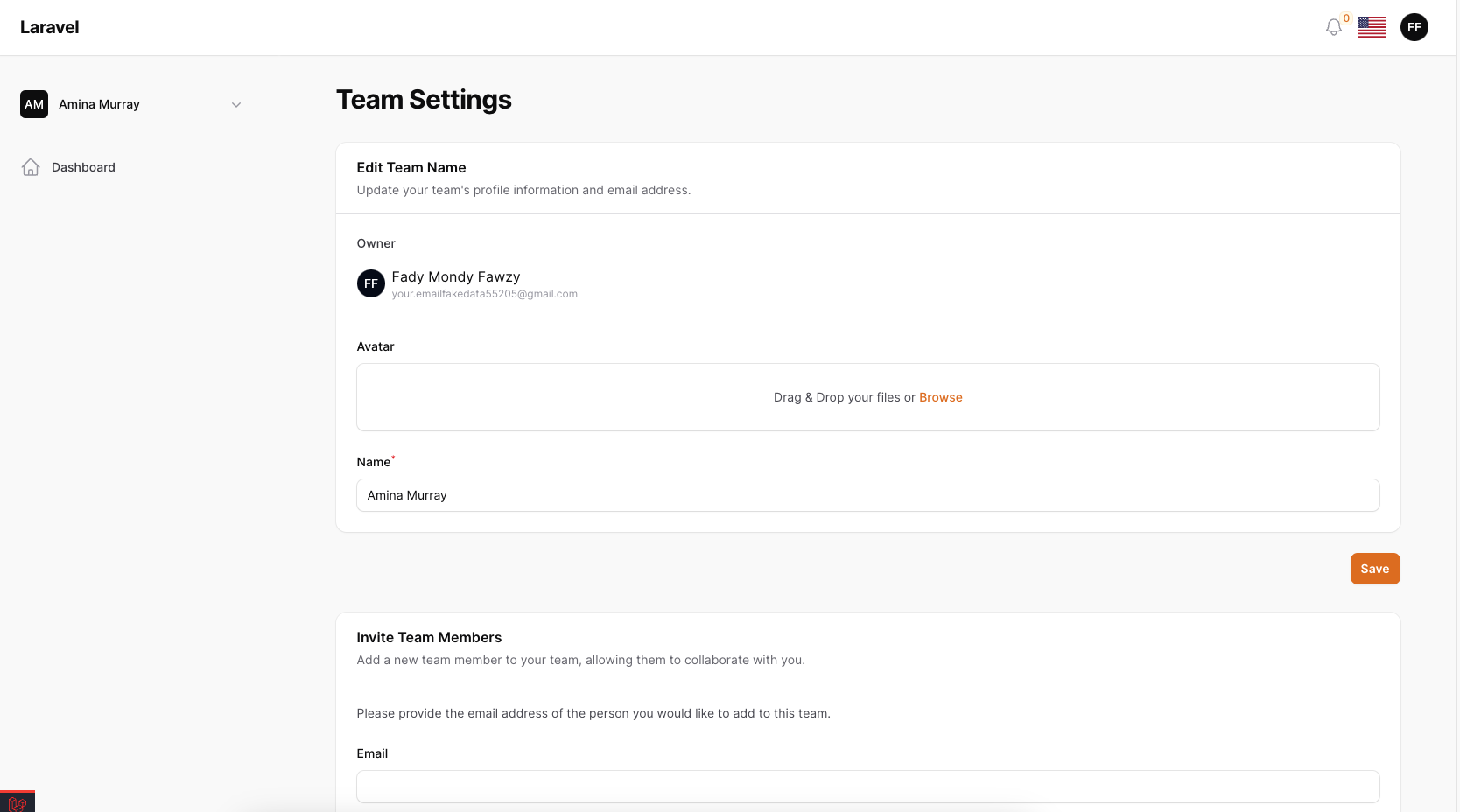
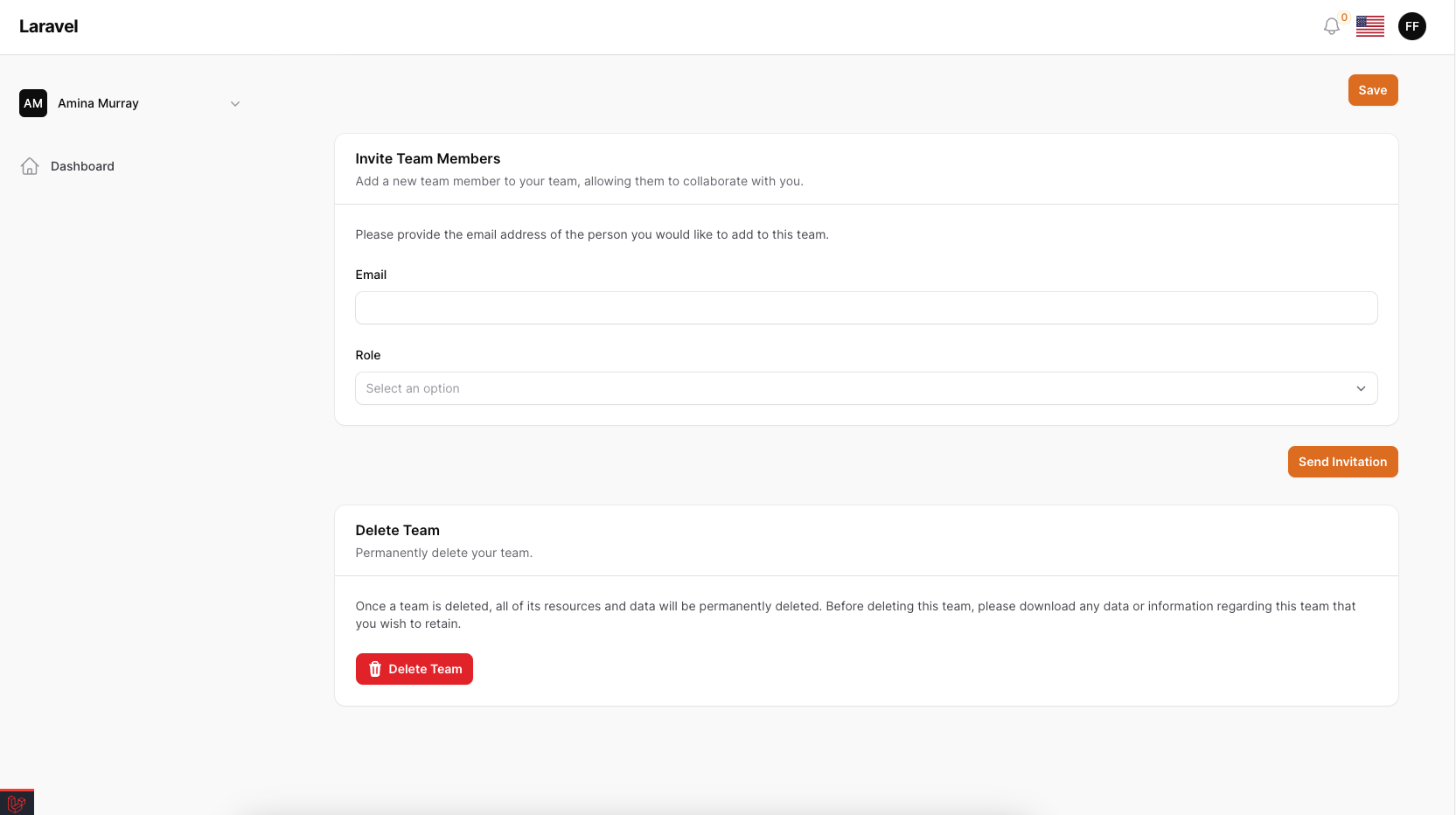
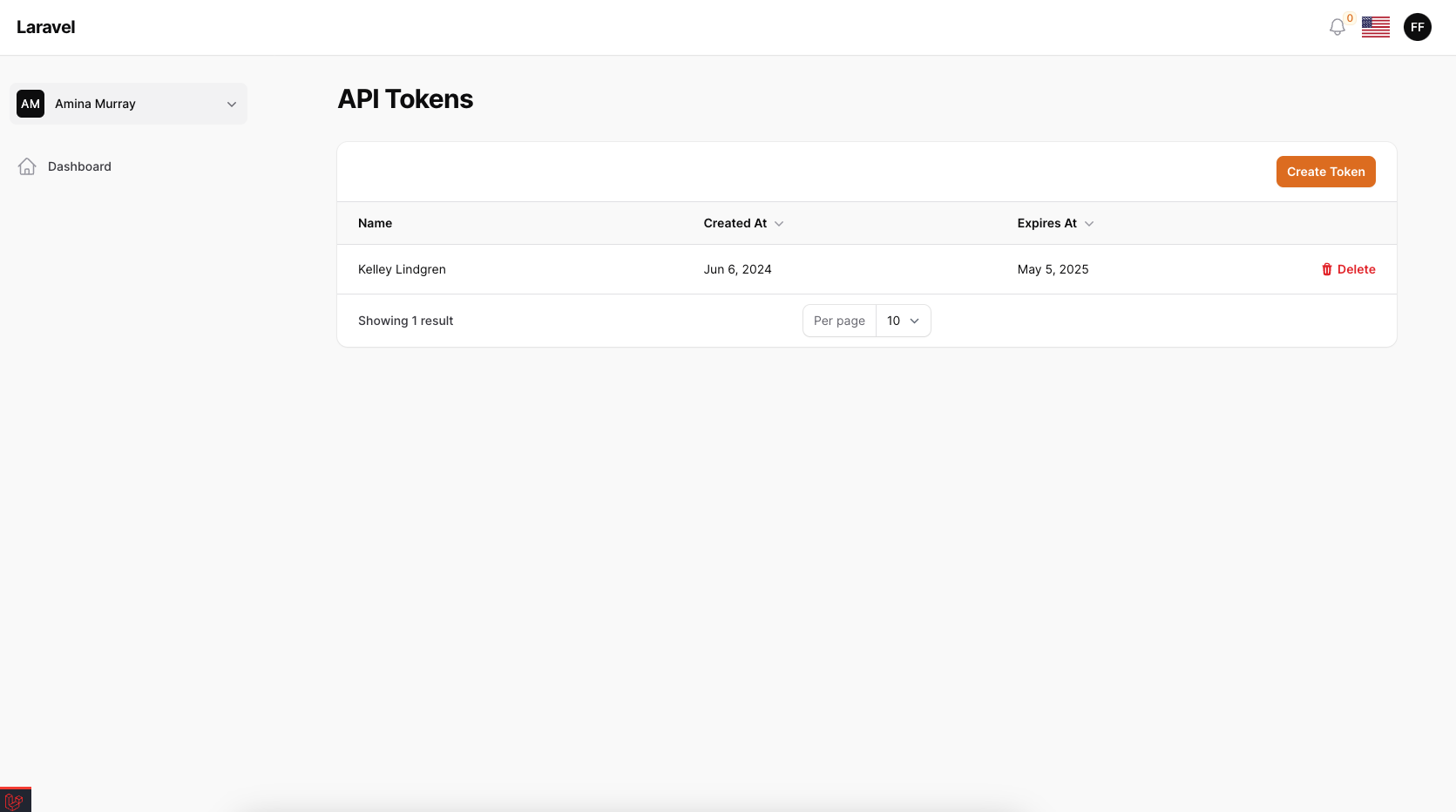
now publish your Accounts model
php artisan vendor:publish --tag="filament-accounts-model"
on your main panel you must use login functions
->plugin(\TomatoPHP\FilamentAccounts\FilamentAccountsPlugin::make()
        ...
        ->canLogin()
        ->canBlocked()
)
now on your new panel just use this plugin
->plugin(
    FilamentAccountsSaaSPlugin::make()
        ->databaseNotifications()
        ->checkAccountStatusInLogin()
        ->APITokenManager()
        ->editProfile()
        ->editPassword()
        ->browserSesstionManager()
        ->deleteAccount()
        ->editProfileMenu()
        ->registration()
        ->useOTPActivation(),
)
you can change settings by remove just methods from plugin.
NOTE to use ->useOTPActivation() you need to install Filament Alets from the next step first, and to use ->databaseNotifications() you need to publish notification database table first
Allow Teams Manager
install jetstream without run install command.
composer require laravel/jetstream
than publish the migrations
php artisan vendor:publish --tag=filament-accounts-teams-migrations
now you need to migrate your database
php artisan migrate
now publish your Accounts model
php artisan vendor:publish --tag="filament-accounts-model"
inside your published model use this implementation
class Account extends Authenticatable implements HasMedia, FilamentUser, HasAvatar, HasTenants, HasDefaultTenant
{
    ...
    use InteractsWithTenant;
}
on your main panel you must use teams
->plugin(\TomatoPHP\FilamentAccounts\FilamentAccountsPlugin::make()
        ->useTeams()
)
and on your app panel you must use this plugin
->plugin(\TomatoPHP\FilamentAccounts\FilamentAccountsSaaSPlugin::make()
        ->editTeam()
        ->deleteTeam()
        ->teamInvitation()
        ->showTeamMembers()
        ->allowTenants()
)
Use Account Locations on SaaS Panel
you can make your account manage the locations by using this code
->plugin(
    FilamentAccountsSaaSPlugin::make()
        ->canManageAddress()
)
it will add Edit Locations menu to the tenant menu and the accounts can manage there locations
Use Account Requests on SaaS Panel
you can manage account requests by using this code
use TomatoPHP\FilamentAccounts\Services\Contracts\AccountRequestForm;

->plugin(
    FilamentAccountsSaaSPlugin::make()
        ->canManageRequests(form: [
            AccountRequestForm::make('account_approve')
                ->schema([
                    TextInput::make('name')
                        ->label('Name')
                        ->required(),
                ]),
            AccountRequestForm::make('account_verify')
                ->schema([
                    TextInput::make('id')
                        ->label('ID')
                        ->numeric()
                        ->minLength(14)
                        ->maxLength(14)
                        ->required(),
                ])
        ])
        ->useTypes()
)
as you see you can select a form the every request type.
Use Account Contact Us on SaaS Panel
you can manage account contact us by using this code
->plugin(
    FilamentAccountsSaaSPlugin::make()
        ->showContactUsButton()
)
or you can use it anywhere on your app by using the livewire component
@livewire('tomato-contact-us-form')
Use Filament Impersonate With SaaS Panel
you can use the impersonate to impersonate the user by install it first
composer require stechstudio/filament-impersonate
now on your main panel provider add ->useImpersonate() , ->impersonateRedirect('/app') to the plugin
->plugin(\TomatoPHP\FilamentAccounts\FilamentAccountsPlugin::make()
    ...
    ->useImpersonate()
    ->impersonateRedirect('/app')
)
now clear your config
php artisan config:cache
for more information check the Filament Impersonate
Auth Events
we have added a lot of events to the package, so you can listen to them and do what you want.
OTP Event
use TomatoPHP\FilamentAccounts\Events\SendOTP;
use TomatoPHP\FilamentAlerts\Services\SendNotification;

public function register()
{
    Event::listen([
        SendOTP::class
    ], function ($data) {
        $user = $data->model::find($data->modelId);

        SendNotification::make(['email'])
            ->title('OTP')
            ->message('Your OTP is ' . $user->otp_code)
            ->type('info')
            ->database(false)
            ->model(Account::class)
            ->id($user->id)
            ->privacy('private')
            ->icon('bx bx-user')
            ->url(url('/'))
            ->fire();
    });
}
Account Success Login Event
When the user logs in successfully, we fire this event.
use TomatoPHP\FilamentAccounts\Events\AccountLogged;

public function register()
{
    Event::listen([
        AccountLogged::class
    ], function ($data) {
        $user = $data->model::find($data->modelId);
        if($user->meta('is_admin_approve') !== 'yes'){
            return response()->json([
                "status" => false,
                "message" => __('your Account is activated. but you cannot login till admin approve.'),
            ], 400)->send();
        }
    });
}
Account Registered Event
When the user registers successfully, we fire this event.
use TomatoPHP\FilamentAccounts\Events\AccountLogged;

public function register()
{
    Event::listen([
        AccountRegistered::class
    ], function ($data) {
        $user = $data->model::find($data->modelId);
        $user->last_login = Carbon::now();
        $user->save();
    });
}
Use Auth Builder
you can build multi-auth using the same accounts table in a very easy way, so we created a Facade class to help you do that.
How to use
you just need to create 2 controllers AuthController, ProfileController
use TomatoPHP\FilamentAccounts\Services\Traits\Auth\Login;
use TomatoPHP\FilamentAccounts\Services\Traits\Auth\Register;
use TomatoPHP\FilamentAccounts\Services\Traits\Auth\Otp;
use TomatoPHP\FilamentAccounts\Services\Traits\Auth\ResetPassword;

class AuthController extends Controller
{
    use Login;
    use Register;
    use Otp;
    use ResetPassword;

    public string $guard = 'web';
    public bool $otp = true;
    public string $model = Account::class;
    public string $loginBy = 'email';
    public string $loginType = 'email';
    public ?string $resource = null;

    public function __construct()
    {
        $this->guard = config('filament-accounts.guard');
        $this->otp = config('filament-accounts.required_otp');
        $this->model = config('filament-accounts.model');
        $this->loginBy = config('filament-accounts.login_by');
        $this->loginType = config('filament-accounts.login_by');
        $this->resource = config('filament-accounts.resource', null);
    }
and on your profile controller, you just need to use Profile traits
use TomatoPHP\FilamentAccounts\Services\Traits\Auth\Profile\User;
use TomatoPHP\FilamentAccounts\Services\Traits\Auth\Profile\Update;
use TomatoPHP\FilamentAccounts\Services\Traits\Auth\Profile\Delete;
use TomatoPHP\FilamentAccounts\Services\Traits\Auth\Profile\Logout;

class ProfileController extends Controller
{
    use User;
    use Update;
    use Delete;
    use Logout;

    public string $guard = 'web';
    public bool $otp = true;
    public string $model = Account::class;
    public string $loginBy = 'email';
    public string $loginType = 'email';
    public ?string $resource = null;

    public function __construct()
    {
        $this->guard = config('filament-accounts.guard');
        $this->otp = config('filament-accounts.required_otp');
        $this->model = config('filament-accounts.model');
        $this->loginBy = config('filament-accounts.login_by');
        $this->loginType = config('filament-accounts.login_by');
        $this->resource = config('filament-accounts.resource', null);
    }
}
APIs
we have added a lot of APIs to the package, so you can use them to manage your accounts. please check this file API Collection
Custom create / edit validation
you can custom the validation rules for creating / editing accounts by just passing the rules you want to the facade service method
use TomatoPHP\FilamentAccounts\Facades\FilamentAccounts;

public function boot()
{
    FilamentAccounts::validation(
        create: [
            'email' => 'unique:accounts,email',
            'type_id' => 'required|integer|exists:types,id',
        ],
        edit: [
            'email' => 'sometimes|unique:accounts,email',
            'type_id' => 'sometimes|integer|exists:types,id',
        ],
        api_create: [
            'email' => 'unique:accounts,email',
            'type_id' => 'required|integer|exists:types,id',
        ],
        api_edit: [
            'email' => 'sometimes|unique:accounts,email',
            'type_id' => 'sometimes|integer|exists:types,id',
        ]
    );

}
by using this method you can custom the validation rules for creating / editing accounts on the web and APIs
Other Filament Packages
Checkout our Awesome TomatoPHP
blamine19/blamine19accounts 适用场景与选型建议
blamine19/blamine19accounts 是一款 基于 PHP 开发的 Composer 扩展包,目前已累计 0 次下载、GitHub Stars 达 0, 最近一次更新时间为 2024 年 10 月 13 日, 在 PHP 生态内属于活跃度较高的组件。
它主要适用于以下技术方向: 「php」 「api」 「notifications」 「crm」 「laravel」 「contacts」 等业务场景。在实际项目中,围绕这些方向常见需要落地的问题包括:接口对接、性能调优、并发安全、与既有框架(Laravel / ThinkPHP / Yii / Webman 等)的兼容适配,以及生产环境的日志埋点与稳定性保障。
我们在过去多个企业项目中使用过 blamine19/blamine19accounts 或与其功能相近的方案,如果你在选型或落地过程中遇到问题,例如 版本兼容、二次改造、私有化封装、与内部系统对接、生产 BUG 排查,欢迎联系我们协助评估。
基于 blamine19/blamine19accounts 在你已有业务上做功能扩展、字段裁剪、UI 适配、与内部账号 / 权限 / 日志系统的深度对接。
线上偶发问题、内存泄漏、慢查询、并发异常等排查修复;针对高流量场景做缓存、队列、索引层面的调优。
承接完整的项目从需求 → 设计 → 开发 → 上线 → 长期运维;也可按月提供技术保姆服务。
与 blamine19/blamine19accounts 相关的其它包
同方向 / 同关键字的高下载量 PHP Composer 包推荐,方便对比选型:
A Laravel Nova package that adds a notification feed in your Nova app.
A PSR-7 compatible library for making CRUD API endpoints
Captures outgoing SMS notifications
Alfabank REST API integration
Laravel package to send notifications when some exceptions are thrown.
Sms.ru Notification Channel for laravel.
统计信息
- 总下载量: 0
- 月度下载量: 0
- 日度下载量: 0
- 收藏数: 0
- 点击次数: 15
- 依赖项目数: 0
- 推荐数: 0
其他信息
- 授权协议: MIT
- 更新时间: 2024-10-13