concrete5cojp/concrete5_debugbar
Composer 安装命令:
composer require concrete5cojp/concrete5_debugbar
包简介
A package to integrate PHP Debug Bar with concrete5 CMS.
README 文档
README
A package to integrate PHP Debug Bar with concrete5 CMS.
Installation
Install the debug bar to the site that managed using composer
If you are managing your concrete5 site using concrete5/composer, you can manage this package with composer too.
1. Modify your composer.json file
Add these packages to "require" section:
"concrete5cojp/concrete5_debugbar": "~0.2",
"slowprog/composer-copy-file": "~0.2"
Add these lines to "extra" section:
"copy-file": {
  "vendor/maximebf/debugbar/src/DebugBar/Resources/": "public/packages/concrete5_debugbar/vendor/maximebf/debugbar/src/DebugBar/Resources/"
}
Add "scripts" section:
"scripts": {
  "post-install-cmd": [
    "SlowProg\\CopyFile\\ScriptHandler::copy"
  ],
  "post-update-cmd": [
    "SlowProg\\CopyFile\\ScriptHandler::copy"
  ]
}
When you are managing your concrete5 site using composer, the vendor directory is outside from the document root.
However, the debugbar package has some css/js/images in the vendor directory, so you have to move these static files.
That's why we need to add the composer-copy-file package and the scripts section.
You are also able to move Resources directory manually.
Entire composer.json example:
{
  "name": "concrete5/composer",
  "description": "A fully featured skeleton for a composer managed concrete5 site",
  "type": "project",
  "license": "MIT",
  "prefer-stable": true,
  "autoload": {
    "psr-4": {
      "ConcreteComposer\\" : "./src"
    }
  },
  "require": {
    "composer/installers": "^1.3",
    "concrete5/core": "^8.3",
    "vlucas/phpdotenv": "^2.4",
    "concrete5cojp/concrete5_debugbar": "dev-master",
    "slowprog/composer-copy-file": "~0.2"
  },
  "config": {
    "preferred-install": "dist"
  },
  "extra": {
    "branch-alias": {
      "dev-8.x": "8.x-dev"
    },
    "installer-paths": {
      "public/concrete": ["type:concrete5-core"],
      "public/application/themes/{$name}": ["type:concrete5-theme"],
      "public/packages/{$name}": ["type:concrete5-package"],
      "public/application/blocks/{$name}": ["type:concrete5-block"]
    },
    "copy-file": {
      "vendor/maximebf/debugbar/src/DebugBar/Resources/": "public/packages/concrete5_debugbar/vendor/maximebf/debugbar/src/DebugBar/Resources/"
    }
  },
  "scripts": {
    "post-install-cmd": [
      "SlowProg\\CopyFile\\ScriptHandler::copy"
    ],
    "post-update-cmd": [
      "SlowProg\\CopyFile\\ScriptHandler::copy"
    ]
  }
}
2. Download the package
$ composer update
3. Install the package
$ ./public/concrete/bin/concrete5 c5:package-install concrete5_debugbar
Install the debug bar to the site that managed without using composer
First, download package files
$ cd ./packages
$ git clone git@github.com:concrete5cojp/concrete5_debugbar.git
$ cd concrete5_debugbar
Then update composer.json as
{
    "name": "concrete5cojp/concrete5_debugbar",
    "description": "A package to integrate PHP Debug Bar with concrete5 CMS.",
    "type": "concrete5-package",
    "license": "MIT",
    "minimum-stability": "stable",
    "require": {
        "maximebf/debugbar": ">=1.0.0"
    },
    "replace": {
        "psr/log": "*",
        "symfony/polyfill-mbstring": "*"
    },
    "autoload": {
        "psr-4": {
            "Concrete5Debugbar\\": "src/Concrete5Debugbar/"
        }
    }
}
Finally you can install the package
$ composer install
$ cd ../../
$ ./concrete/bin/concrete5 c5:package-install concrete5_debugbar
Usage
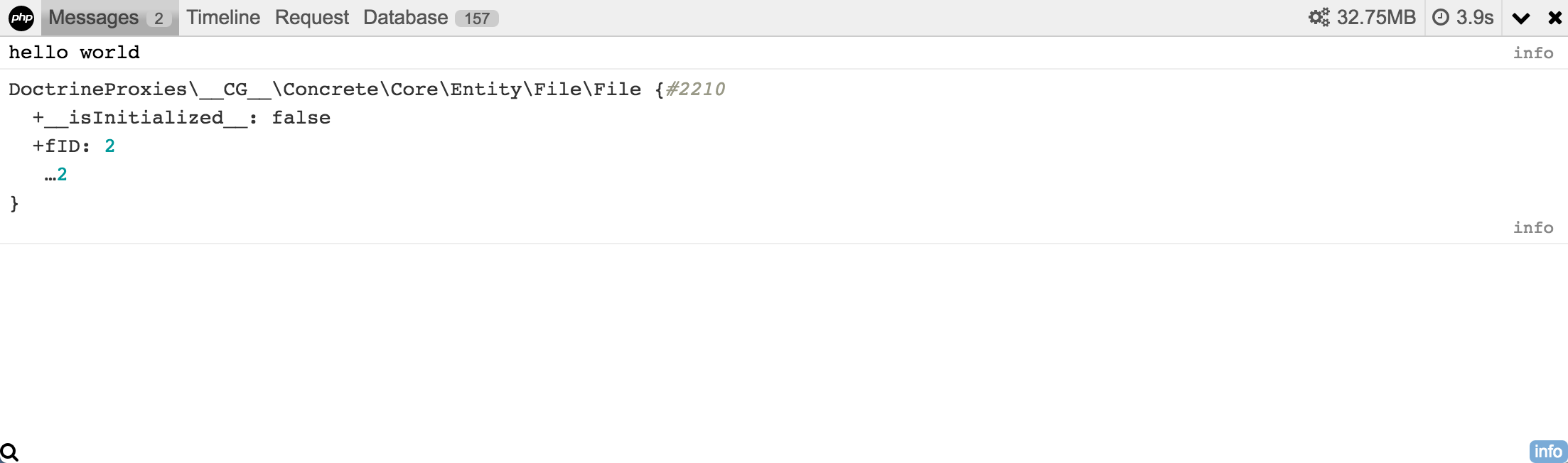
Messages
You can add messages to this tab using compatible usage with PSR-3 logger.
\Core::make('debugbar/messages')->info('hello world');
\Core::make('debugbar/messages')->info($object);
Timeline
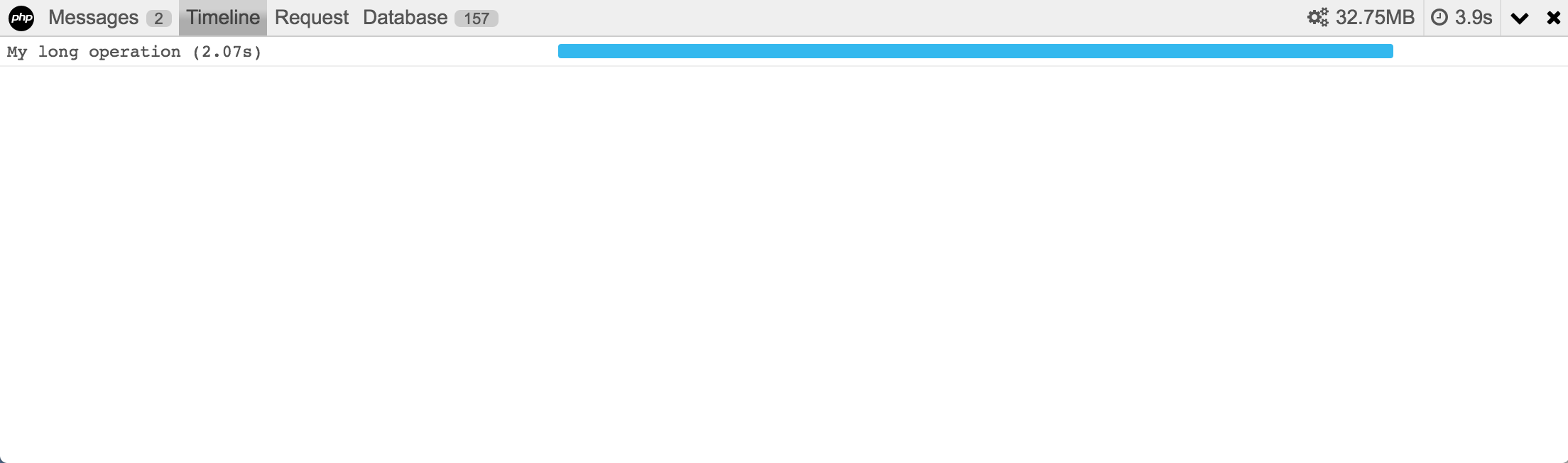
Provides a way to log total execution time as well as taking "measures" (ie. measure the execution time of a particular operation).
\Core::make('debugbar/time')->startMeasure('longop', 'My long operation');
sleep(2);
\Core::make('debugbar/time')->stopMeasure('longop');
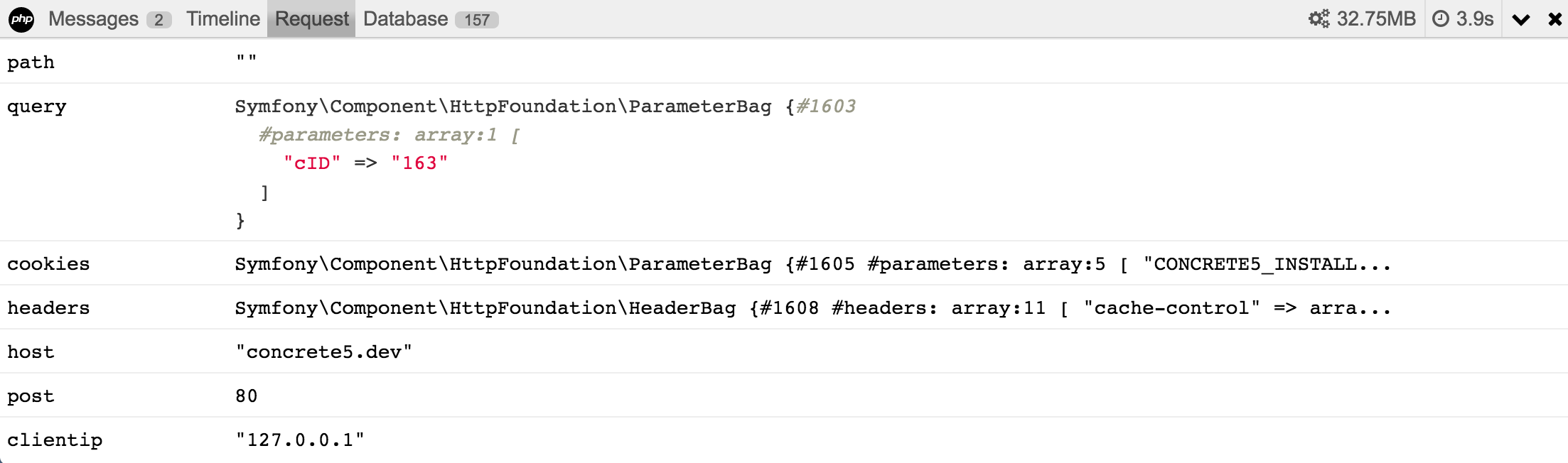
Request
You can check how concrete5 retreive request data in this tab.
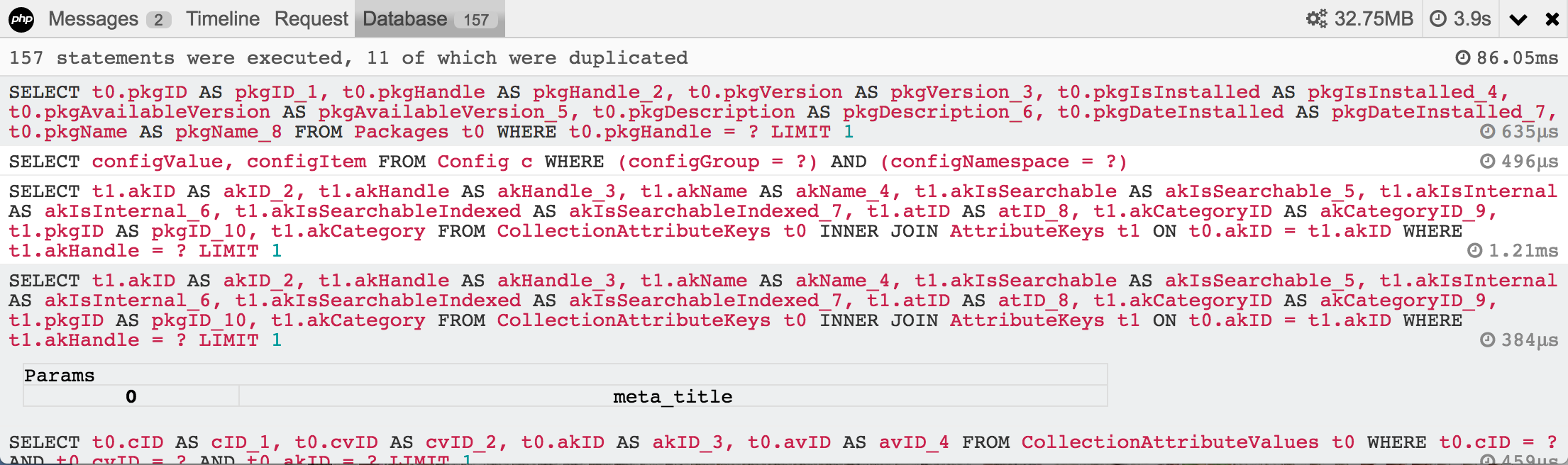
Database
You can check all sql queries on current request in this tab.
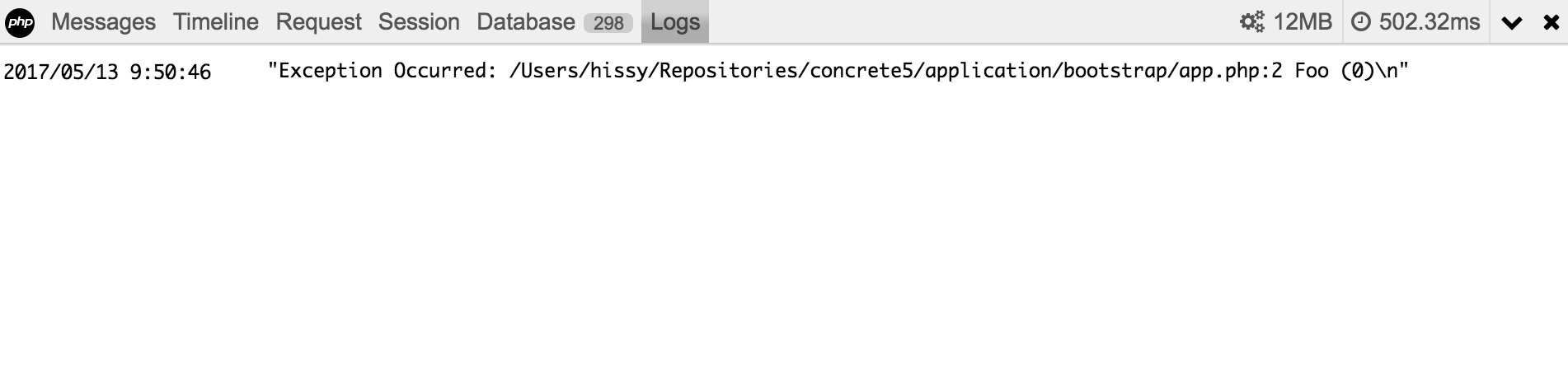
Logs
You can check application logs (same as dashboard/reports/logs but you can quick access!).
Environment
Get some information about the server environment.

concrete5cojp/concrete5_debugbar 适用场景与选型建议
concrete5cojp/concrete5_debugbar 是一款 基于 PHP 开发的 Composer 扩展包,目前已累计 62 次下载、GitHub Stars 达 5, 最近一次更新时间为 2018 年 01 月 03 日, 在 PHP 生态内属于活跃度较高的组件。
我们在过去多个企业项目中使用过 concrete5cojp/concrete5_debugbar 或与其功能相近的方案,如果你在选型或落地过程中遇到问题,例如 版本兼容、二次改造、私有化封装、与内部系统对接、生产 BUG 排查,欢迎联系我们协助评估。
基于 concrete5cojp/concrete5_debugbar 在你已有业务上做功能扩展、字段裁剪、UI 适配、与内部账号 / 权限 / 日志系统的深度对接。
线上偶发问题、内存泄漏、慢查询、并发异常等排查修复;针对高流量场景做缓存、队列、索引层面的调优。
承接完整的项目从需求 → 设计 → 开发 → 上线 → 长期运维;也可按月提供技术保姆服务。
统计信息
- 总下载量: 62
- 月度下载量: 0
- 日度下载量: 0
- 收藏数: 5
- 点击次数: 6
- 依赖项目数: 0
- 推荐数: 0
其他信息
- 授权协议: MIT
- 更新时间: 2018-01-03