justbetter/statamic-entry-translator
Composer 安装命令:
composer require justbetter/statamic-entry-translator
包简介
Automaticly translate the content of entries.
README 文档
README
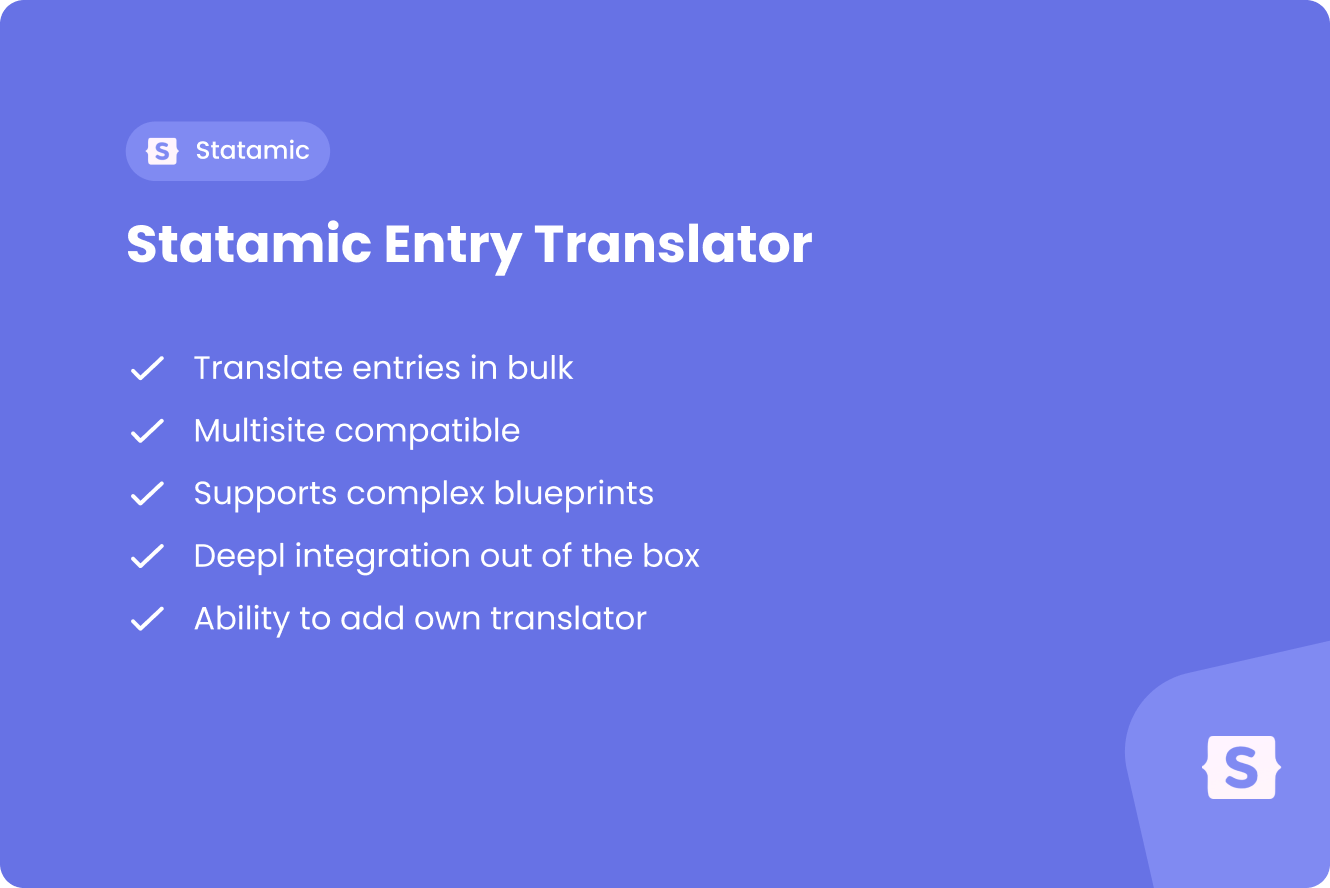
Statamic Entry Translator
Automatically translate the content of Statamic entries and global sets using translation services.
Features
This package provides a seamless way to translate Statamic entries and global sets to different sites and locales using translation services.
Features:
- Translate entries and global sets to multiple sites/locales
- Support for DeepL translation service
- Queue-based translation processing
- Configurable field exclusions
- Handles nested fields, replicators, and fieldset imports
- Statamic CP actions for easy entry and global set translation
- Only translates localizable fields
- Automatically creates entry localizations if they don't exist
Also check out our other Statamic packages!
Installation
Require this package:
composer require justbetter/statamic-entry-translator
Publish the config:
php artisan vendor:publish --tag=justbetter-statamic-entry-translator
The config file will be located at config/justbetter/statamic-entry-translator.php.
TIP: All translations in this package are run via jobs, we recommend Laravel Horizon or another queueing system to run these.
Setup
DeepL Configuration
Add your DeepL authentication key to your .env file:
DEEPL_AUTH_KEY=your-deepl-auth-key-here
If you're using DeepL's free tier or a specific server, you can optionally set the server URL:
DEEPL_SERVER_URL=https://api-free.deepl.com
Queue Configuration
By default, translations are processed on the default queue. You can configure this in the config file:
<?php

return [
    'queue' => 'translations', // Use a dedicated queue for translations
    // ...
];
Field Exclusions
You can exclude specific field handles or field types from being translated in the config file:
<?php

return [
    'excluded_handles' => [
        'id',
        'type',
        'slug', // Exclude slug from translation
    ],

    'excluded_types' => [
        'select',
        'assets',
        'entries',
        'users', // Exclude user fields
    ],
];
Usage
Using the Statamic CP Action
Entries
- Navigate to your entries in the Statamic Control Panel
- Select one or more entries you want to translate
- Click on the "Actions" dropdown
- Select "Translate Content"
- Choose the target sites you want to translate to
- Click "Run"
Global Sets
- Navigate to your global sets in the Statamic Control Panel
- Select a global set you want to translate
- Click on the "Actions" dropdown
- Select "Translate Content"
- Choose the target sites you want to translate to, or select "All sites"
- Click "Run"
The translations will be queued and processed asynchronously.
Programmatic Usage
You can also translate entries programmatically:
use JustBetter\EntryTranslator\Facades\TranslateEntry;
use Statamic\Facades\Entry;
use Statamic\Facades\Site;

$entry = Entry::find('entry-id');
$targetSite = Site::get('en');

TranslateEntry::translate($entry, $targetSite);
Translating Multiple Entries
To translate an entry to multiple sites:
use JustBetter\EntryTranslator\Facades\TranslateEntries;
use Statamic\Facades\Entry;
use Statamic\Facades\Site;

$entry = Entry::find('entry-id');
$sites = Site::all()->filter(fn($site) => $site->handle() !== $entry->site()->handle());

TranslateEntries::translateEntries($entry, $sites);
Translating Global Sets
To translate a global set to a single site:
use JustBetter\EntryTranslator\Facades\TranslateGlobalSet;
use Statamic\Facades\GlobalSet;
use Statamic\Facades\Site;

$globalSet = GlobalSet::find('settings');
$sourceSite = Site::get('en');
$targetSite = Site::get('nl');

TranslateGlobalSet::translate($globalSet, $sourceSite, $targetSite);
To translate a global set to multiple sites:
use JustBetter\EntryTranslator\Facades\TranslateGlobalSets;
use Statamic\Facades\GlobalSet;
use Statamic\Facades\Site;

$globalSet = GlobalSet::find('settings');
$sourceSite = Site::get('en');
$targetSites = Site::all()->filter(fn ($site) => $site->handle() !== $sourceSite->handle());

TranslateGlobalSets::translateGlobalSets($globalSet, $sourceSite, $targetSites);
Using Jobs Directly
You can dispatch translation jobs directly:
use JustBetter\EntryTranslator\Jobs\TranslateEntryJob;
use JustBetter\EntryTranslator\Jobs\TranslateGlobalSetJob;
use Statamic\Facades\Entry;
use Statamic\Facades\GlobalSet;
use Statamic\Facades\Site;

$entry = Entry::find('entry-id');
$targetSite = Site::get('en');

TranslateEntryJob::dispatch($entry, $targetSite);

$globalSet = GlobalSet::find('settings');
$sourceSite = Site::get('en');
$targetSite = Site::get('nl');

TranslateGlobalSetJob::dispatch($globalSet, $sourceSite, $targetSite);
How It Works
Entries
- The package identifies all localizable fields in the entry's blueprint
- Fields that are excluded (by handle or type) are filtered out
- The source entry's data is extracted for the localizable fields
- The translation service (e.g., DeepL) translates the content
- A localization is created if it doesn't exist
- The translated content is merged with the original entry data
- The localized entry is saved
Global Sets
- The package loads the global set variables for the source and target sites
- The package identifies all localizable fields in the global set blueprint
- Fields that are excluded (by handle or type) are filtered out
- The source global variables are translated by the configured translation service
- The translated content is merged with the original source data
- The target site's global variables are saved quietly
The package handles:
- Nested fields (fields within fields)
- Replicator fields
- Fieldset imports
- Complex field structures
Creating Custom Translators
You can create your own translator by extending BaseTranslator:
<?php

namespace App\Translators;

use JustBetter\EntryTranslator\Translators\BaseTranslator;
use Illuminate\Support\Collection;
use Statamic\Entries\Entry;
use Statamic\Globals\Variables;
use Statamic\Sites\Site;

class MyCustomTranslator extends BaseTranslator
{
    public function translate(Entry|Variables $source, Collection $localisableFields, Site $site): array
    {
        // Your translation logic here
        // Return an array of translated data
    }
}
Then register it in your config:
<?php

return [
    'service' => 'custom',

    'services' => [
        'custom' => [
            'translator' => App\Translators\MyCustomTranslator::class,
            // Add any additional config your translator needs
        ],
    ],
];
Quality
To ensure the quality of this package, run the following command:
composer quality
This will execute three tasks:
- Makes sure all tests are passed
- Checks for any issues using static code analysis
- Checks if the code is correctly formatted
Contributing
Please see CONTRIBUTING for details.
Security Vulnerabilities
Please review our security policy on how to report security vulnerabilities.
Credits
License
The MIT License (MIT). Please see License File for more information.

统计信息
- 总下载量: 1.06k
- 月度下载量: 0
- 日度下载量: 0
- 收藏数: 1
- 点击次数: 1
- 依赖项目数: 0
- 推荐数: 0
其他信息
- 授权协议: Unknown
- 更新时间: 2026-01-28