laravel-frontend-presets/paper
Composer 安装命令:
composer require laravel-frontend-presets/paper
包简介
Laravel 10.x Front-end preset for paper dashboard
README 文档
README
Frontend version: Paper Dashboard v2.1.1. More info at https://www.creative-tim.com/product/paper-dashboard-2/?ref=pdl-readme
Speed up your web development with the Bootstrap 4 Admin Dashboard built for Laravel Framework 9.x and up.
If you want to get more features, go PRO with Paper Dashboard PRO Laravel.
Note
We recommend installing this preset on a project that you are starting from scratch, otherwise your project's design might break.
Prerequisites
If you don't already have an Apache local environment with PHP and MySQL, use one of the following links:
- Windows: https://updivision.com/blog/post/beginner-s-guide-to-setting-up-your-local-development-environment-on-windows
- Linux & Mac: https://updivision.com/blog/post/guide-what-is-lamp-and-how-to-install-it-on-ubuntu-and-macos
Also, you will need to install Composer: https://getcomposer.org/doc/00-intro.md
And Laravel: https://laravel.com/docs/10.x
Installation
After initializing a fresh instance of Laravel (and making all the necessary configurations), install the preset using one of the provided methods:
Via composer
Cdto your Laravel app- Type in your terminal:
composer require laravel/uiandphp artisan ui vue --auth - Install this preset via
composer require laravel-frontend-presets/paper. No need to register the service provider. Laravel 5.5 & up can auto detect the package. - Run
php artisan ui papercommand to install the Argon preset. This will install all the necessary assets and also the custom auth views, it will also add the auth route inroutes/web.php(NOTE: If you run this command several times, be sure to clean up the duplicate Auth entries in routes/web.php) - In your terminal run
composer dump-autoload - Run
php artisan migrate --seedto create basic users table
By using the archive
- In your application's root create a presets folder
- Download an archive of the repo and unzip it
- Copy and paste paper-dashboard-master folder in presets (created in step 2) and rename it to paper
- Open
composer.jsonfile - Add
"LaravelFrontendPresets\\PaperPreset\\": "presets/paper/src"toautoload/psr-4and toautoload-dev/psr-4 - Add
LaravelFrontendPresets\PaperPreset\PaperPresetServiceProvider::class,toconfig/app.phpfile - Type in your terminal:
composer require laravel/uiandphp artisan ui vue --auth - In your terminal run
composer dump-autoload - Run
php artisan ui papercommand to install the Paper Dashboard preset. This will install all the necessary assets and also the custom auth views, it will also add the auth route inroutes/web.php(NOTE: If you run this command several times, be sure to clean up the duplicate Auth entries in routes/web.php) - Run
php artisan migrate --seedto create basic users table
Usage
Register a user or login using admin@paper.com and secret and start testing the preset (make sure to run the migrations and seeders for these credentials to be available).
Besides the dashboard and the auth pages this preset also has an edit profile page. All the necessary files (controllers, requests, views) are installed out of the box and all the needed routes are added to routes/web.php. Keep in mind that all of the features can be viewed once you login using the credentials provided above or by registering your own user.
Dashboard
You can access the dashboard either by using the "Dashboard" link in the left sidebar or by adding /home in the url.
Profile edit
You have the option to edit the current logged in user's profile (change name, email and password). To access this page just click the "User profile" link in the left sidebar or by adding /profile in the url.
The App\Http\Controllers\ProfileController handles the update of the user information.
public function update(ProfileRequest $request)
{
    auth()->user()->update($request->all());

    return back()->withStatus(__('Profile successfully updated.'));
}
Also you shouldn't worry about entering wrong data in the inputs when editing the profile, validation rules were added to prevent this (see App\Http\Requests\ProfileRequest). If you try to change the password you will see that other validation rules were added in App\Http\Requests\PasswordRequest. Notice that in this file you have a custom validation rule that can be found in App\Rules\CurrentPasswordCheckRule.
public function rules()
{
    return [
        'old_password' => ['required', 'min:6', new CurrentPasswordCheckRule],
        'password' => ['required', 'min:6', 'confirmed', 'different:old_password'],
        'password_confirmation' => ['required', 'min:6'],
    ];
}
Table of Contents
- Versions
- Demo
- Documentation
- File Structure
- Browser Support
- Resources
- Reporting Issues
- Licensing
- Useful Links
Versions


| HTML | LARAVEL |
|---|---|
Demo
| Register | Login | Dashboard |
|---|---|---|
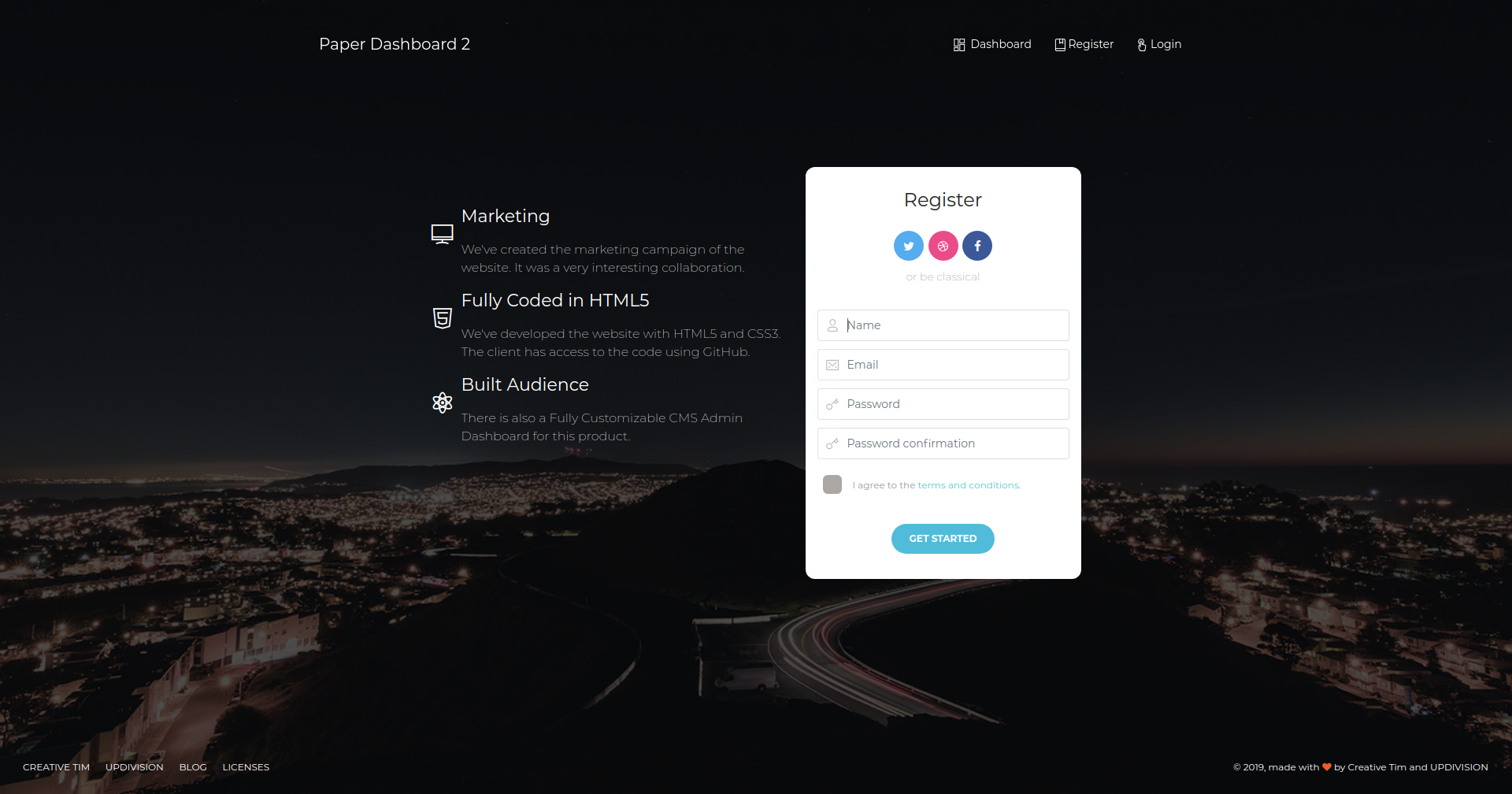 |
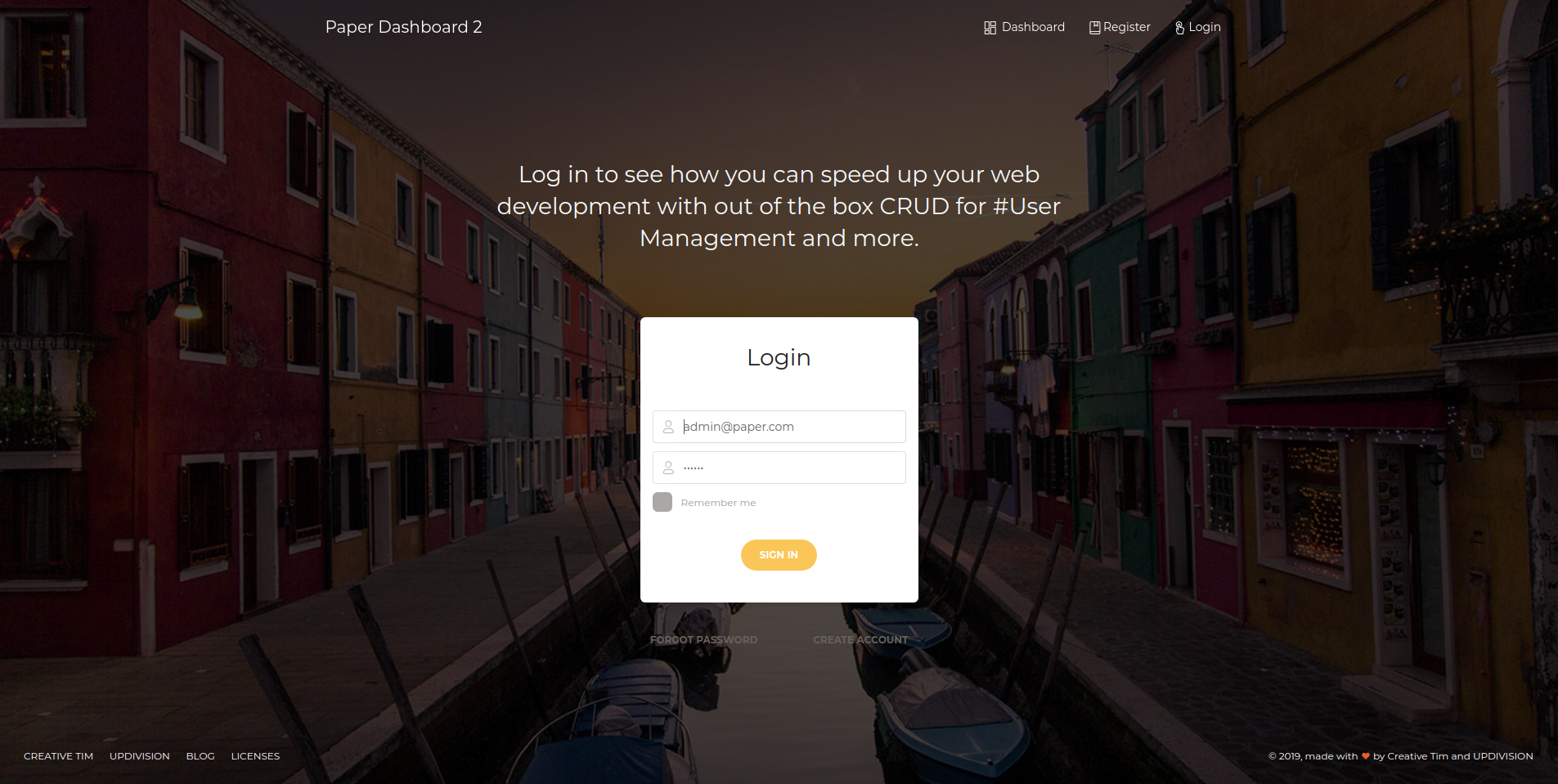 |
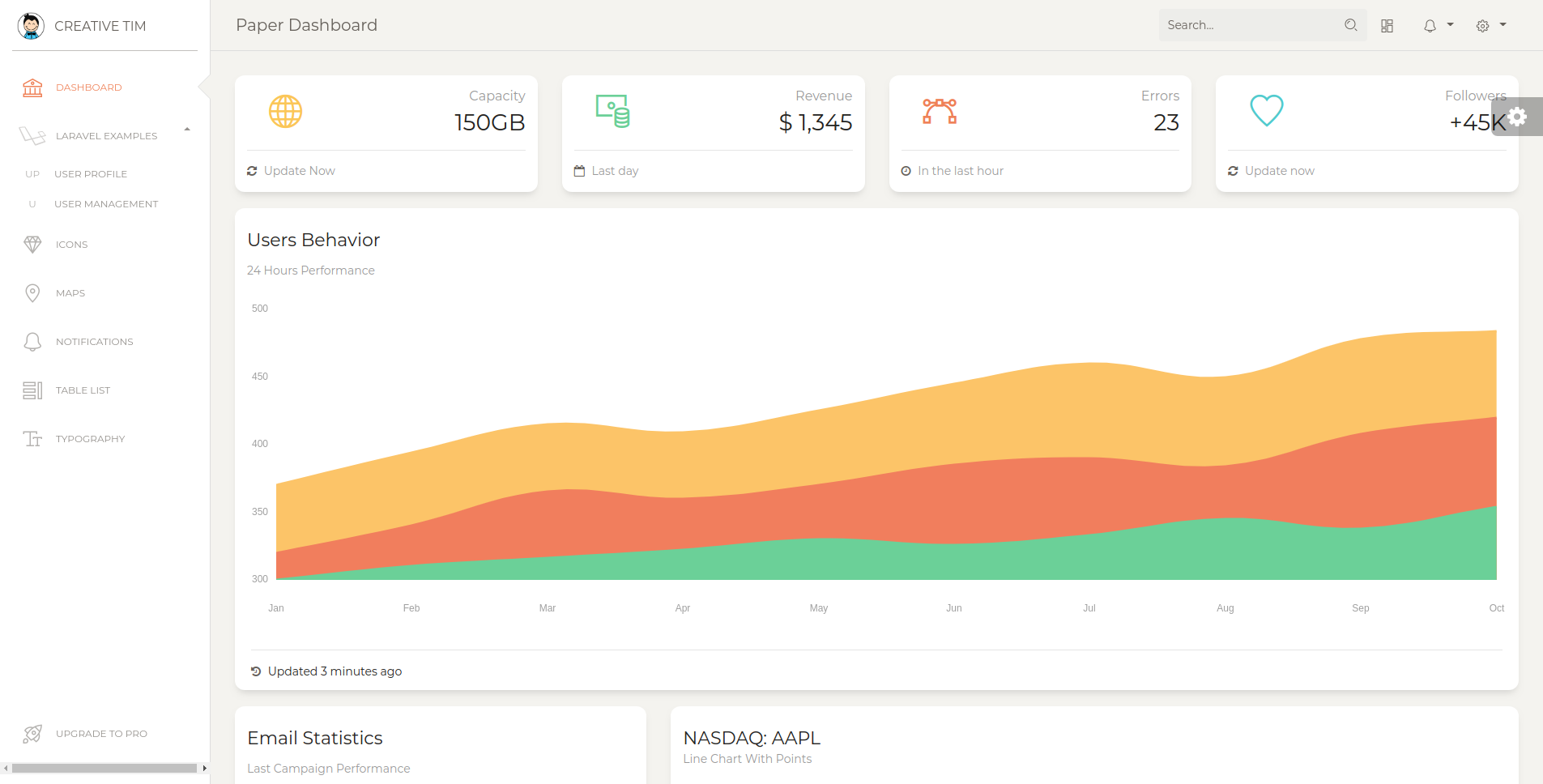 |
| Profile Page | Users Page | Notifications Page |
|---|---|---|
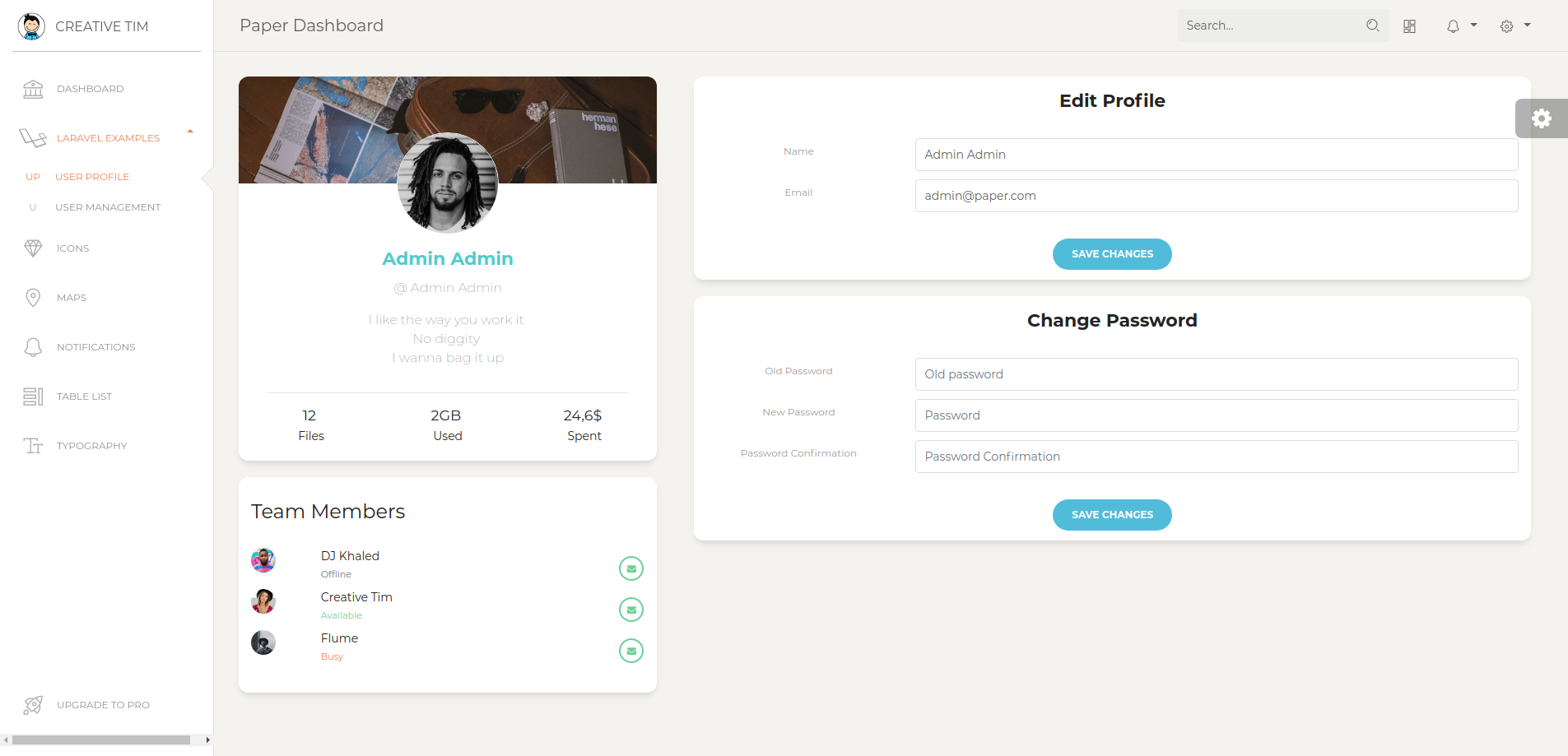 |
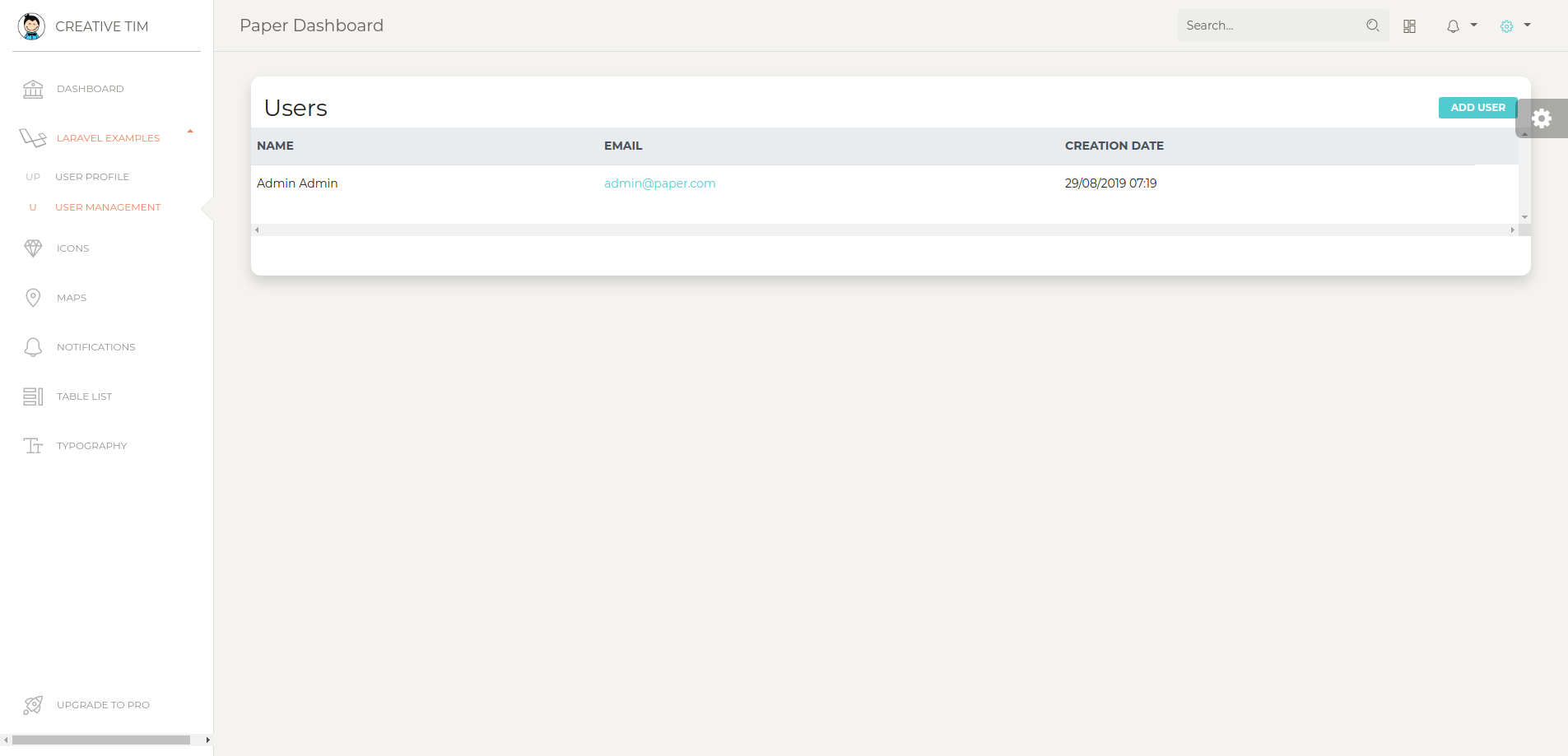 |
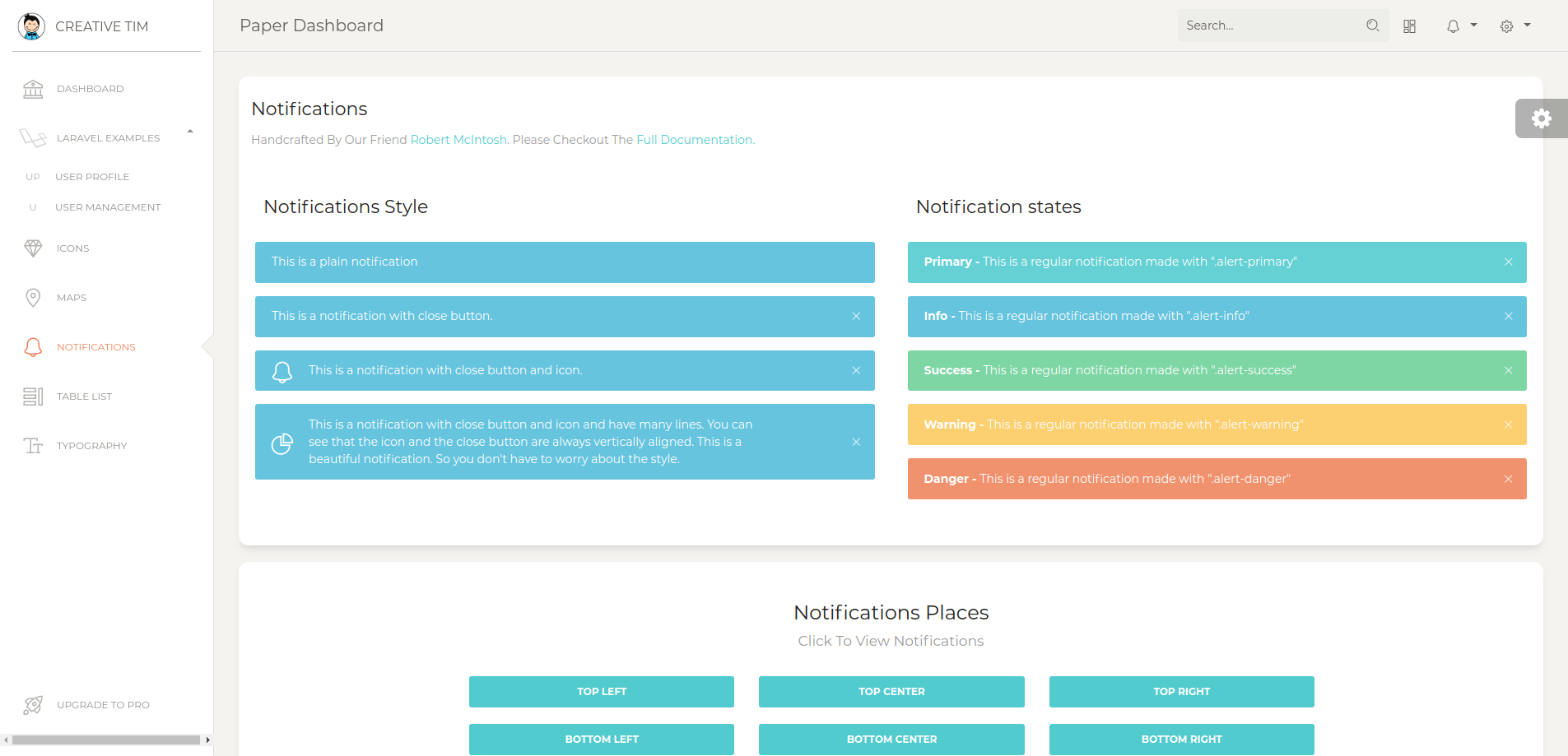 |
| View More |
Documentation
The documentation for the Paper Dashboard Laravel is hosted at our website.
File Structure
├── app
│   ├── Http
│   │   ├── Controllers
│   │   │   ├── Auth
│   │   │   │   └── RegisterController.php
│   │   │   ├── HomeController.php
│   │   │   ├── PageController.php
│   │   │   ├── ProfileController.php
│   │   │   └── UserController.php
│   │   └── Requests
│   │       ├── PasswordRequest.php
│   │       ├── ProfileRequest.php
│   │       └── UserRequest.php
│   └── Rules
│       └── CurrentPasswordCheckRule.php
├── database
│   └── seeds
│       ├── DatabaseSeeder.php
│       └── UsersTableSeeder.php
└── resources
    ├── assets
    │   ├── css
    │   │   ├── bootstrap.min.css
    │   │   ├── bootstrap.min.css.map
    │   │   ├── paper-dashboard.css
    │   │   ├── paper-dashboard.css.map
    │   │   └── paper-dashboard.min.css
    │   ├── demo
    │   │   ├── demo.css
    │   │   └── demo.js
    │   ├── fonts
    │   │   ├── nucleo-icons.eot
    │   │   ├── nucleo-icons.ttf
    │   │   ├── nucleo-icons.woff
    │   │   └── nucleo-icons.woff2
    │   ├── img
    │   │   ├── apple-icon.png
    │   │   ├── bg
    │   │   │   ├── fabio-mangione.jpg
    │   │   │   └── jan-sendereks.jpg
    │   │   ├── bg5.jpg
    │   │   ├── damir-bosnjak.jpg
    │   │   ├── default-avatar.png
    │   │   ├── faces
    │   │   │   ├── ayo-ogunseinde-1.jpg
    │   │   │   ├── ayo-ogunseinde-2.jpg
    │   │   │   ├── clem-onojeghuo-1.jpg
    │   │   │   ├── clem-onojeghuo-2.jpg
    │   │   │   ├── clem-onojeghuo-3.jpg
    │   │   │   ├── clem-onojeghuo-4.jpg
    │   │   │   ├── erik-lucatero-1.jpg
    │   │   │   ├── erik-lucatero-2.jpg
    │   │   │   ├── joe-gardner-1.jpg
    │   │   │   ├── joe-gardner-2.jpg
    │   │   │   ├── kaci-baum-1.jpg
    │   │   │   └── kaci-baum-2.jpg
    │   │   ├── favicon.png
    │   │   ├── header.jpg
    │   │   ├── jan-sendereks.jpg
    │   │   ├── logo-small.png
    │   │   └── mike.jpg
    │   ├── js
    │   │   ├── core
    │   │   │   ├── bootstrap.min.js
    │   │   │   ├── jquery.min.js
    │   │   │   └── popper.min.js
    │   │   ├── paper-dashboard.js
    │   │   ├── paper-dashboard.js.map
    │   │   ├── paper-dashboard.min.js
    │   │   └── plugins
    │   │       ├── bootstrap-notify.js
    │   │       ├── chartjs.min.js
    │   │       └── perfect-scrollbar.jquery.min.js
    │   └── scss
    │       ├── paper-dashboard
    │       │   ├── _alerts.scss
    │       │   ├── _animated-buttons.scss
    │       │   ├── _buttons.scss
    │       │   ├── cards
    │       │   │   ├── _card-chart.scss
    │       │   │   ├── _card-map.scss
    │       │   │   ├── _card-plain.scss
    │       │   │   ├── _card-stats.scss
    │       │   │   └── _card-user.scss
    │       │   ├── _cards.scss
    │       │   ├── _checkboxes-radio.scss
    │       │   ├── _dropdown.scss
    │       │   ├── _fixed-plugin.scss
    │       │   ├── _footers.scss
    │       │   ├── _images.scss
    │       │   ├── _inputs.scss
    │       │   ├── _misc.scss
    │       │   ├── mixins
    │       │   │   ├── _buttons.scss
    │       │   │   ├── _cards.scss
    │       │   │   ├── _dropdown.scss
    │       │   │   ├── _inputs.scss
    │       │   │   ├── _page-header.scss
    │       │   │   ├── _transparency.scss
    │       │   │   └── _vendor-prefixes.scss
    │       │   ├── _mixins.scss
    │       │   ├── _navbar.scss
    │       │   ├── _nucleo-outline.scss
    │       │   ├── _page-header.scss
    │       │   ├── plugins
    │       │   │   ├── _plugin-animate-bootstrap-notify.scss
    │       │   │   └── _plugin-perfect-scrollbar.scss
    │       │   ├── _responsive.scss
    │       │   ├── _sections.scss
    │       │   ├── _sidebar-and-main-panel.scss
    │       │   ├── _tables.scss
    │       │   ├── _typography.scss
    │       │   └── _variables.scss
    │       └── paper-dashboard.scss
    └── views
        ├── auth
        │   ├── login.blade.php
        │   ├── passwords
        │   │   ├── email.blade.php
        │   │   └── reset.blade.php
        │   └── register.blade.php
        ├── layouts
        │   ├── app.blade.php
        │   ├── footer.blade.php
        │   ├── navbars
        │   │   ├── auth.blade.php
        │   │   └── navs
        │   │       ├── auth.blade.php
        │   │       └── guest.blade.php
        │   └── page_templates
        │       ├── auth.blade.php
        │       └── guest.blade.php
        ├── pages
        │   ├── dashboard.blade.php
        │   ├── icons.blade.php
        │   ├── map.blade.php
        │   ├── notifications.blade.php
        │   ├── tables.blade.php
        │   ├── typography.blade.php
        │   └── upgrade.blade.php
        ├── profile
        │   └── edit.blade.php
        ├── users
        │   └── index.blade.php
        └── welcome.blade.php
Browser Support
At present, we officially aim to support the last two versions of the following browsers:



Resources
- Demo: https://www.creative-tim.com/live/paper-dashboard-laravel/?ref=pdl-readme
- Download Page: https://www.creative-tim.com/product/paper-dashboard-laravel?ref=pdl-readme
- Documentation: https://www.creative-tim.com/live/paper-dashboard-laravel/?start-page=/docs/getting-started/laravel-setup.html&ref=pdl-readme
- License Agreement: https://www.creative-tim.com/license
- Support: https://www.creative-tim.com/contact-us
- Issues: Github Issues Page
- Dashboards:
| HTML | LARAVEL |
|---|---|
Change log
Please see the changelog for more information on what has changed recently.
Credits
Reporting Issues
We use GitHub Issues as the official bug tracker for the Paper Dashboard Laravel. Here are some advices for our users that want to report an issue:
- Make sure that you are using the latest version of the Paper Dashboard Laravel. Check the CHANGELOG from your dashboard on our website.
- Providing us reproducible steps for the issue will shorten the time it takes for it to be fixed.
- Some issues may be browser specific, so specifying in what browser you encountered the issue might help.
Licensing
- Copyright Creative Tim (https://www.creative-tim.com/?ref=pdl-readme)
- Licensed under MIT (https://github.com/laravel-frontend-presets/paper-dashboard/blob/master/license.md)
Useful Links
- Tutorials
- Affiliate Program (earn money)
- Blog Creative Tim
- Free Products from Creative Tim
- Premium Products from Creative Tim
- React Products from Creative Tim
- Angular Products from Creative Tim
- VueJS Products from Creative Tim
- More products from Creative Tim
- Check our Bundles here
Social Media
Creative Tim:
Twitter: https://twitter.com/CreativeTim?ref=pdl-readme
Facebook: https://www.facebook.com/CreativeTim?ref=pdl-readme
Dribbble: https://dribbble.com/creativetim?ref=pdl-readme
Instagram: https://www.instagram.com/CreativeTimOfficial?ref=pdl-readme
Updivision:
Twitter: https://twitter.com/updivision?ref=pdl-readme
Facebook: https://www.facebook.com/updivision?ref=pdl-readme
Linkedin: https://www.linkedin.com/company/updivision?ref=pdl-readme
Updivision Blog: https://updivision.com/blog/?ref=pdl-readme
Credits
laravel-frontend-presets/paper 适用场景与选型建议
laravel-frontend-presets/paper 是一款 基于 CSS 开发的 Composer 扩展包,目前已累计 18.19k 次下载、GitHub Stars 达 50, 最近一次更新时间为 2019 年 08 月 30 日, 在 PHP 生态内属于活跃度较高的组件。
它主要适用于以下技术方向: 「laravel」 「paper」 「preset」 等业务场景。在实际项目中,围绕这些方向常见需要落地的问题包括:接口对接、性能调优、并发安全、与既有框架(Laravel / ThinkPHP / Yii / Webman 等)的兼容适配,以及生产环境的日志埋点与稳定性保障。
我们在过去多个企业项目中使用过 laravel-frontend-presets/paper 或与其功能相近的方案,如果你在选型或落地过程中遇到问题,例如 版本兼容、二次改造、私有化封装、与内部系统对接、生产 BUG 排查,欢迎联系我们协助评估。
基于 laravel-frontend-presets/paper 在你已有业务上做功能扩展、字段裁剪、UI 适配、与内部账号 / 权限 / 日志系统的深度对接。
线上偶发问题、内存泄漏、慢查询、并发异常等排查修复;针对高流量场景做缓存、队列、索引层面的调优。
承接完整的项目从需求 → 设计 → 开发 → 上线 → 长期运维;也可按月提供技术保姆服务。
与 laravel-frontend-presets/paper 相关的其它包
同方向 / 同关键字的高下载量 PHP Composer 包推荐,方便对比选型:
Bulma Frontend Preset For Laravel Framework 6.0 and Up
Implementation for rekalogika/print-contracts. Includes Paper and PageLayout.
Abstractions for conversion to PDF and printing in general.
DCODE FrontEnd preset for Laravel.
Image cache
The lireincore/imgcache integration for the Yii2 framework
统计信息
- 总下载量: 18.19k
- 月度下载量: 0
- 日度下载量: 0
- 收藏数: 50
- 点击次数: 16
- 依赖项目数: 0
- 推荐数: 0
其他信息
- 授权协议: MIT
- 更新时间: 2019-08-30