mirovit/nova-notifications
Composer 安装命令:
composer require mirovit/nova-notifications
包简介
A Laravel Nova tool to display user notifications.
README 文档
README
Quick Links
Prerequisites
- Laravel Nova app
- Laravel Broadcasting configured
- Laravel Echo
- Laravel Notifications
Installation
Install via composer composer require mirovit/nova-notifications.
Laravel will auto-register the Service Provider. You'll need to register the tool with Laravel Nova.
    public function tools()
    {
        return [
            // ...
            \Mirovit\NovaNotifications\NovaNotifications::make(),
        ];
    }
Make sure you have the user channel authenticated in routes/channels.php or where you store this logic:
Broadcast::channel('App.Models.User.{id}', function ($user, $id) {
    return (int)$user->id === (int)$id;
});
Laravel Echo is not bundled with Nova by defult, so you will need to setup that for your front end. To do that follow these steps below:
- Install Echo
npm install- create an admin.js file in resources/js
import Echo from 'laravel-echo';

// Sample instance with Pusher
window.Pusher = require('pusher-js');

window.Echo = new Echo({
    broadcaster: 'pusher',
    key: process.env.MIX_PUSHER_APP_KEY,
    cluster: process.env.MIX_PUSHER_APP_CLUSTER,
    encrypted: true
});
- add to your webpack.mix.js
mix.js('resources/js/admin.js', 'public/js');
- add in your Nova layout.blade.php
// ...
<script src="{{ mix('app.js', 'vendor/nova') }}"></script>
<script src="{{ mix('js/admin.js') }}"></script>
Additionally, the package assumes that models are namespaced as App\Models, if that is not correct for your project, the authentication between the front & back end will not work and notifications will not show without refreshing the page. Go to the Configuration section to see how to fix this.
The last step is to publish manually Nova's layout file if you haven't done so.
cp vendor/laravel/nova/resources/views/layout.blade.php resources/views/vendor/nova/layout.blade.php
Then place the partial view that displays the bell icon in the nav bar:
Find in views/vendor/nova/layout.blade.php:
<dropdown class="ml-auto h-9 flex items-center dropdown-right">
    @include('nova::partials.user')
</dropdown>
Replace with:
@include('nova-notifications::dropdown')

<dropdown class="ml-8 h-9 flex items-center dropdown-right">
    @include('nova::partials.user')
</dropdown>
Usage
Trigger a notification from Laravel. Sample notification:
<?php

namespace App\Notifications;

use App\User;
use Illuminate\Bus\Queueable;
use Illuminate\Contracts\Queue\ShouldQueue;
use Illuminate\Notifications\Messages\BroadcastMessage;
use Illuminate\Notifications\Messages\MailMessage;
use Illuminate\Notifications\Notification;

class Created extends Notification
{
    use Queueable;

    private $user;


    /**
     * Create a new notification instance.
     *
     * @param User $user
     */
    public function __construct(User $user)
    {
        $this->user = $user;
    }

    /**
     * Get the notification's delivery channels.
     *
     * @param  mixed  $notifiable
     * @return array
     */
    public function via($notifiable)
    {
        return ['database', 'broadcast'];
    }

    /**
     * Get the array representation of the notification.
     *
     * @param  mixed  $notifiable
     * @return array
     */
    public function toArray($notifiable)
    {
        return \Mirovit\NovaNotifications\Notification::make()
            ->info('A new user was created.')
            ->subtitle('There is a new user in the system - ' . $this->user->name . '!')
            ->routeDetail('users', $this->user->id)
            ->toArray();

    }
}
Available methods
Notification::make($title = null, $subtitle = null)
    // Sets title
    ->title(string $value)
    // Sets subtitle
    ->subtitle(string $subtitle)
    // Link and route work similarly. Route has precedence over link, if you define both on an instance. You should generally use a one of them.
    ->link(string $url, bool $external = false)
    // Route to internal resource
    ->route(string $name, string $resourceName, $resourceId = null)
    // Helper methods for resource routing
    ->routeIndex(string $resourceName)
    ->routeCreate(string $resourceName)
    ->routeEdit(string $resourceName, $resourceId)
    ->routeDetail(string $resourceName, $resourceId)
    // Notification level - info, success or error

    ->level(string $value)
    // Helpers to set title and level with one call
    ->info(string $value)
    ->success(string $value)
    ->error(string $value)
    // Set custom date for notification, defaults to current datetime
    ->createdAt(Carbon $value)
    // Add icon classes to be applied, ex: fas fa-info
    ->icon(string $value)
    ->showMarkAsRead(bool $value = true)
    ->showCancel(bool $value = true)
    // URL to the sound that the notification should make
    ->sound('https://url-to-a-sound-file')
    // If `play_sound` is set to true in your config, every notification will play the default sound. You can disable the sound per notification here.
    ->playSound(bool $value = true)
    // Whether to show the toasted popup notification
    ->displayToasted(bool $value = true)
    // Alias to invoke the displayToasted() with false
    ->hideToasted()
    ->toArray();
Icons
In order to show the icons, you need to make sure they are imported in your project. You can use any icon font like Font Awesome.
Example usage of FA:
In layout.blade.php add the CSS for FA.
Then just add the->icon() method on your notification and specify the classes for rendering the icon fas fa-info.
Configuration
There is an optional config file published by the package. If you use a different convention for model namespaces or you want to override the default controllers provided by the package, then you'll need to publish the configuration into your project.
Note that the default model namespace that the package assumes is App\Models, so if you're using another namespace, this will have to be adjusted for the authentication between the API and the front end.
php artisan vendor:publish and select the number corresponding to Mirovit\NovaNotifications\NovaNotificationsServiceProvider or publish all.
Translation
The package has been translated into English, if you require additional translations, you can add them as documented in the Laravel Nova docs.
An item that has come up a few times is that the difference for humans is displayed only in English, regardless of the application locale. You need to set the moment.js locale in your application to the appropriate locale, this is not a responsibility of this package.
Locate your layout file - resources/views/vendor/nova/layout.blade.php:
Find:
<!-- Build Nova Instance -->
<script>
    window.Nova = new CreateNova(config)
</script>
and replace with:
<!-- Build Nova Instance -->
<script>
    window.Nova = new CreateNova(config)
    moment.locale('es-es') // this can come from a config setting, just an example of how to set it
</script>
Demo
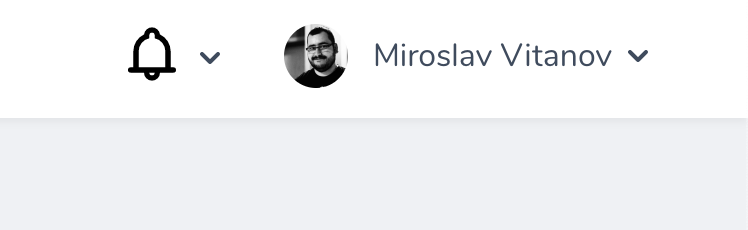
No notifications
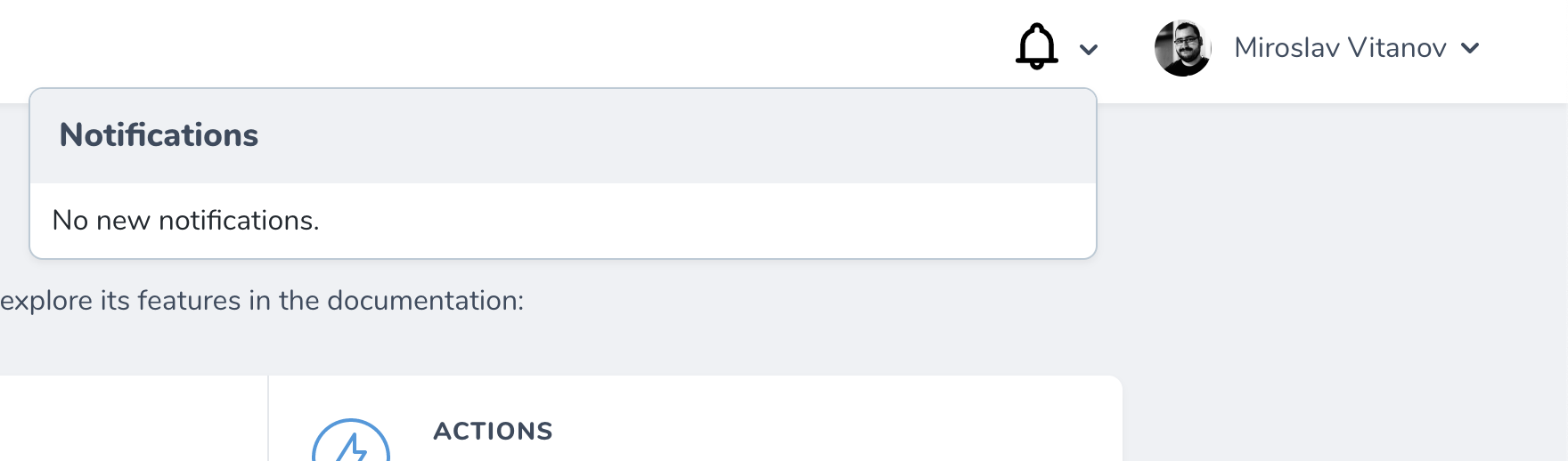
No notifications opened
Notifications count

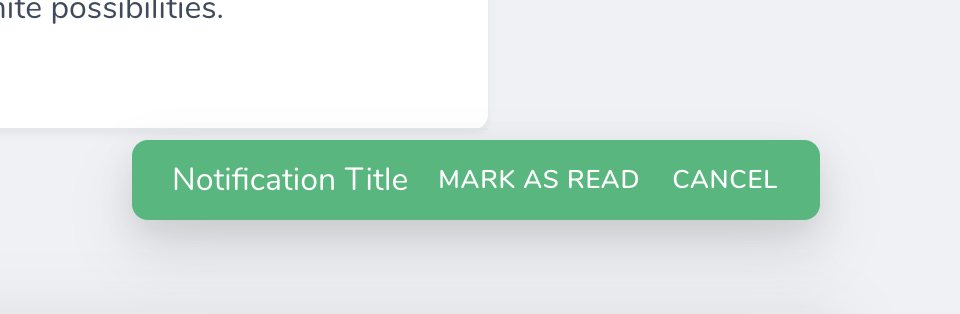
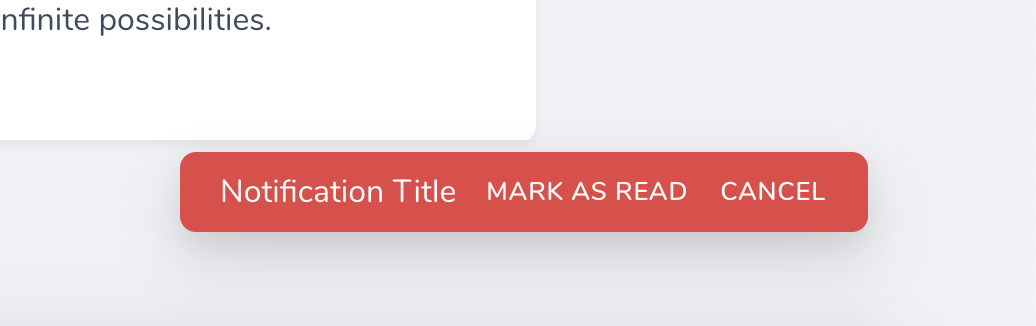
Notification success
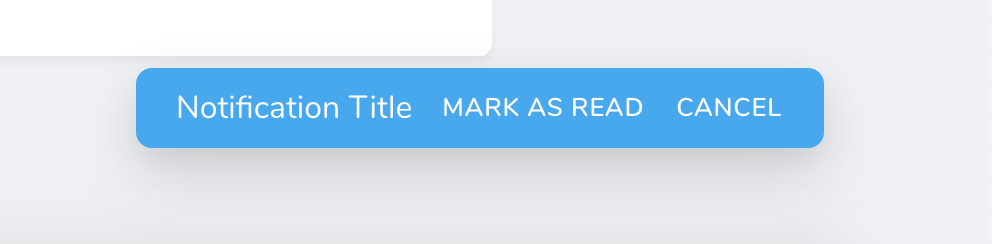
Notification info
Notification error
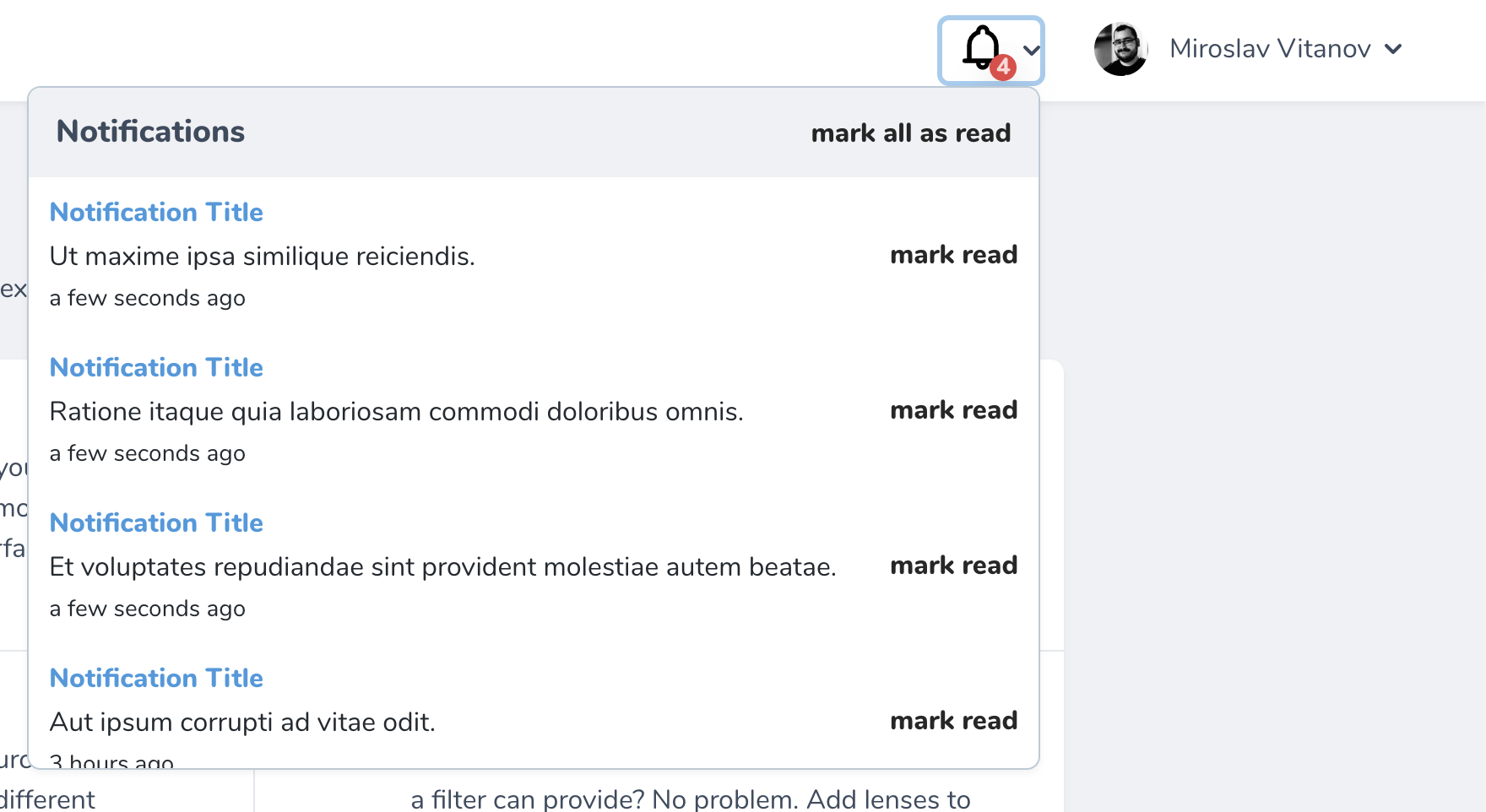
Notifications open
ToDos
- Add translations
- Add docs for customizing the Vue layout
- Allow for external links in notifications
- Add support for icons
- Actions customization
mirovit/nova-notifications 适用场景与选型建议
mirovit/nova-notifications 是一款 基于 PHP 开发的 Composer 扩展包,目前已累计 111.03k 次下载、GitHub Stars 达 64, 最近一次更新时间为 2020 年 04 月 02 日, 在 PHP 生态内属于活跃度较高的组件。
它主要适用于以下技术方向: 「nova」 「laravel」 等业务场景。在实际项目中,围绕这些方向常见需要落地的问题包括:接口对接、性能调优、并发安全、与既有框架(Laravel / ThinkPHP / Yii / Webman 等)的兼容适配,以及生产环境的日志埋点与稳定性保障。
我们在过去多个企业项目中使用过 mirovit/nova-notifications 或与其功能相近的方案,如果你在选型或落地过程中遇到问题,例如 版本兼容、二次改造、私有化封装、与内部系统对接、生产 BUG 排查,欢迎联系我们协助评估。
基于 mirovit/nova-notifications 在你已有业务上做功能扩展、字段裁剪、UI 适配、与内部账号 / 权限 / 日志系统的深度对接。
线上偶发问题、内存泄漏、慢查询、并发异常等排查修复;针对高流量场景做缓存、队列、索引层面的调优。
承接完整的项目从需求 → 设计 → 开发 → 上线 → 长期运维;也可按月提供技术保姆服务。
与 mirovit/nova-notifications 相关的其它包
同方向 / 同关键字的高下载量 PHP Composer 包推荐,方便对比选型:
A Laravel Nova card that shows you your system information.
A Laravel Nova card.
A Laravel Nova package for publishable fields
A Laravel Nova package for translatable fields
A Laravel Nova Image field. you can paste or drag or chose an image
A Laravel Nova Mail testing tool.
统计信息
- 总下载量: 111.03k
- 月度下载量: 0
- 日度下载量: 0
- 收藏数: 64
- 点击次数: 13
- 依赖项目数: 2
- 推荐数: 0
其他信息
- 授权协议: MIT
- 更新时间: 2020-04-02