noplans/craft-vimeo-pro
Composer 安装命令:
composer require noplans/craft-vimeo-pro
包简介
Save video data as field from Vimeo Pro API
README 文档
README
The field offers an easy way to fetch video data (sources, poster-frames, sizes and more) from a specified Vimeo Pro account.
Adapted from ACF Vimeo Pro Data
Requirements
- Craft CMS 3.0.0 or later.
- Vimeo Pro plan or higher
Installation
To install the plugin, follow these instructions.
-
Open your terminal and go to your Craft project:
cd /path/to/project -
Then tell Composer to load the plugin:
composer require noplans/craft-vimeo-pro -
In the Control Panel, go to Settings → Plugins and click the “Install” button for Craft Vimeo Pro.
Craft Vimeo Pro Overview
Adds a searchable field to import Vimeo videos to Craft.
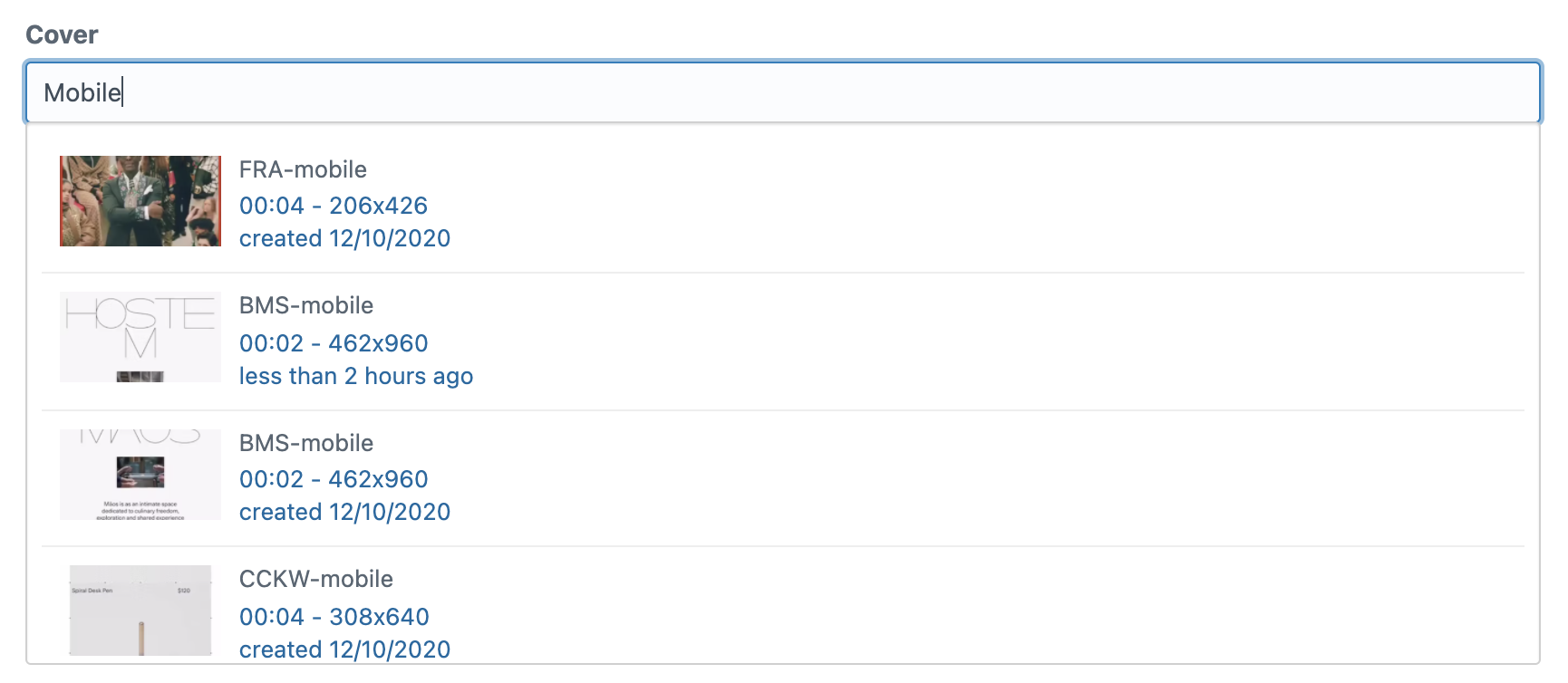
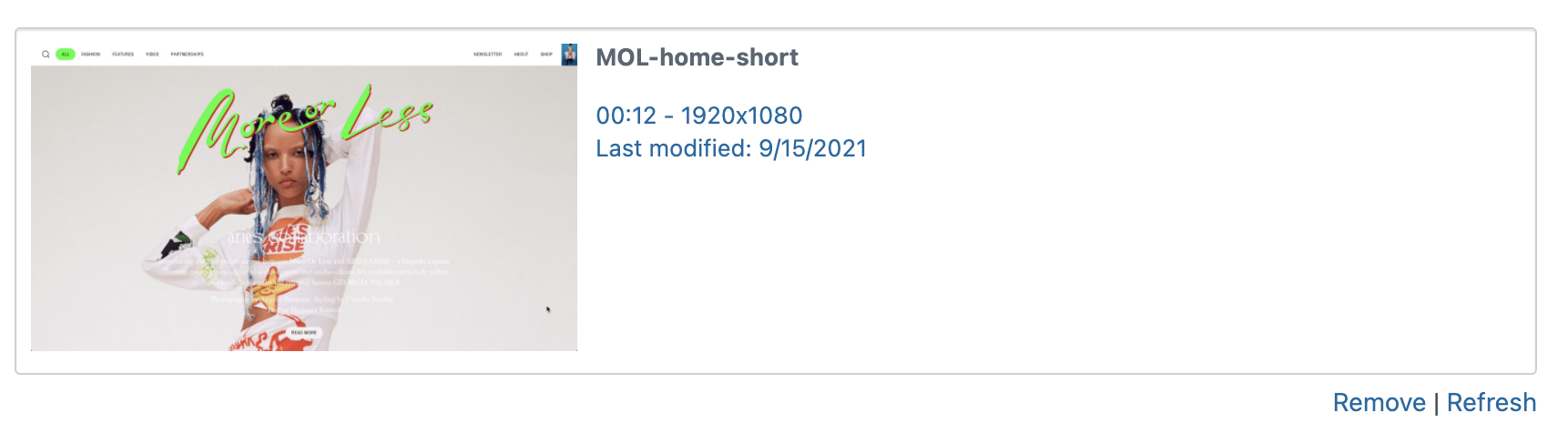
Configuring Craft Vimeo Pro
- Add Vimeo Auth Token in
Settings > Craft Vimeo Pro. (see https://developer.vimeo.com/api/start) - Create a new field with type
Vimeo Video - Add field to Section entry type
Using Craft Vimeo Pro
- The entire JSON object returned from Vimeo is stored as a string in the field
- In templates, use
{{ craft.craftVimeoPro.videoObj(YOUR_VIMEO_FIELDNAME) }}to return JSON parsed as an object.
Brought to you by No Plans
统计信息
- 总下载量: 33
- 月度下载量: 0
- 日度下载量: 0
- 收藏数: 0
- 点击次数: 1
- 依赖项目数: 0
- 推荐数: 0
其他信息
- 授权协议: MIT
- 更新时间: 2021-12-18