nperez/laravel2step
Composer 安装命令:
composer require nperez/laravel2step
包简介
Laravel 2 Step Authentication Package
README 文档
README

Laravel 2 Step Verification
Laravel 2-Step Verification is a package to add 2-Step user authentication to any Laravel project easily. It is configurable and customizable. It uses notifications to send the user an email with a 4-digit verification code. Can be used in out the box with Laravel's authentication scaffolding or integrated into other projects.




Table of contents:
- Features
- Requirements
- Installation Instructions
- Configuration
- Usage
- Routes
- Screenshots
- File Tree
- Future
- Opening an Issue
- License
Features
| Laravel 2 Step Verification Features |
|---|
| Uses Notification Class to send user code to users email |
| Can publish customizable views and assets |
| Lots of configuration options |
| Uses Language localization files |
| Verificaton Page |
| Locked Page |
Requirements
Installation Instructions
From your projects root folder in terminal run:
Laravel 6+ use:
composer require nperez/laravel2stepRegister the package
Laravel 5.5 and up Uses package auto discovery feature, no need to edit the
config/app.phpfile.Laravel 5.4 and below Register the package with laravel in
config/app.phpunderproviderswith the following:
    'providers' => [
        nperez\laravel2step\laravel2stepServiceProvider::class,
    ];
- Publish the packages views, config file, assets, and language files by running the following from your projects root folder:
php artisan vendor:publish --tag=laravel2step
Optionally Update your
.envfile and associated settings (see Environment File section)Run the migration to add the verifications codes table:
php artisan migrate
- Note: If you want to specify a different table or connection make sure you update your
.envfile with the needed configuration variables.
- Make sure your apps email is configured - this is usually done by configuring the Laravel out the box settings in the
.envfile.
Configuration
Laravel 2-Step Verification can be configured in directly in /config/laravel2step.php or in the variables in your .env file.
Environment File
Here are the .env file variables available:
LARAVEL_2STEP_ENABLED=true
LARAVEL_2STEP_DATABASE_CONNECTION=mysql
LARAVEL_2STEP_DATABASE_TABLE=laravel2step
LARAVEL_2STEP_USER_MODEL=App\User
LARAVEL_2STEP_EMAIL_FROM="anEmailIsrequired@email.com"
LARAVEL_2STEP_EMAIL_FROM_NAME="Laravel 2 Step Verification"
LARAVEL_2STEP_EMAIL_SUBJECT='Laravel 2 Step Verification'
LARAVEL_2STEP_EXCEEDED_COUNT=3
LARAVEL_2STEP_EXCEEDED_COUNTDOWN_MINUTES=1440
LARAVEL_2STEP_VERIFIED_LIFETIME_MINUTES=360
LARAVEL_2STEP_RESET_BUFFER_IN_SECONDS=300
LARAVEL_2STEP_CSS_FILE="css/laravel2step/app.css"
LARAVEL_2STEP_APP_CSS_ENABLED=false
LARAVEL_2STEP_APP_CSS="css/app.css"
LARAVEL_2STEP_BOOTSTRAP_CSS_CDN_ENABLED=true
LARAVEL_2STEP_BOOTSTRAP_CSS_CDN="https://maxcdn.bootstrapcdn.com/bootstrap/3.3.7/css/bootstrap.min.css"
Usage
Laravel 2-Step Verification is enabled via middleware. You can enable 2-Step Verification in your routes and controllers via the following middleware:
twostep
Example to start recording page views using middlware in web.php:
Route::group(['middleware' => ['twostep']], function () {
    Route::get('/home', 'HomeController@index')->name('home');
});
Routes
Screenshots
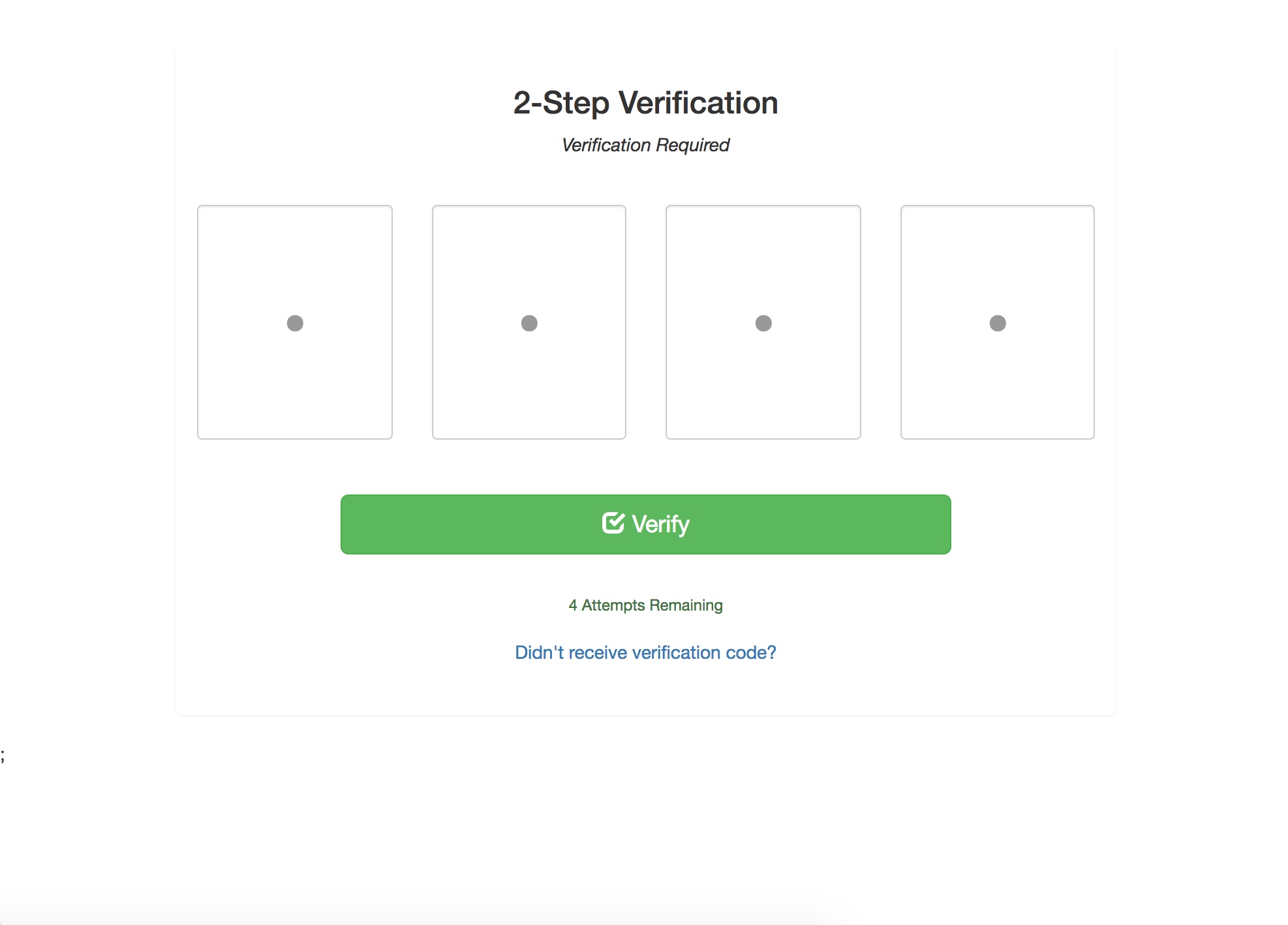
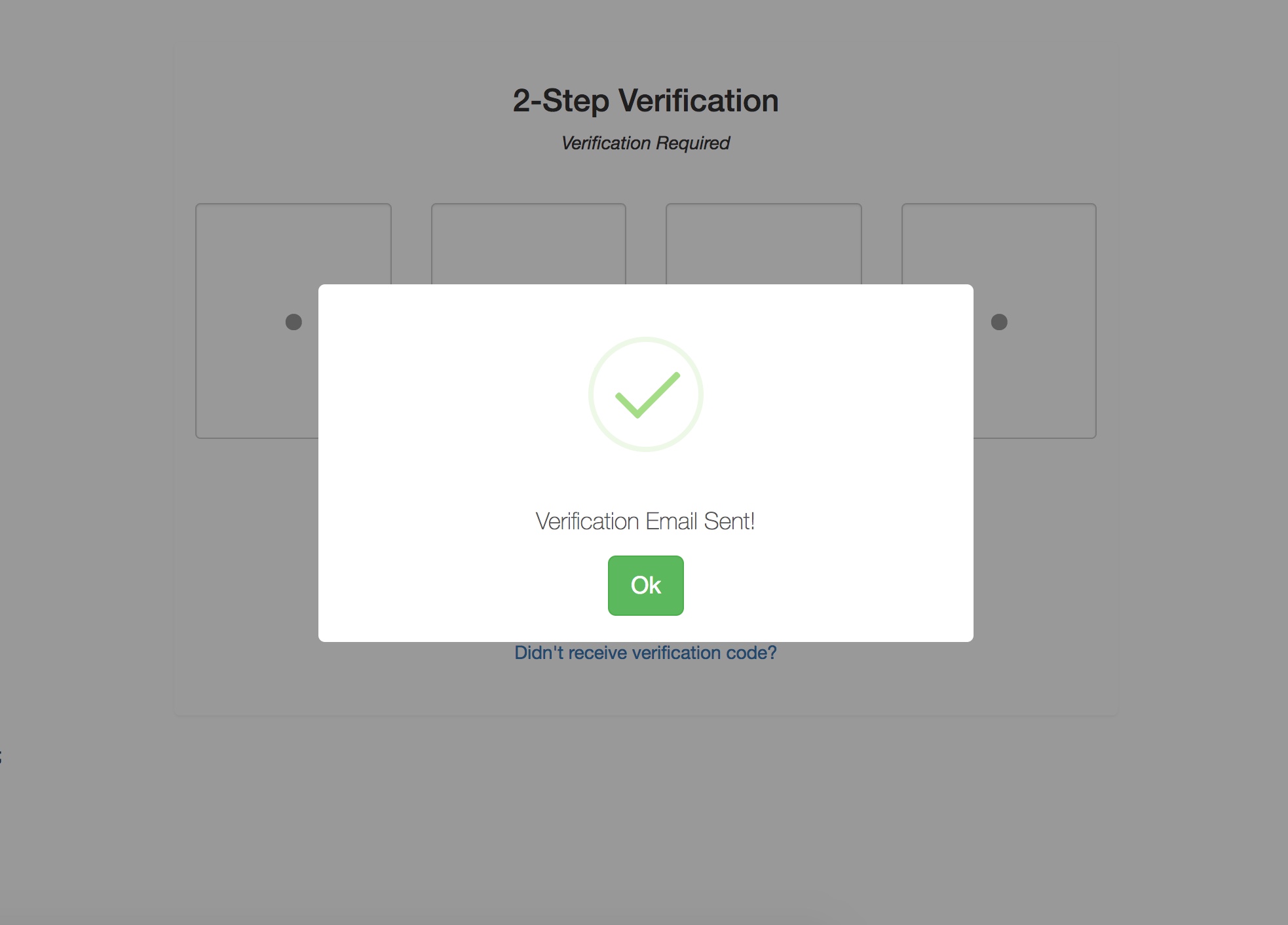
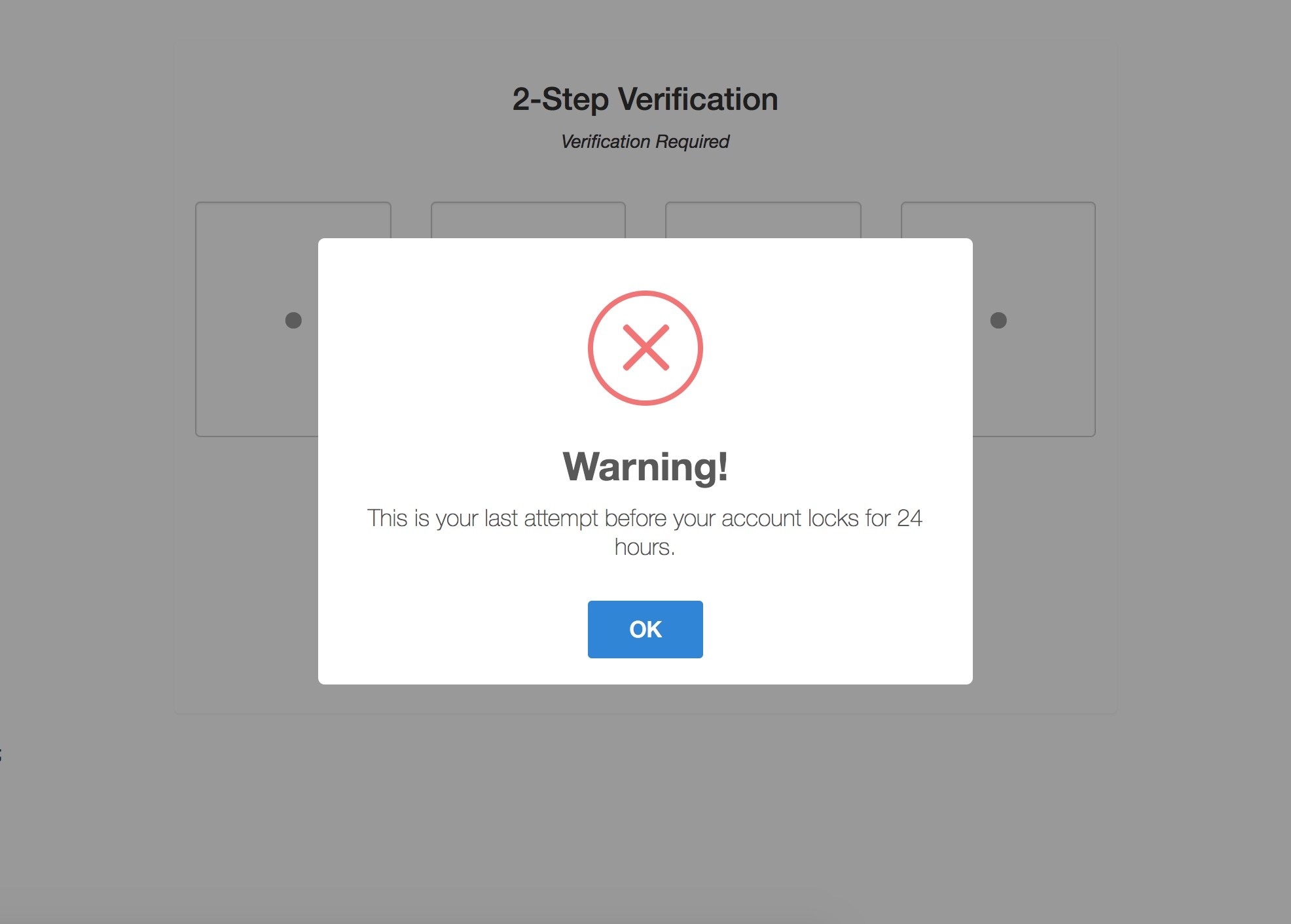
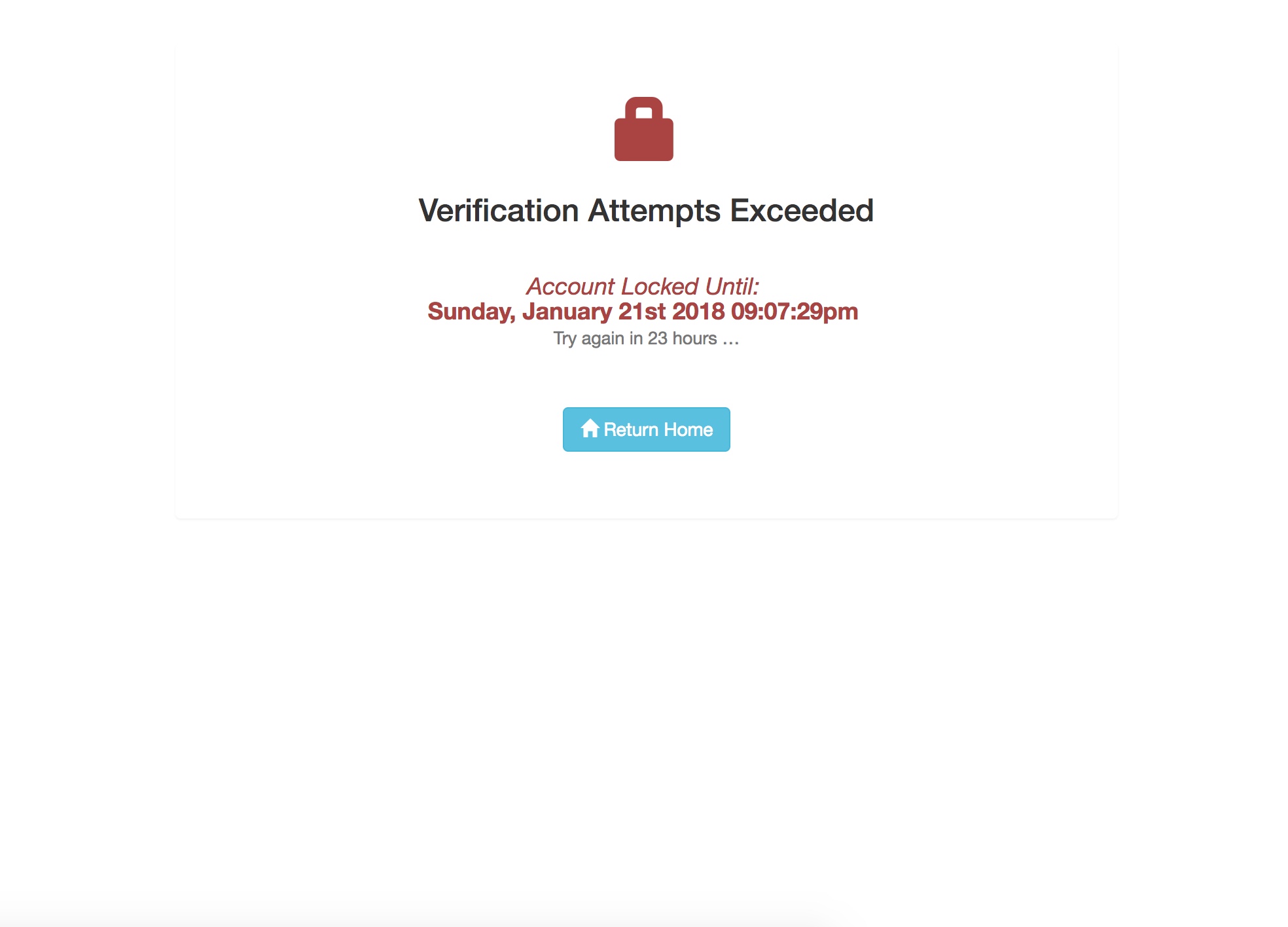
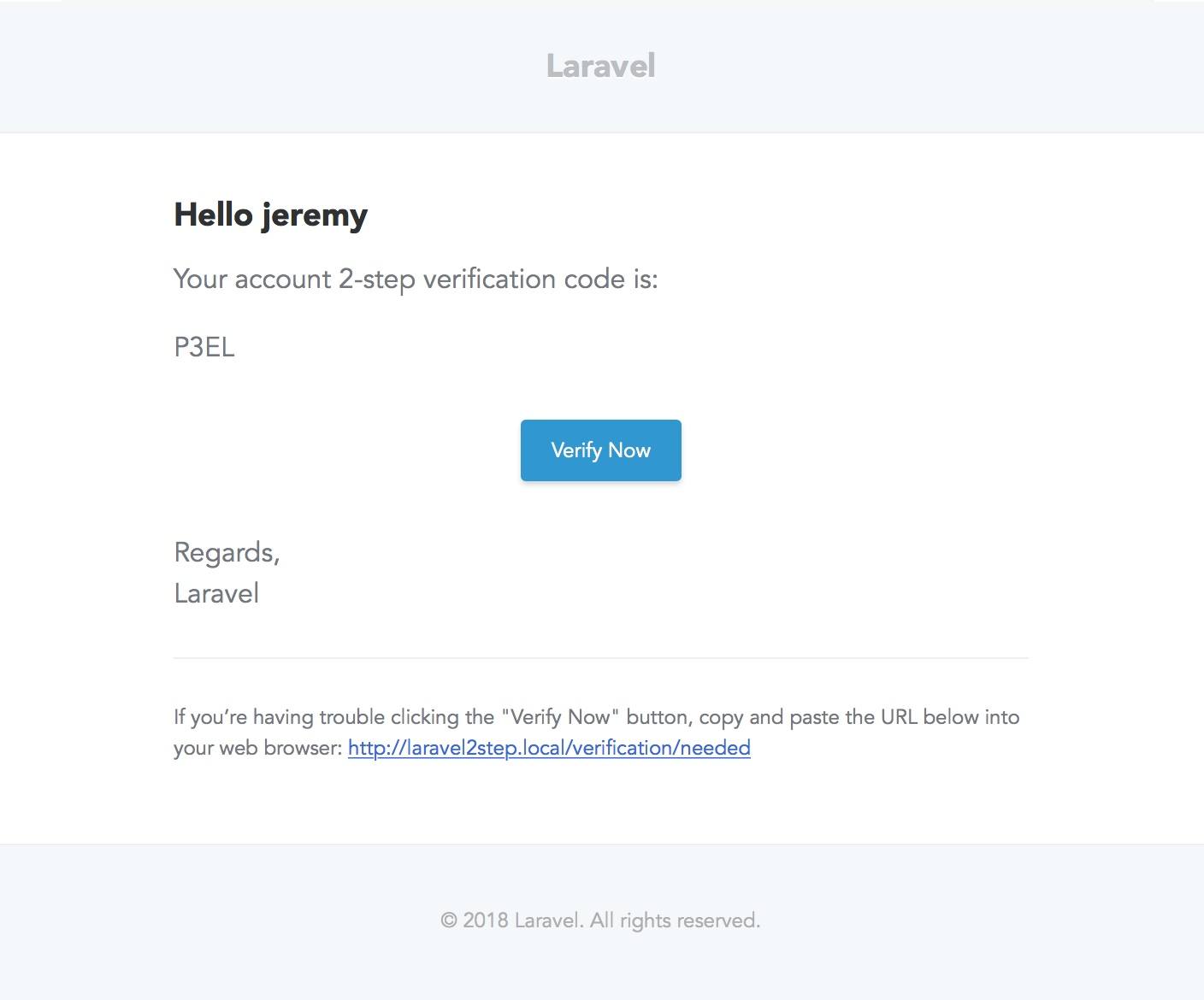
File Tree
└── laravel2step
    ├── .gitignore
    ├── LICENSE
    ├── README.md
    ├── composer.json
    └── src
        ├── .env.example
        ├── Laravel2stepServiceProvider.php
        ├── app
        │   ├── Http
        │   │   ├── Controllers
        │   │   │   └── TwoStepController.php
        │   │   └── Middleware
        │   │       └── Laravel2step.php
        │   ├── Models
        │   │   └── TwoStepAuth.php
        │   ├── Notifications
        │   │   └── SendVerificationCodeEmail.php
        │   └── Traits
        │       └── Laravel2StepTrait.php
        ├── config
        │   └── laravel2step.php
        ├── database
        │   └── migrations
        │       └── 2017_12_09_070937_create_two_step_auth_table.php
        ├── public
        │   └── css
        │       ├── app.css
        │       └── app.min.css
        ├── resources
        │   ├── assets
        │   │   └── scss
        │   │       ├── _animations.scss
        │   │       ├── _mixins.scss
        │   │       ├── _modals.scss
        │   │       ├── _variables.scss
        │   │       ├── _verification.scss
        │   │       └── app.scss
        │   ├── lang
        │   │   └── en
        │   │       └── laravel-verification.php
        │   └── views
        │       ├── layouts
        │       │   └── app.blade.php
        │       ├── partials
        │       ├── scripts
        │       │   └── input-parsing-auto-stepper.blade.php
        │       └── twostep
        │           ├── exceeded.blade.php
        │           └── verification.blade.php
        └── routes
            └── web.php
- Tree command can be installed using brew:
brew install tree - File tree generated using command
tree -a -I '.git|node_modules|vendor|storage|tests
Future
- Unit Tests
- Travis-CI Integration.
- Its own HTML email template.
- Add in additional notifications for SMS or ???.
- Add in capture IP Address.
- Change to incremental tables and logic accordingly
- Create Artisan command and job to prune said entries.
Opening an Issue
Before opening an issue there are a couple of considerations:
- You are all awesome!
- Read the instructions and make sure all steps were followed correctly.
- Check that the issue is not specific to your development environment setup.
- Provide duplication steps.
- Attempt to look into the issue, and if you have a solution, make a pull request.
- Show that you have made an attempt to look into the issue.
- Check to see if the issue you are reporting is a duplicate of a previous reported issue.
- Following these instructions show me that you have tried.
- If you have a questions send me an email to nperez@gmail.com
- Need some help, I can do my best on Slack: https://opensourcehelpgroup.slack.com
- Please be considerate that this is an open source project that I provide to the community for FREE when openeing an issue.
Open source projects are a the community’s responsibility to use, contribute, and debug.
License
Laravel 2-Step Verification is licensed under the MIT license. Enjoy!
nperez/laravel2step 适用场景与选型建议
nperez/laravel2step 是一款 基于 PHP 开发的 Composer 扩展包,目前已累计 4.67k 次下载、GitHub Stars 达 0, 最近一次更新时间为 2023 年 07 月 24 日, 在 PHP 生态内属于活跃度较高的组件。
它主要适用于以下技术方向: 「laravel」 「verification」 「2-step verification」 等业务场景。在实际项目中,围绕这些方向常见需要落地的问题包括:接口对接、性能调优、并发安全、与既有框架(Laravel / ThinkPHP / Yii / Webman 等)的兼容适配,以及生产环境的日志埋点与稳定性保障。
我们在过去多个企业项目中使用过 nperez/laravel2step 或与其功能相近的方案,如果你在选型或落地过程中遇到问题,例如 版本兼容、二次改造、私有化封装、与内部系统对接、生产 BUG 排查,欢迎联系我们协助评估。
基于 nperez/laravel2step 在你已有业务上做功能扩展、字段裁剪、UI 适配、与内部账号 / 权限 / 日志系统的深度对接。
线上偶发问题、内存泄漏、慢查询、并发异常等排查修复;针对高流量场景做缓存、队列、索引层面的调优。
承接完整的项目从需求 → 设计 → 开发 → 上线 → 长期运维;也可按月提供技术保姆服务。
与 nperez/laravel2step 相关的其它包
同方向 / 同关键字的高下载量 PHP Composer 包推荐,方便对比选型:
Laravel 2 Step Authentication Package
Laravel Package for easier user email verification.
The TOTP based on [RFC6238](https://tools.ietf.org/html/rfc6238)
Alfabank REST API integration
Instant account security with effortless, email-based two-factor authentication; optional mobile app for more security; no tokens
This is an easy to use, powerful and extendable Laravel package for authorization user actions via custom channels.
统计信息
- 总下载量: 4.67k
- 月度下载量: 0
- 日度下载量: 0
- 收藏数: 0
- 点击次数: 7
- 依赖项目数: 0
- 推荐数: 0
其他信息
- 授权协议: MIT
- 更新时间: 2023-07-24