webhubworks/craft-flare
Composer 安装命令:
composer require webhubworks/craft-flare
包简介
Flare error tracker integration for Craft CMS
README 文档
README
Flare error tracker integration for Craft CMS
Requirements
This plugin requires Craft CMS 4.5.0/5.0.0 or later, and PHP 8.0.2 or later.
You'll also have to provide an Flare API key.
🙏 You can create a Flare account using our affiliate link: Flare This helps a lot supporting the maintenance of this plugin.
Installation
To install the plugin, follow these instructions.
-
Open your terminal and go to your Craft project:
cd /path/to/project -
Then tell Composer to load the plugin and install it:
 composer require "webhubworks/craft-flare" -w && php craft plugin/install craft-flare

 # or with DDEV
 ddev composer require "webhubworks/craft-flare" -w && ddev craft plugin/install craft-flare
Configuration
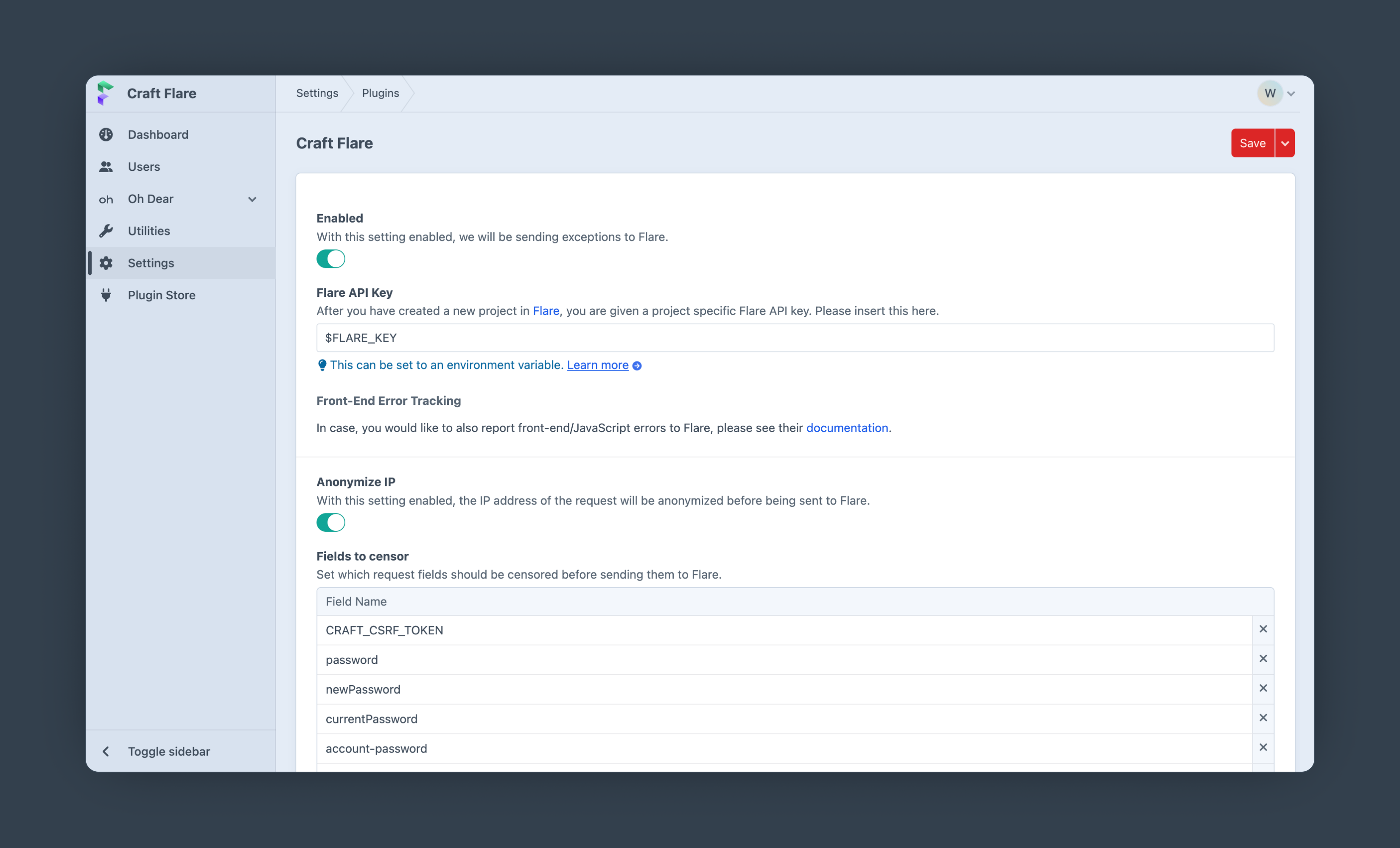
Create a new PHP project in Flare or go to the settings page of your existing Flare project and copy your project specific Flare API key. Paste this key into the Craft Flare settings.
Bootstrapping (optional)
To load Flare as early as possible during the application boot up add the following line as the first entry of bootstrap into your config/app.php file:
# config/app.php

'bootstrap' => [
    '\webhubworks\flare\Bootstrap', // <-- Add this line as the first entry
    // other bootstrap entries
],
Usage
In general, you do not need to do anything. This plugin will report exceptions to Flare automatically.
In case you want to report manually or e.g. add context/glow, you can use CraftFlare::getFlareInstance().
Example:
CraftFlare::getFlareInstance()
   ->context('Order', [
         'price' => $order->price,
         'currency' => $order->currency,
    ])
   ->report(new \Exception('Test exception'));
Testing Flare
In order to quickly test whether everything is set up correctly and if errors are reported to Flare, you can use the buttons in the "Testing Error-Tracking" section on the plugins settings page.
统计信息
- 总下载量: 757
- 月度下载量: 0
- 日度下载量: 0
- 收藏数: 0
- 点击次数: 1
- 依赖项目数: 0
- 推荐数: 0
其他信息
- 授权协议: mit
- 更新时间: 2024-11-28