dahmen/automad-terminal
Composer 安装命令:
composer require dahmen/automad-terminal
包简介
A minimal Automad blog theme for terminal lovers
README 文档
README
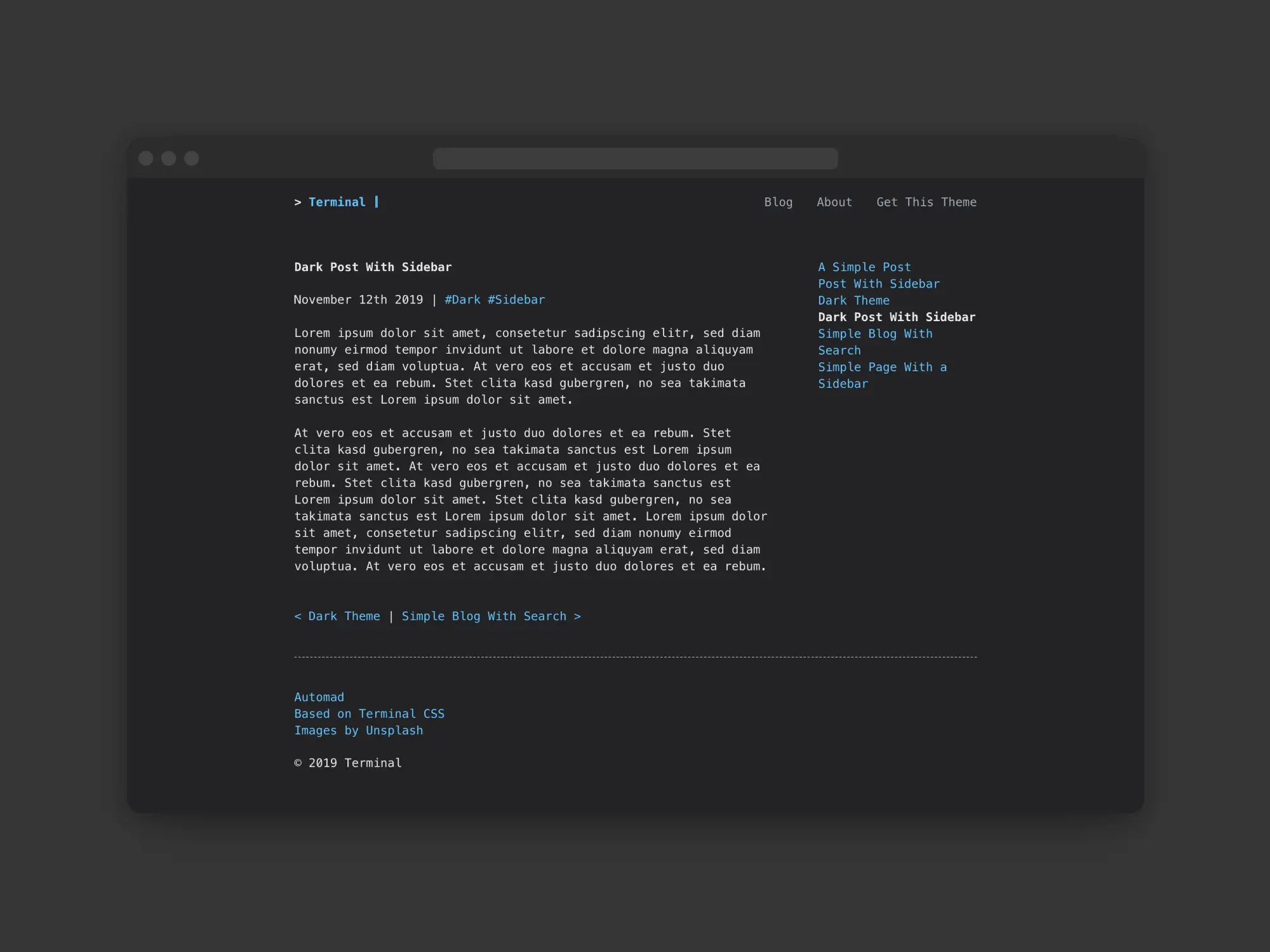
A minimal and responsive blog theme for the Automad CMS based on the beautiful Terminal CSS framework, including a light and a dark color scheme. Check out the demo page and all available templates here.
Configuration
There are multiple variables to configure this theme. Find below a list of the most important options to control the look and feel of your blog.
Add Pages to Navbar and Footer
You can use the Show In Navbar and Show In Footer switches within a page's Data and Settings section to add a page to the navbar or footer menu. Note that you can still hide a page from the blog and sidebar by switching on the Hide Page from Navigation toggle at the same time.
Preview Cards for Facebook or Twitter
This theme supports open graph preview cards to be displayed when sharing a page on Twitter or Facebook out of the box. To show a selected image along with your post when sharing it, you just have to assing the image URL to the Og Image field in the page data section. You can also set an image glabally for all posts by defining the same field in the Global Data and Files section.
Google Analytics and Other Custom Header or Footer Items
Sometimes it is required to add custom Javascript or CSS to one or more pages. This could be for example the case if you would want to add a Google Analytics tracking snippet to your site. Therefore this theme provides two variables for that purpose. The Items Header variable lets you add all kind of header items right before the closing </head> tag. To add any HTML or JS right before the closing </body> tag you can use the Items Footer variable.
Activating the Dark Color Scheme
By default the light color scheme is used by this theme. You can use the Dark Mode switch to activate the dark color scheme for a single page (Page Data) or globally (Shared Data) instead.
Hide Search or Filters
By default the blog templates show a search bar as well as a list of tags to filter the blog posts. The Hide Filters and Hide Search switches can be used to hide those elements from a blog page.
Filter Blog Pages by Template
To provide more control over the selection of pages that are getting displayd in your blog, you can define a regex pattern in the Template Filter field of the blog page to filter pages by its template name. For example by setting that field to post, the blog page will only show pages that are using a template with a name including the word "post".
Tag Target URL
Every post can have one or more tags. Clicking such a tag will open the main blog page filtered by the clicked tag. By default that main blog page will be the parent page of the post. You can define the Url Tag Link Target variable to use a different URL as target instead.
Color Schemes
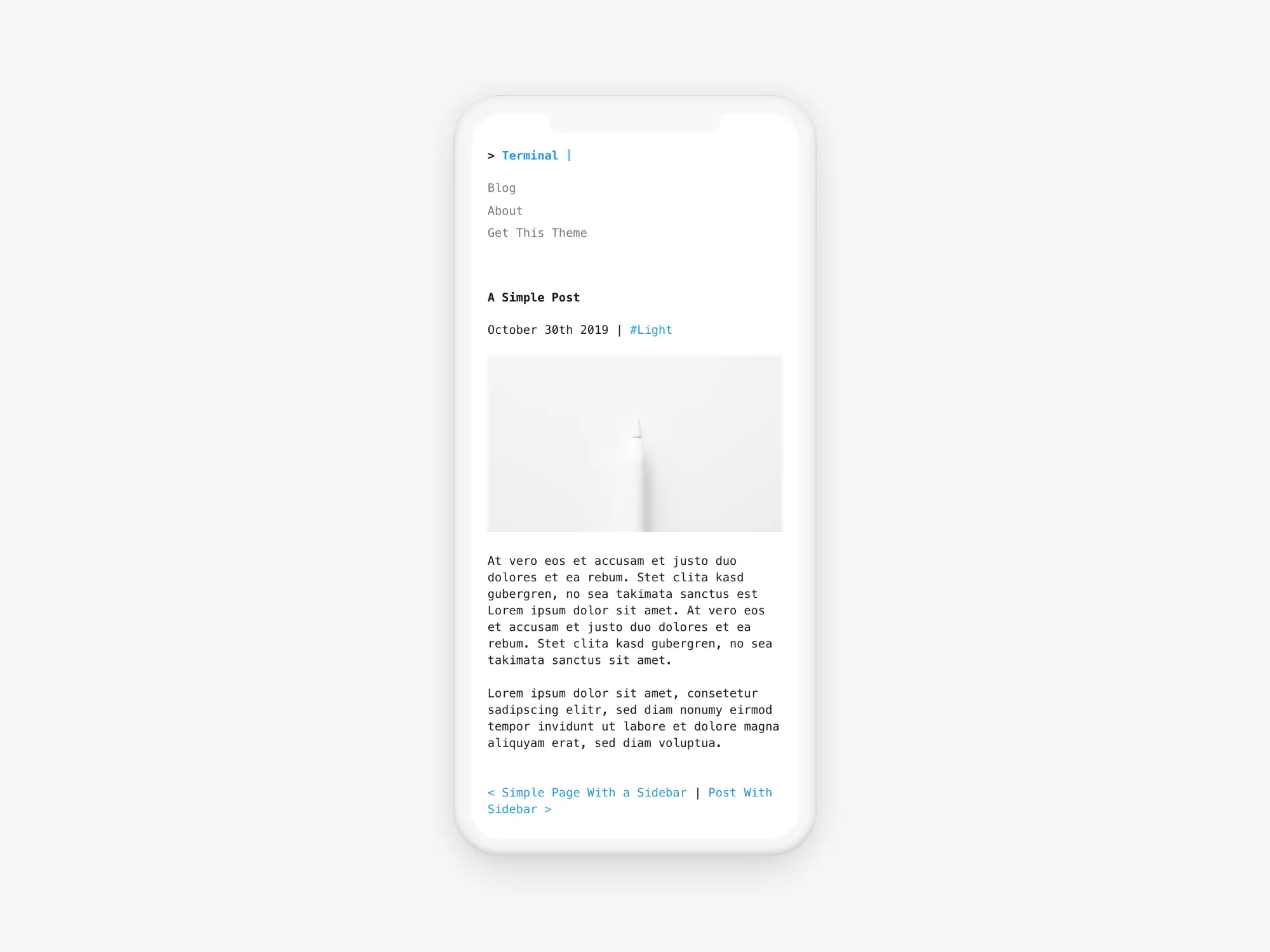
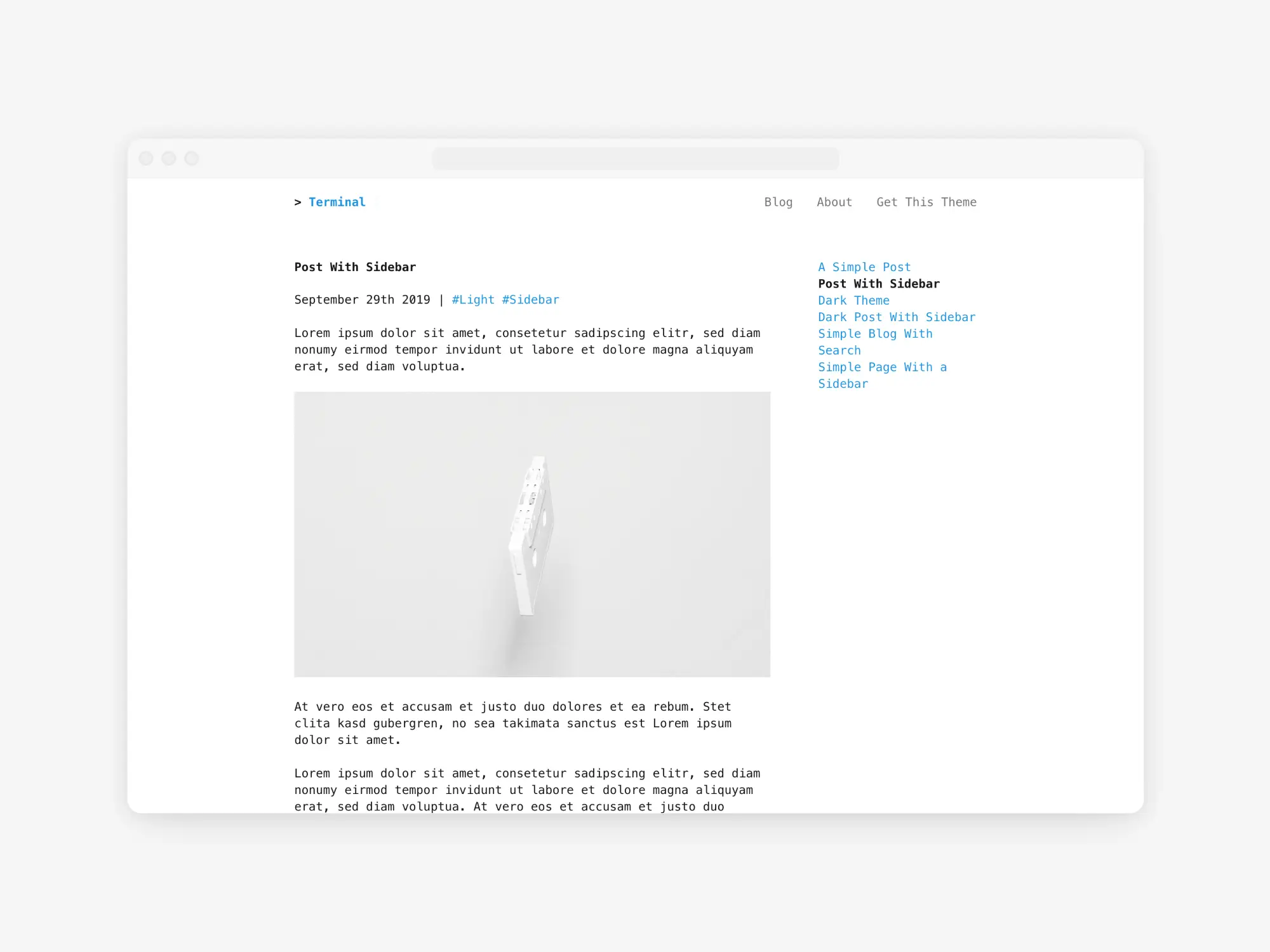
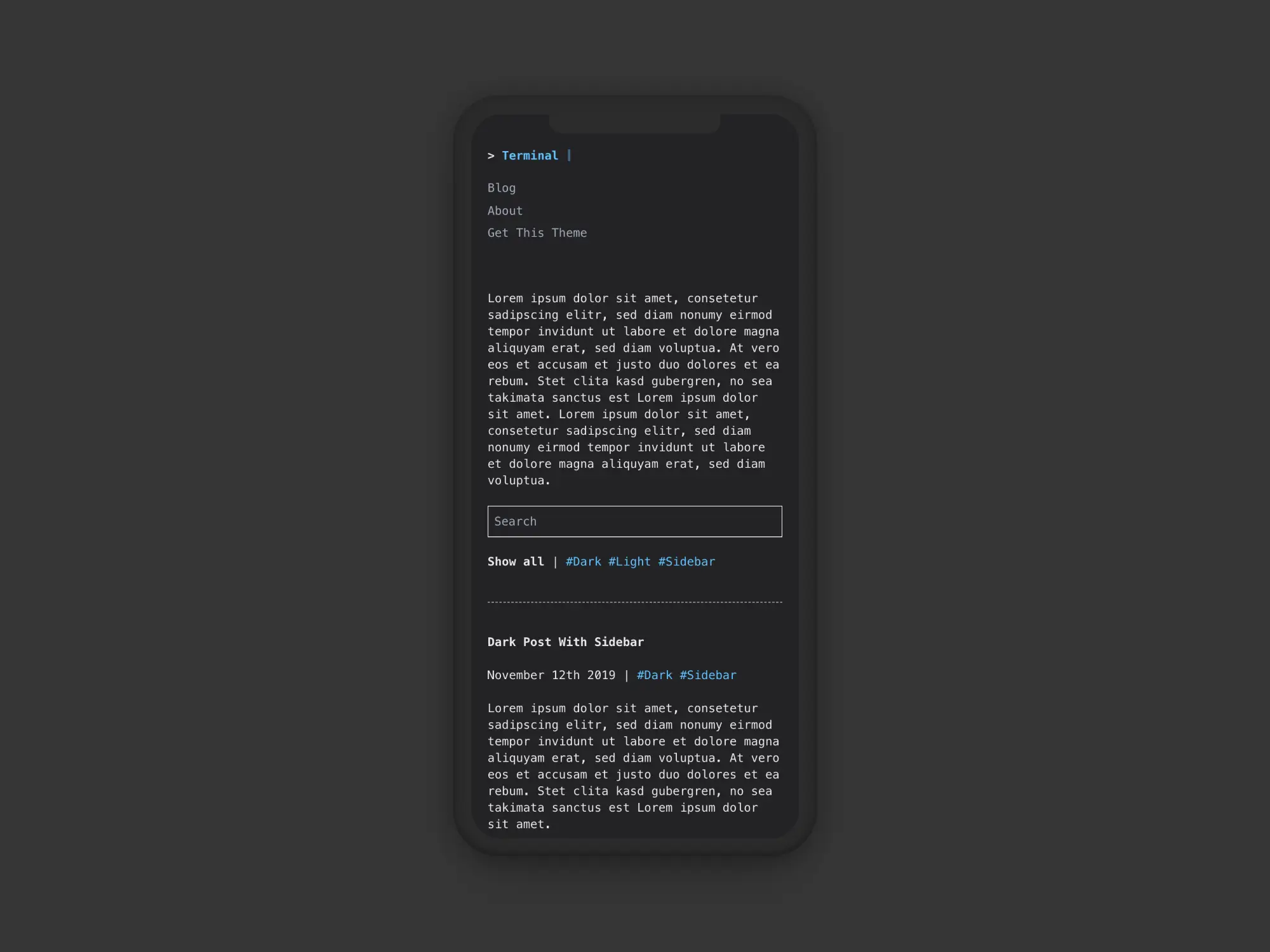
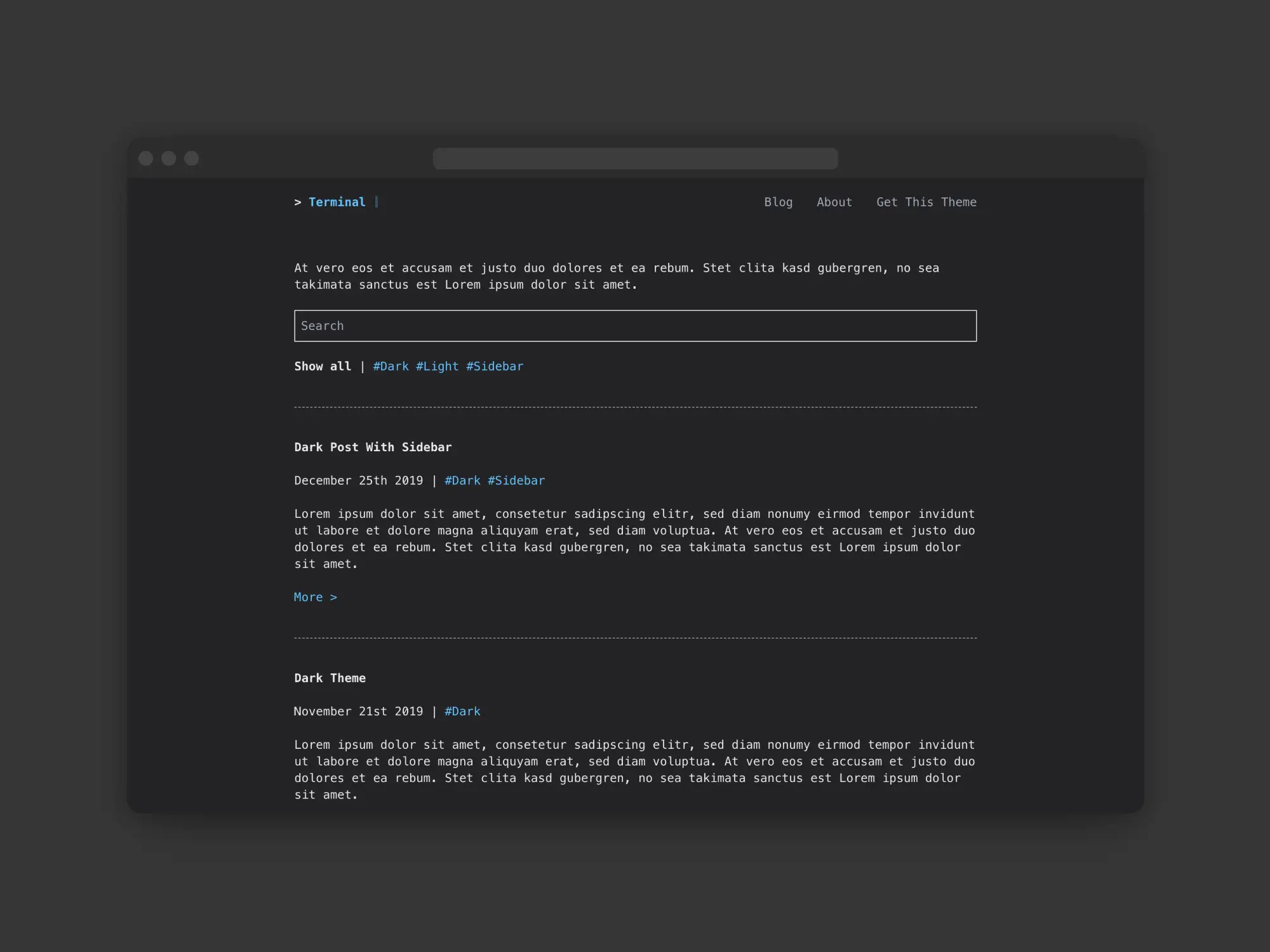
This theme includes two different color schemes.
Light Scheme
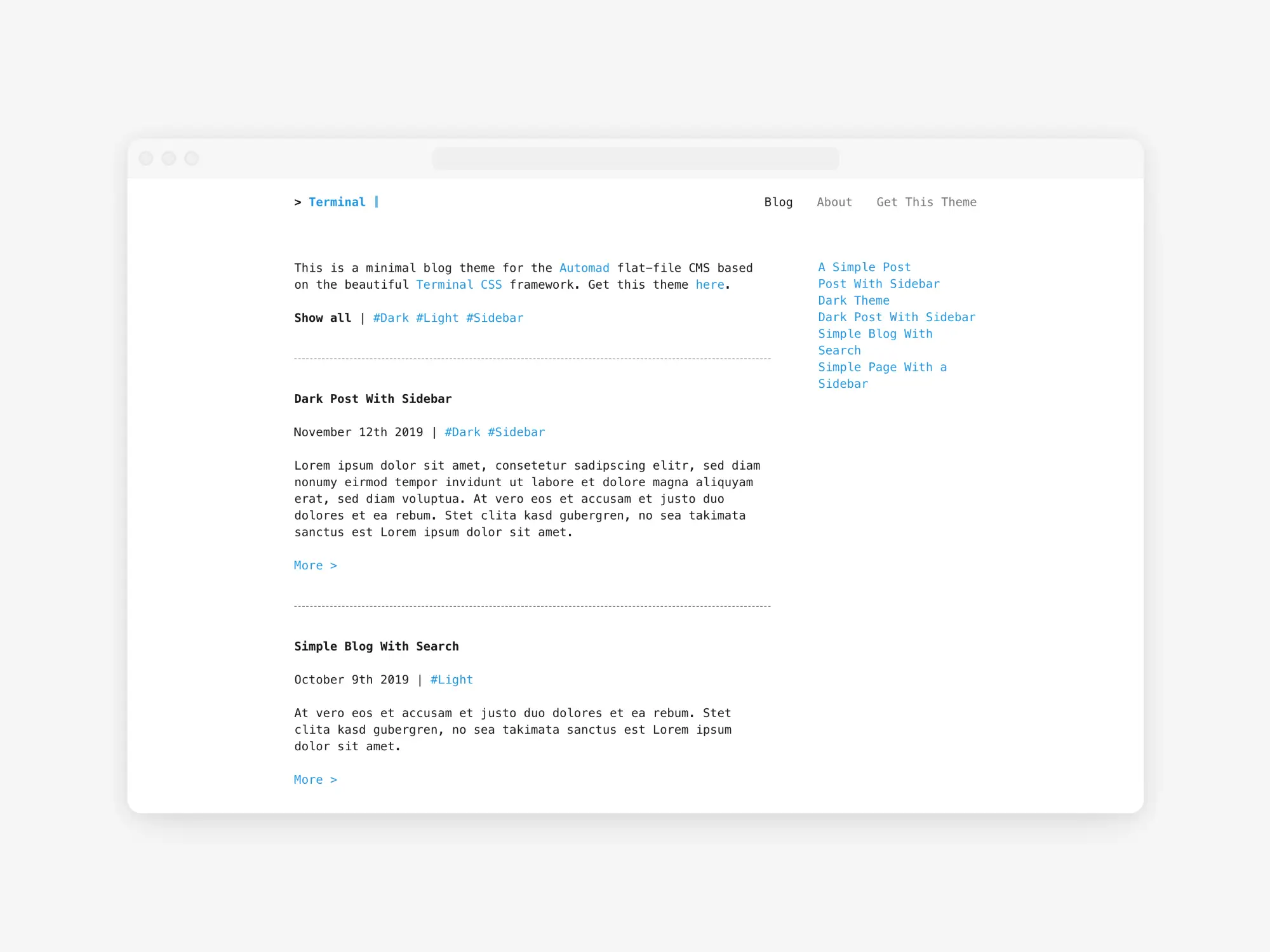
Dark Scheme
dahmen/automad-terminal 适用场景与选型建议
dahmen/automad-terminal 是一款 基于 PHP 开发的 Composer 扩展包,目前已累计 2.25k 次下载、GitHub Stars 达 52, 最近一次更新时间为 2019 年 09 月 01 日, 在 PHP 生态内属于活跃度较高的组件。
它主要适用于以下技术方向: 「blog」 「theme」 等业务场景。在实际项目中,围绕这些方向常见需要落地的问题包括:接口对接、性能调优、并发安全、与既有框架(Laravel / ThinkPHP / Yii / Webman 等)的兼容适配,以及生产环境的日志埋点与稳定性保障。
我们在过去多个企业项目中使用过 dahmen/automad-terminal 或与其功能相近的方案,如果你在选型或落地过程中遇到问题,例如 版本兼容、二次改造、私有化封装、与内部系统对接、生产 BUG 排查,欢迎联系我们协助评估。
基于 dahmen/automad-terminal 在你已有业务上做功能扩展、字段裁剪、UI 适配、与内部账号 / 权限 / 日志系统的深度对接。
线上偶发问题、内存泄漏、慢查询、并发异常等排查修复;针对高流量场景做缓存、队列、索引层面的调优。
承接完整的项目从需求 → 设计 → 开发 → 上线 → 长期运维;也可按月提供技术保姆服务。
与 dahmen/automad-terminal 相关的其它包
同方向 / 同关键字的高下载量 PHP Composer 包推荐,方便对比选型:
Laravel package for opinionated blog implementation
A Bootstrap 4.x base theme for SilverStripe
Lucency Theme
Import an RSS-feed into blog
Faker provider for NumberNine CMS
Selectize Theme for Bootstrap 4
统计信息
- 总下载量: 2.25k
- 月度下载量: 0
- 日度下载量: 0
- 收藏数: 52
- 点击次数: 21
- 依赖项目数: 0
- 推荐数: 0
其他信息
- 授权协议: MIT
- 更新时间: 2019-09-01