reinvanoyen/cmf
最新稳定版本:0.4.8
Composer 安装命令:
composer require reinvanoyen/cmf
包简介
A flexible and extendable solution for all your content management needs
README 文档
README
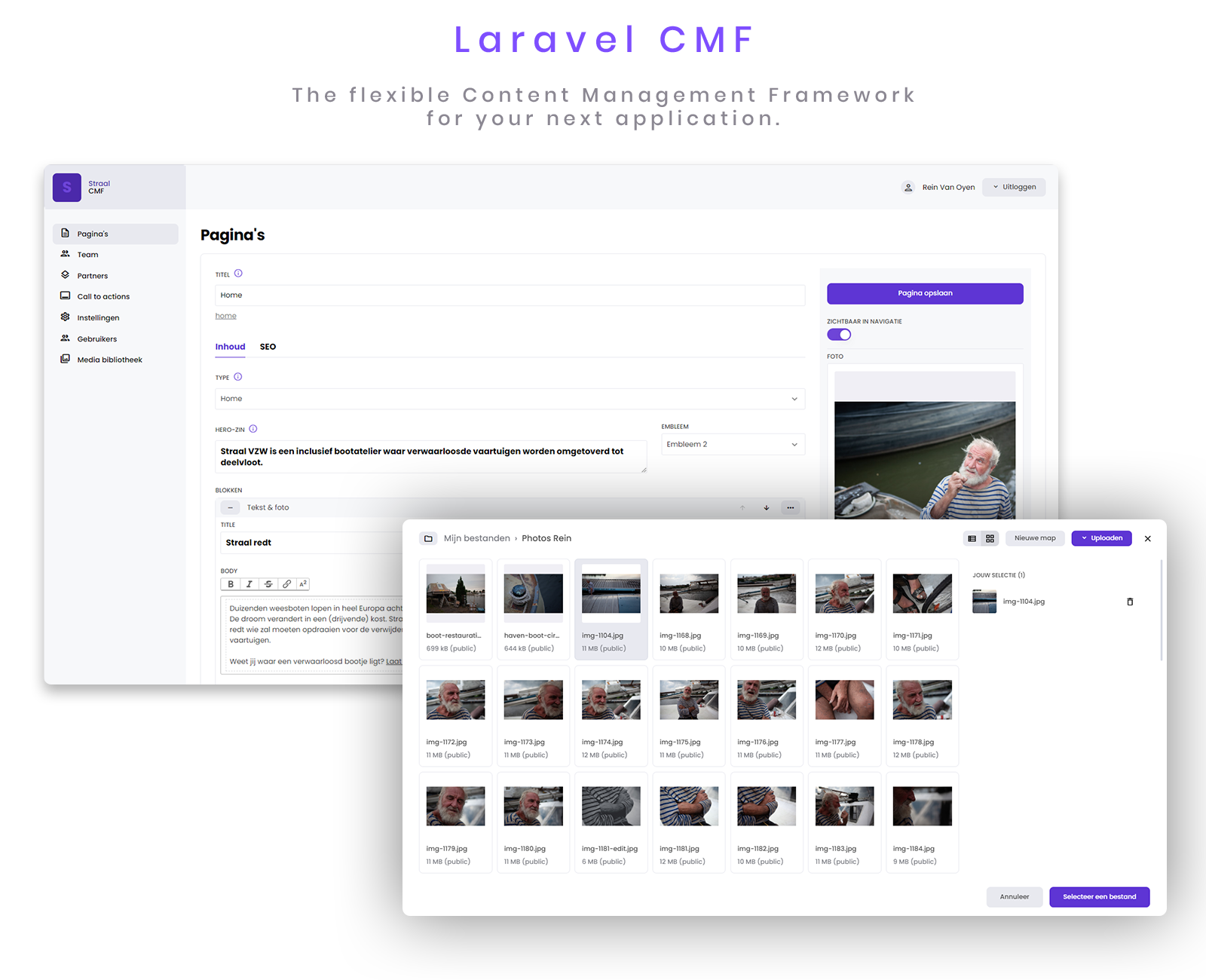
Laravel CMF

Introduction
Laravel CMF is the flexible Content Management Framework for your next application. This software allows for rapid creation of your Content Management System while not being opinionated on how you build your Laravel application.
Installation
First, require the package using composer:
composer require reinvanoyen/cmf
This will automatically register the service provider in your config/app.php.
'providers' => [
    ...
    \ReinVanOyen\Cmf\CmfServiceProvider::class,
];
Next, run the cmf:install command. This will essentially publish assets, config-files,
migrations and other needed files.
php artisan cmf:install
The install command has also published an application-specific service provider. Register it
in your config/app.php file, like so:
'providers' => [
    ...
    App\Providers\CmfServiceProvider::class,
];
Migrate your application.
php artisan migrate
Create a user.
php artisan cmf:user
This command will ask for a name for your user, an email address and a password.
Once the user is created, you're ready to start building!
Updating
composer update reinvanoyen/cmf
php artisan cmf:install
php artisan migrate
Build a basic CRUD module
This section assumes you have already created the needed migration and model for your database entries.
Next you'll have to create a meta file. This is the file that describes how the software should interpret your entry.
The package provides an easy-to-use command to create your meta file. If you want to make a CRUD module for your "Project" model, all you have to do is run the following:
php artisan cmf:meta Project
A new meta file for this model will be created under App/Cmf/Meta. To change
this location, change the meta_namespace option in your config/cmf.php file.
Now that your meta file has been created, run the following command to generate your basic module:
php artisan cmf:module Project
A new module file will be created under App/Cmf/Modules. To change this location,
change the modules_namespace option in your config/cmf.php file.
All that's left to do, is to register your module in the application-specific service provider.
Add the module to your App\Providers\CmfServiceProvider.php, like so:
public function modules(): array
{
    return [
        new \App\Cmf\Modules\ProjectModule(),
    ];
}
Log in to your CMF backend panel (/admin), you should see your newly created module in the left-hand navigation panel.
统计信息
- 总下载量: 23.01k
- 月度下载量: 0
- 日度下载量: 0
- 收藏数: 10
- 点击次数: 1
- 依赖项目数: 0
- 推荐数: 0
其他信息
- 授权协议: MIT
- 更新时间: 未知